SPOTR
UI/UX | iOS app
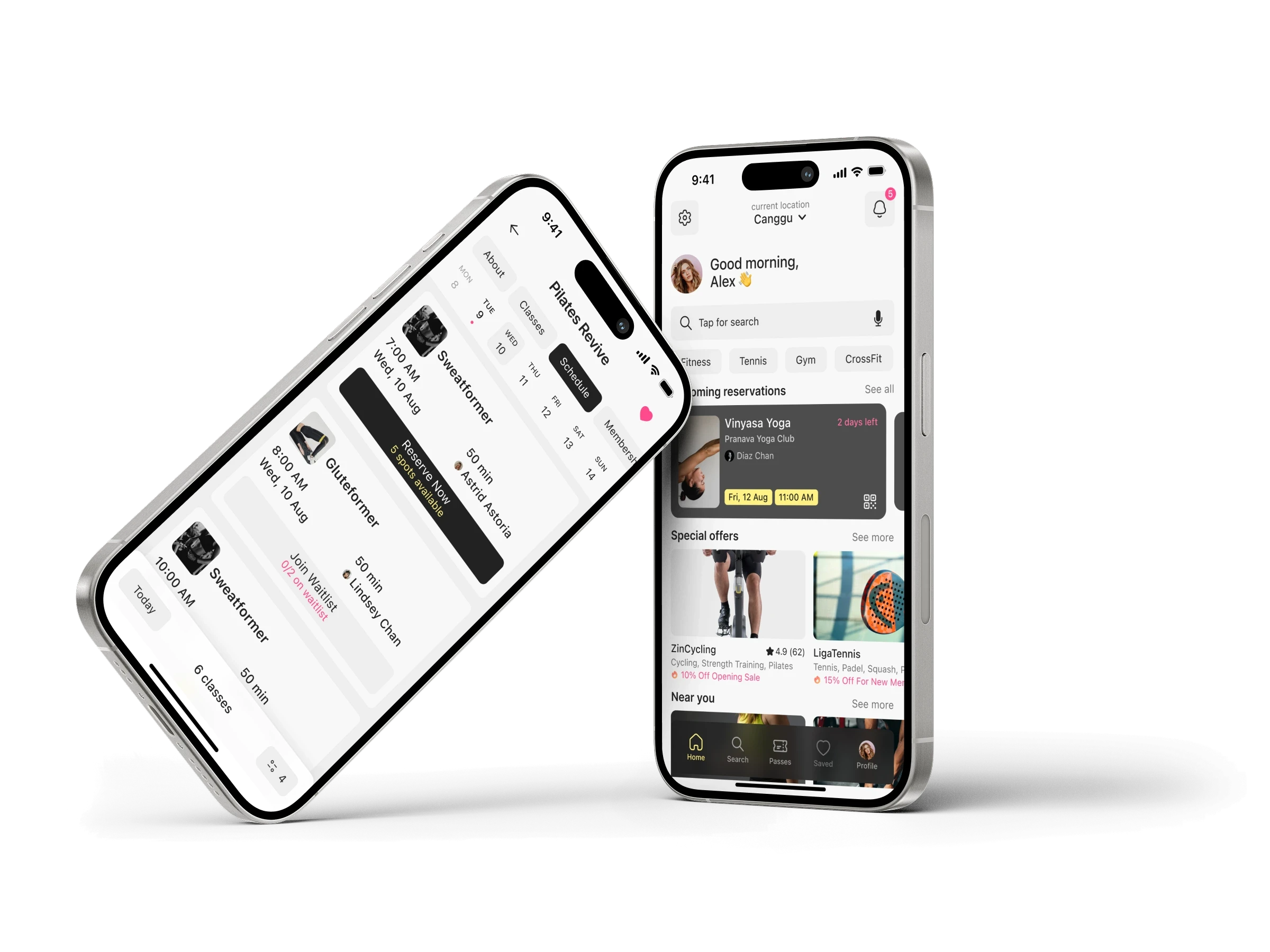
SPOTR is designed to help users quickly locate and reserve sports facilities. The project aims to simplify the search experience and automate the booking process.
Figma
Context
Living in Bali, I was excited to explore yoga and find a nearby gym, but my online searches felt a bit overwhelming - there were so many options and the details about classes, prices and bookings were unclear.
That frustration inspired me to create this app to make things easier for others.

Research
I started the product design process with research: exploring competitors, conducting user interviews and studying the sports facilities market.
These steps helped me understand how people currently search for and book sports activities, and where they experience friction.
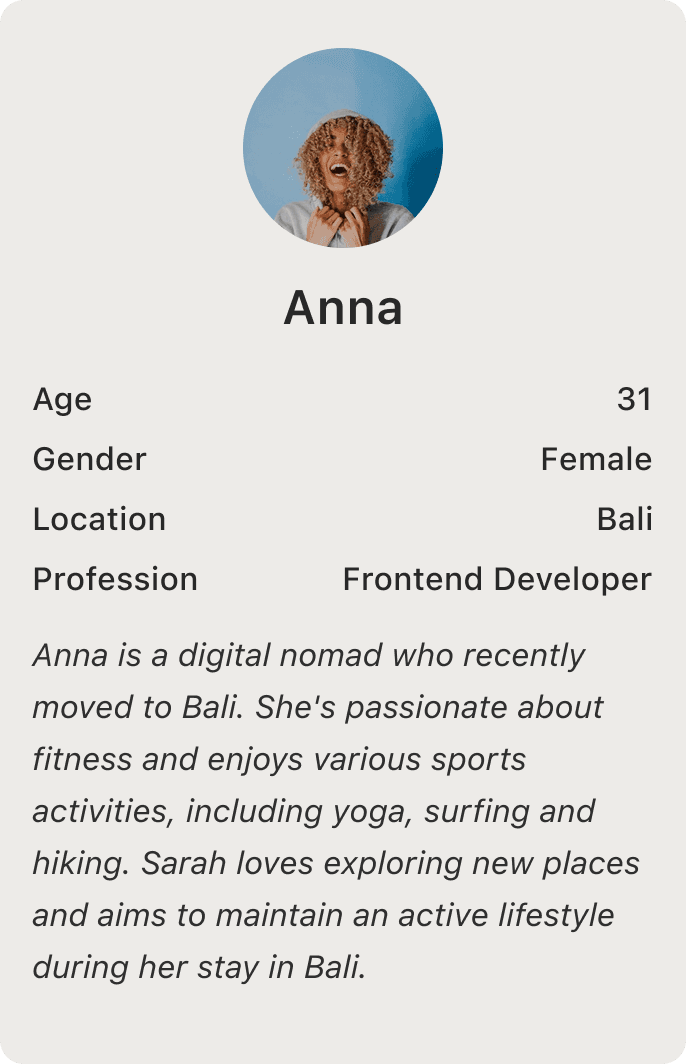
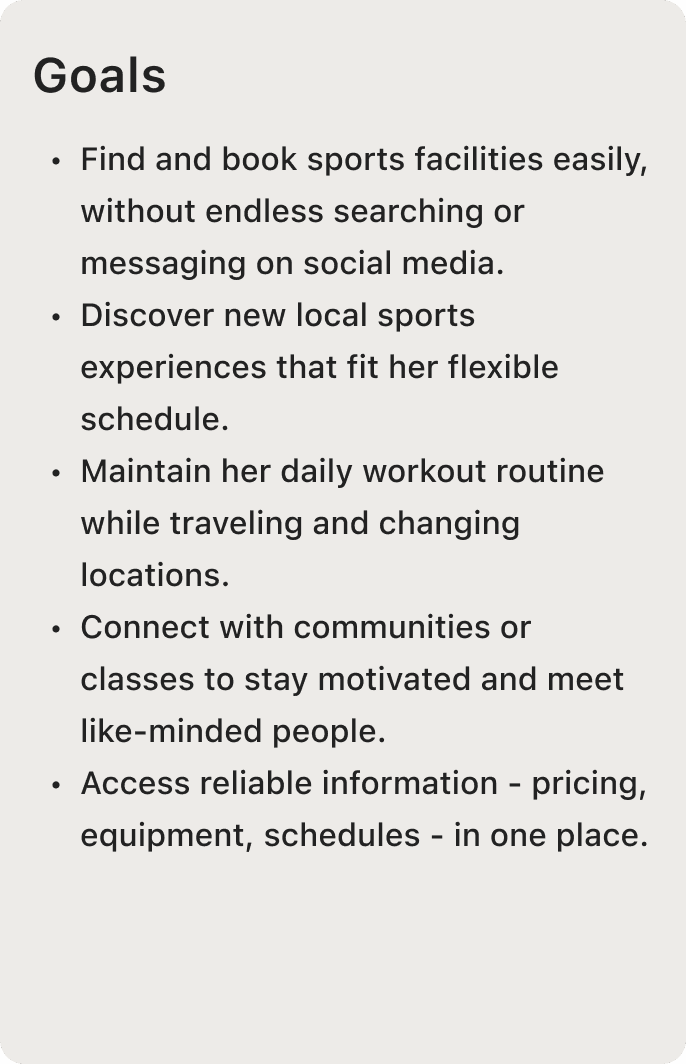
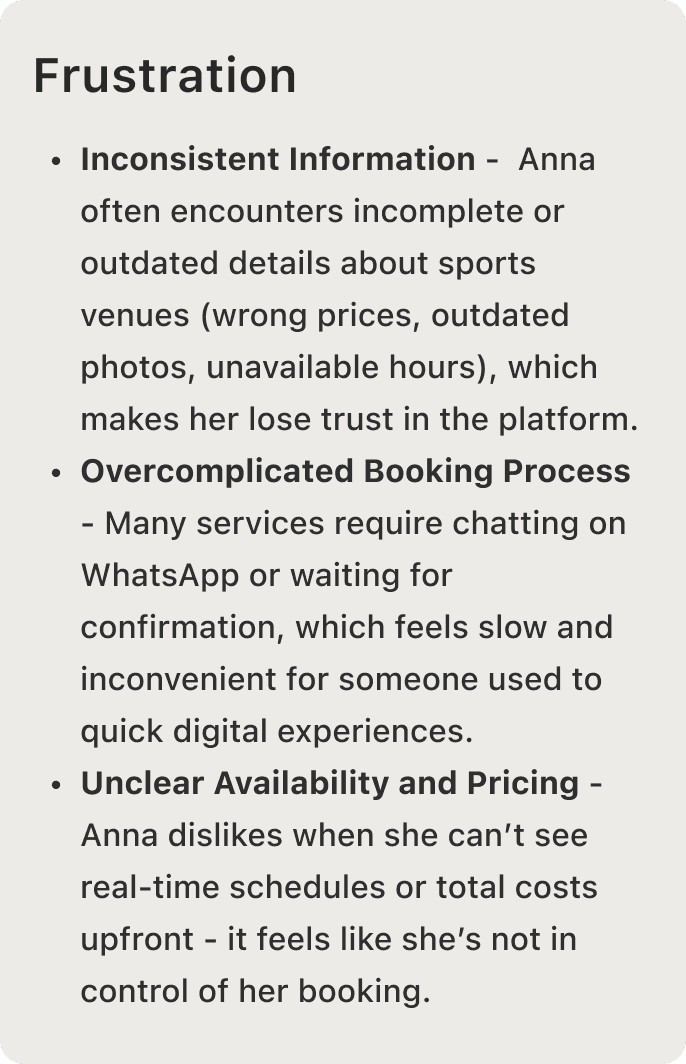
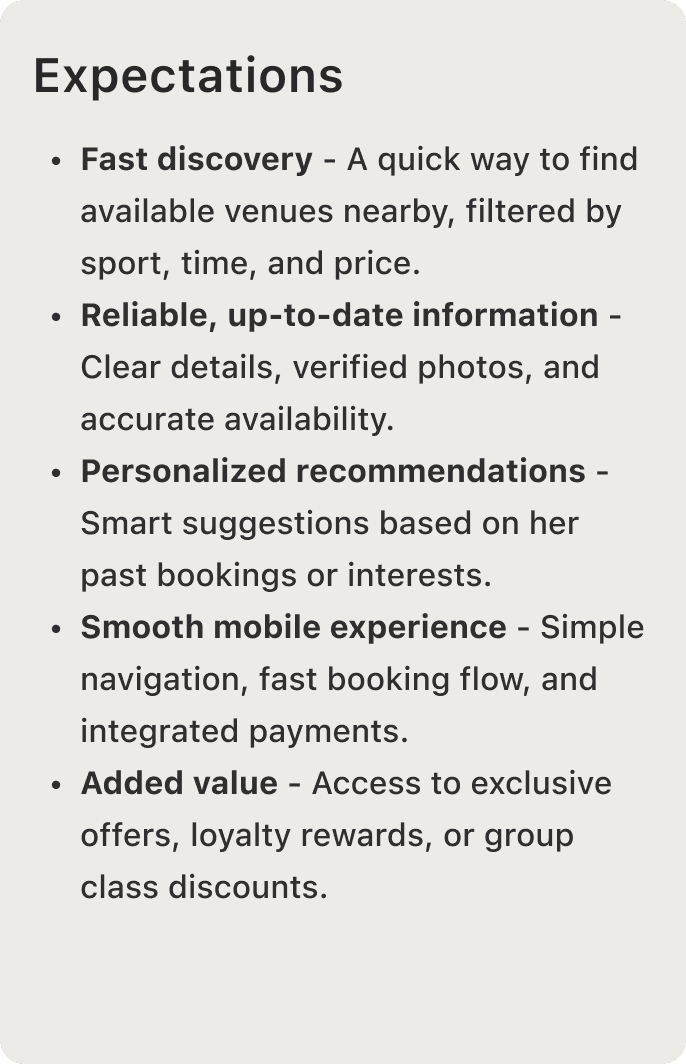
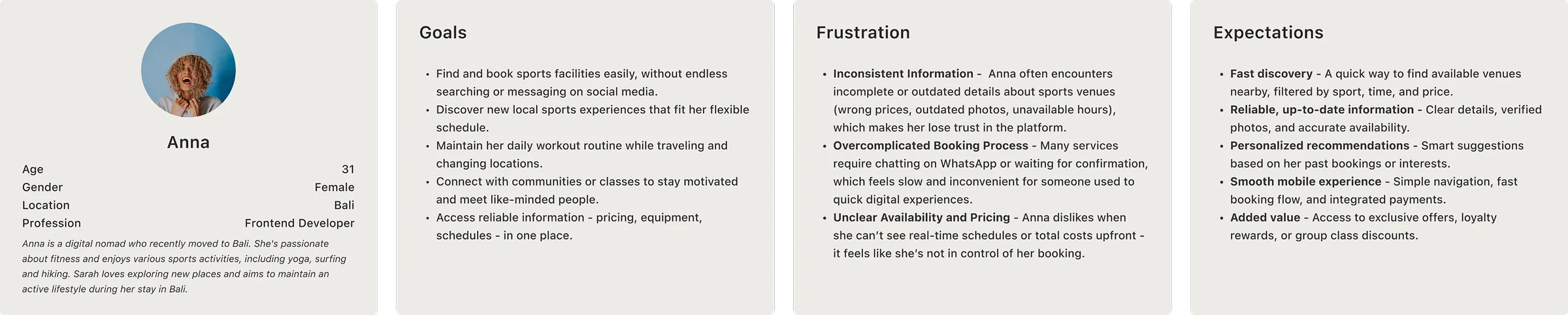
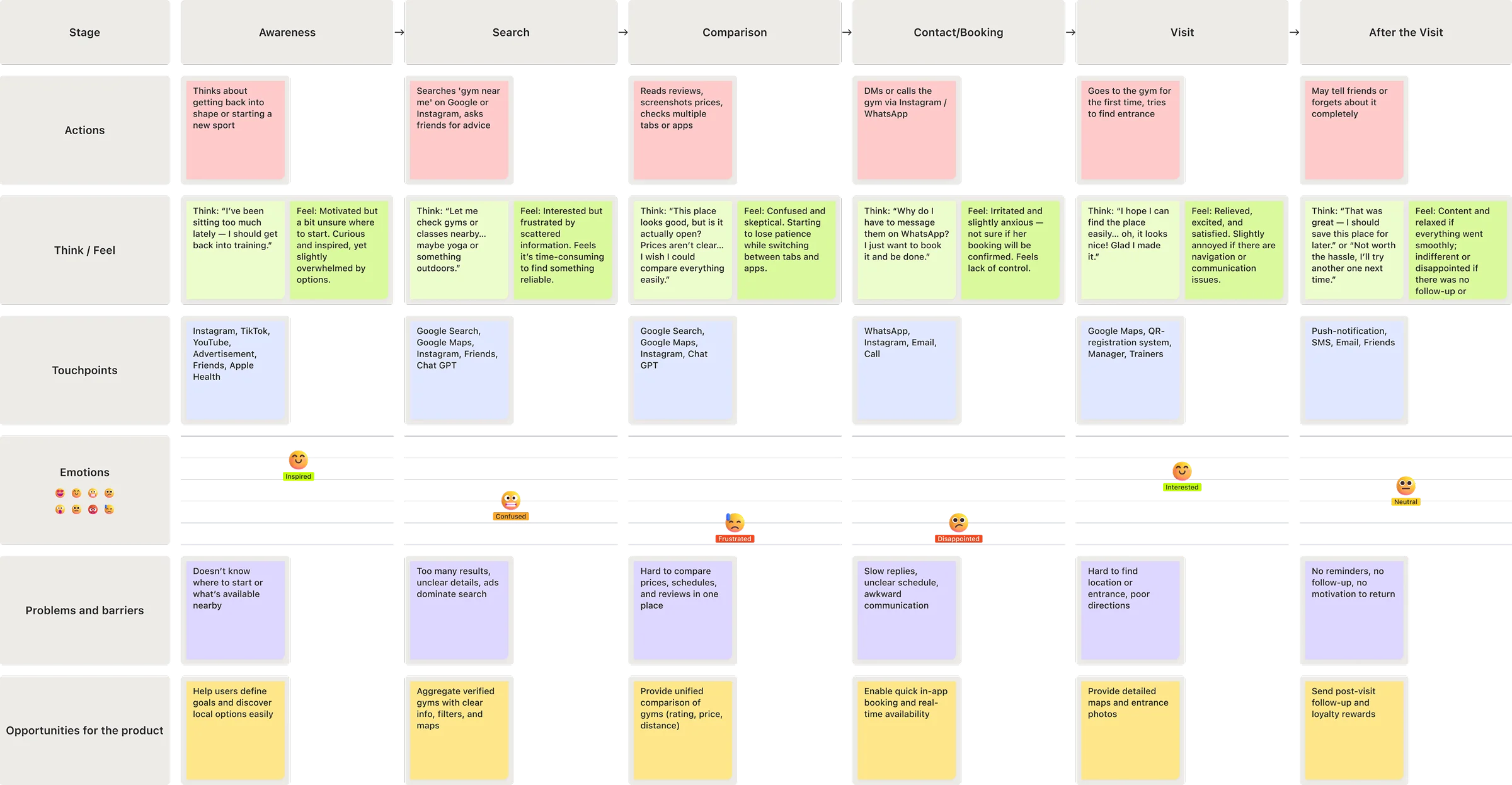
Based on my findings, I created a User Persona and a Customer Journey Map to visualize user behavior, motivations and pain points throughout their experience.
Problems
The research phase revealed several recurring frustrations. After analyzing and synthesizing the insights, I identified three core problems that became the foundation for the next stages of design.
Goals
Main question
Ideation & Wireframes
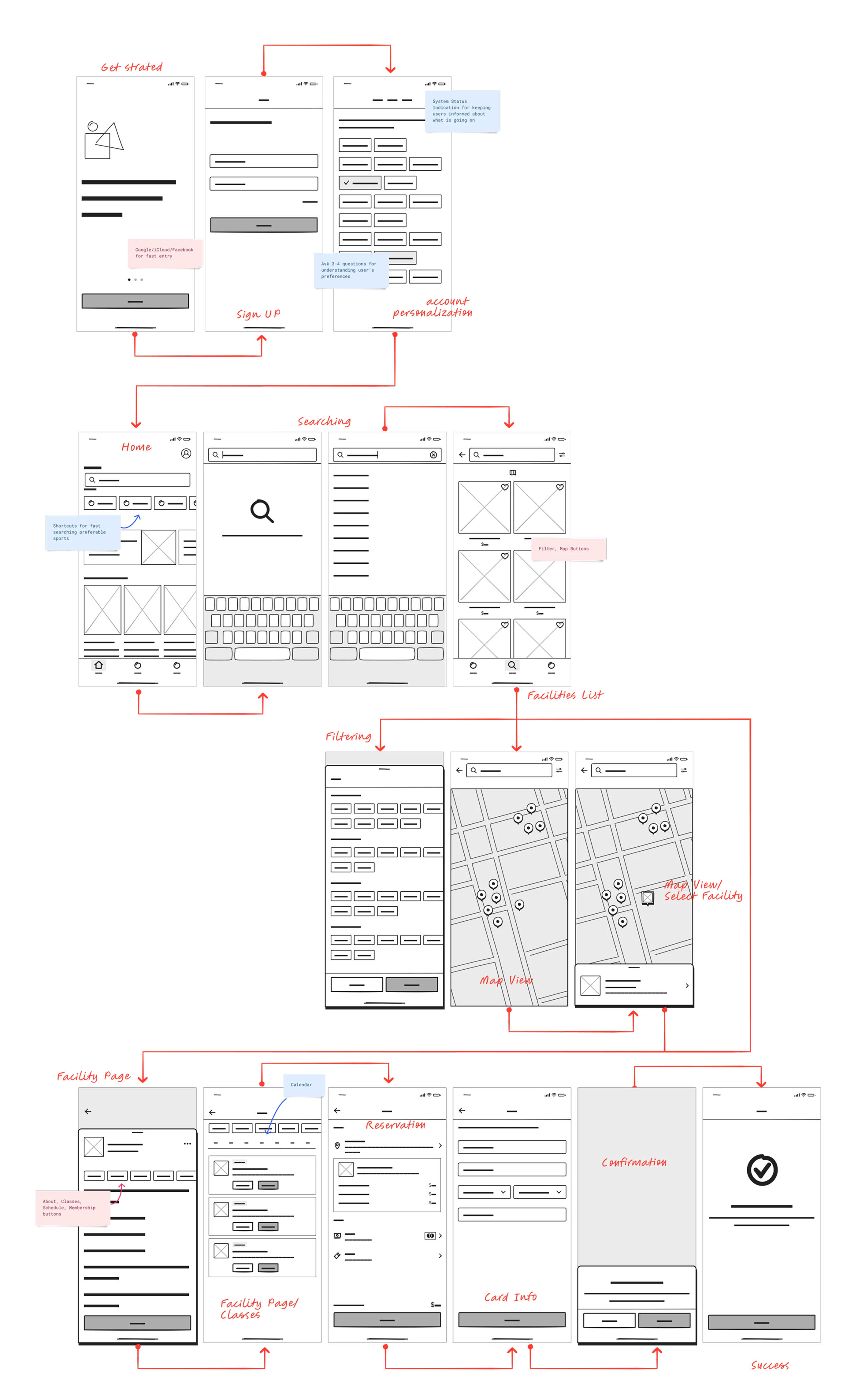
Guided by the question above, I explored different ways to bring our goals to life through sketches and low-fidelity wireframes. The focus was on clear structure, effortless navigation, and minimal steps from discovery to booking.
These early concepts shaped the foundation of the final design - turning user insights into a simple, intuitive product flow.
Prototype
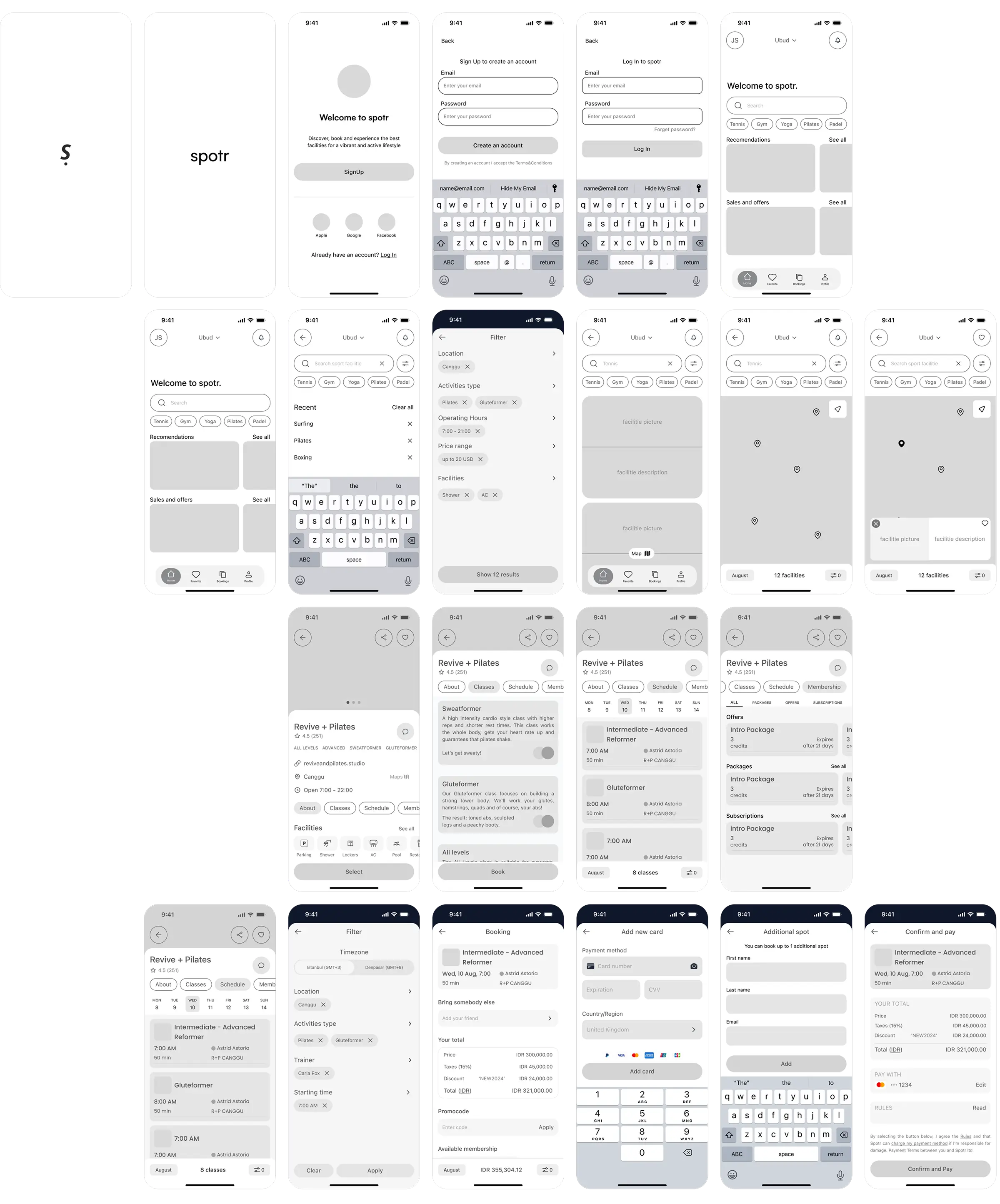
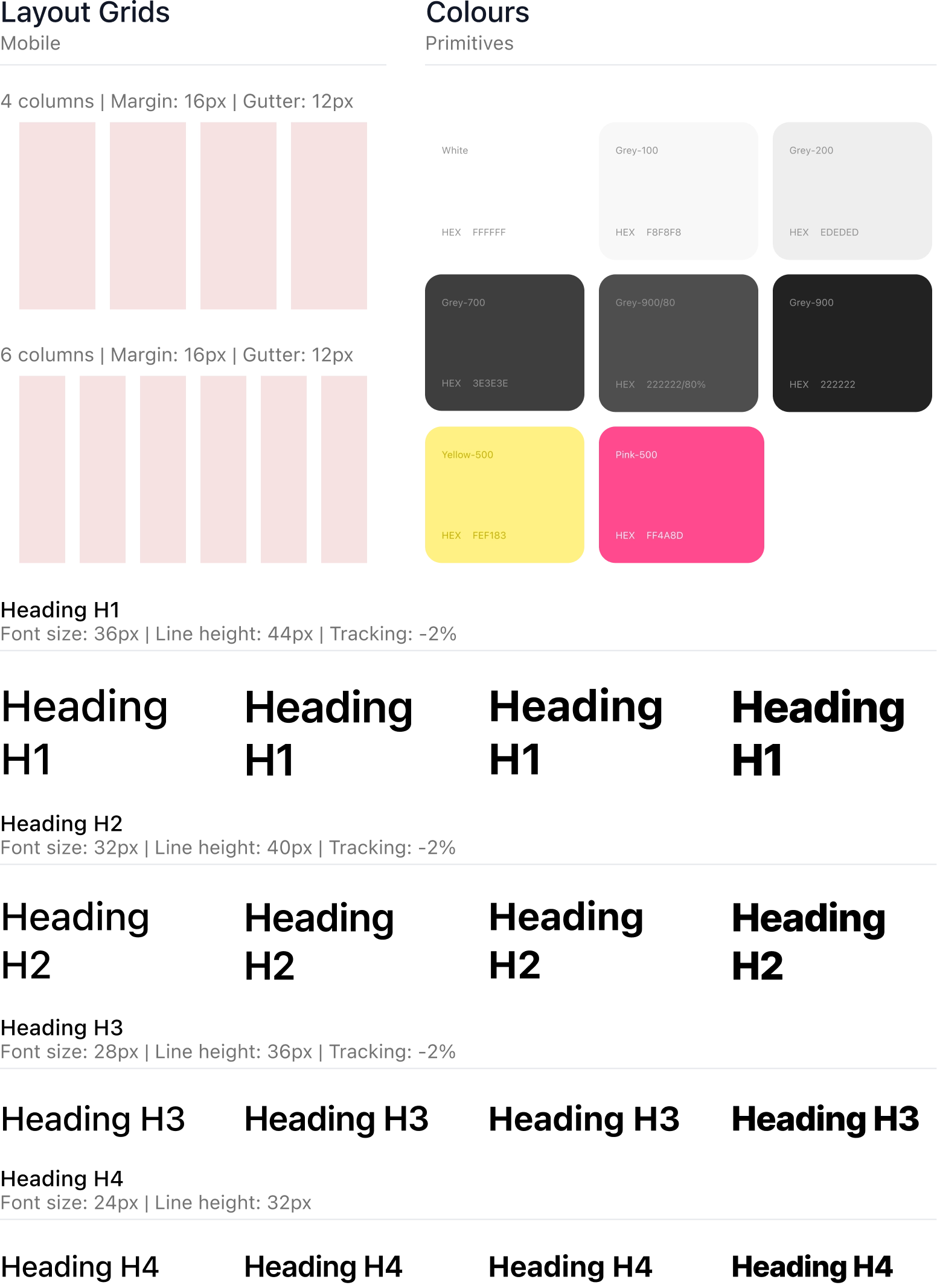
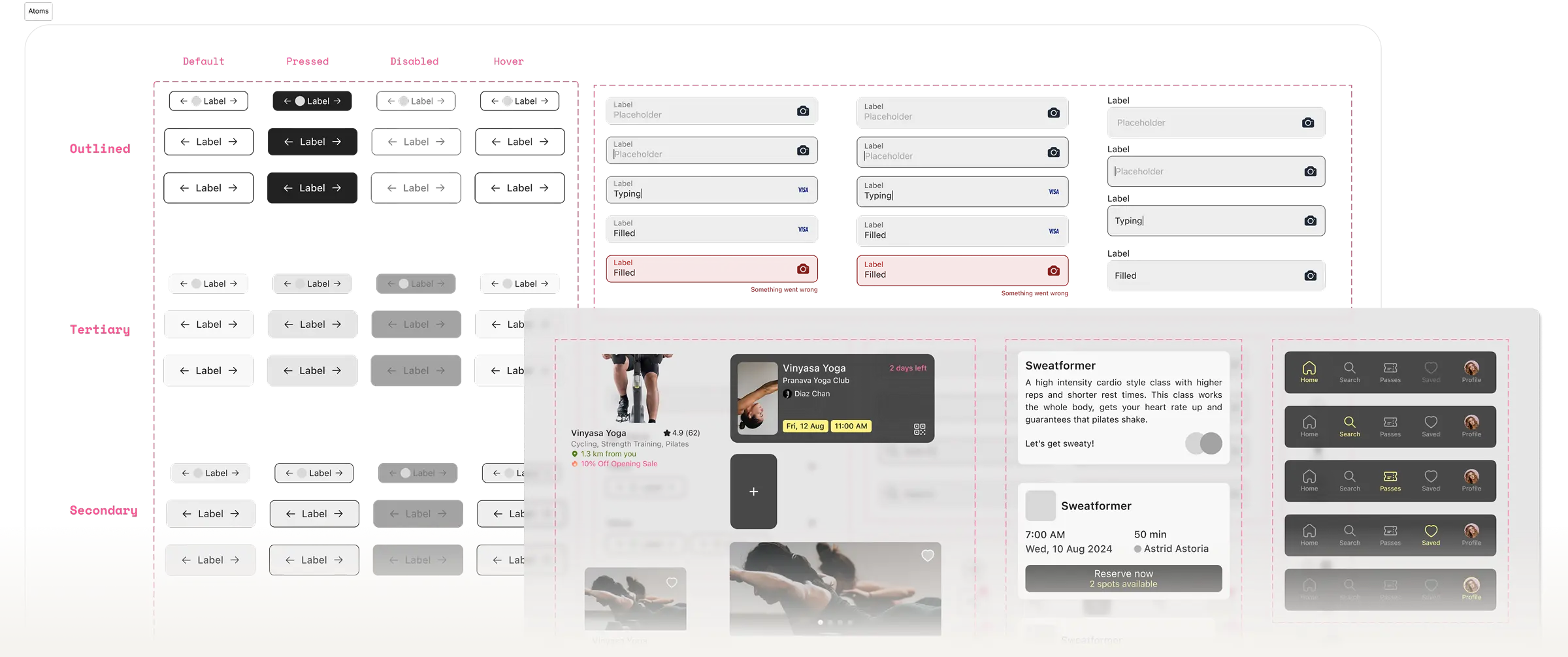
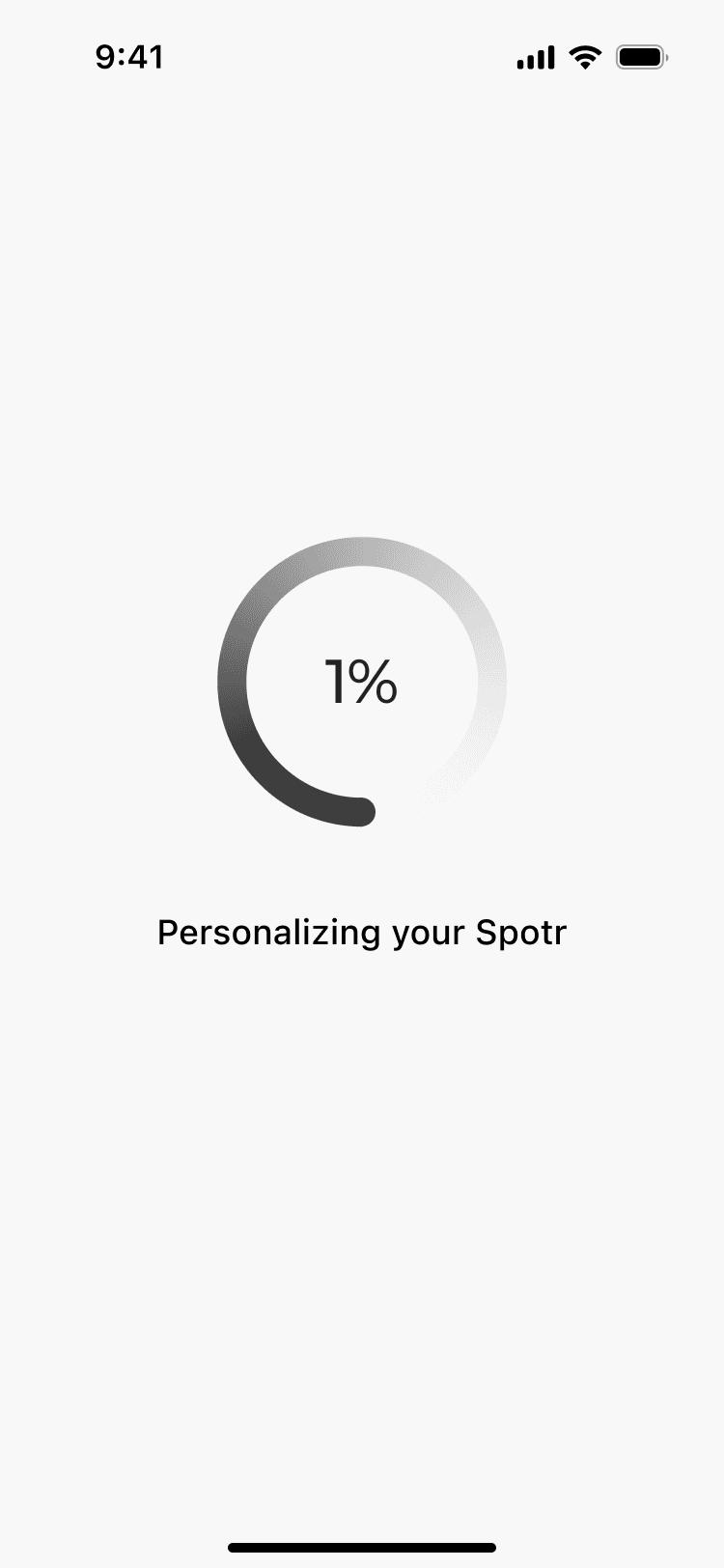
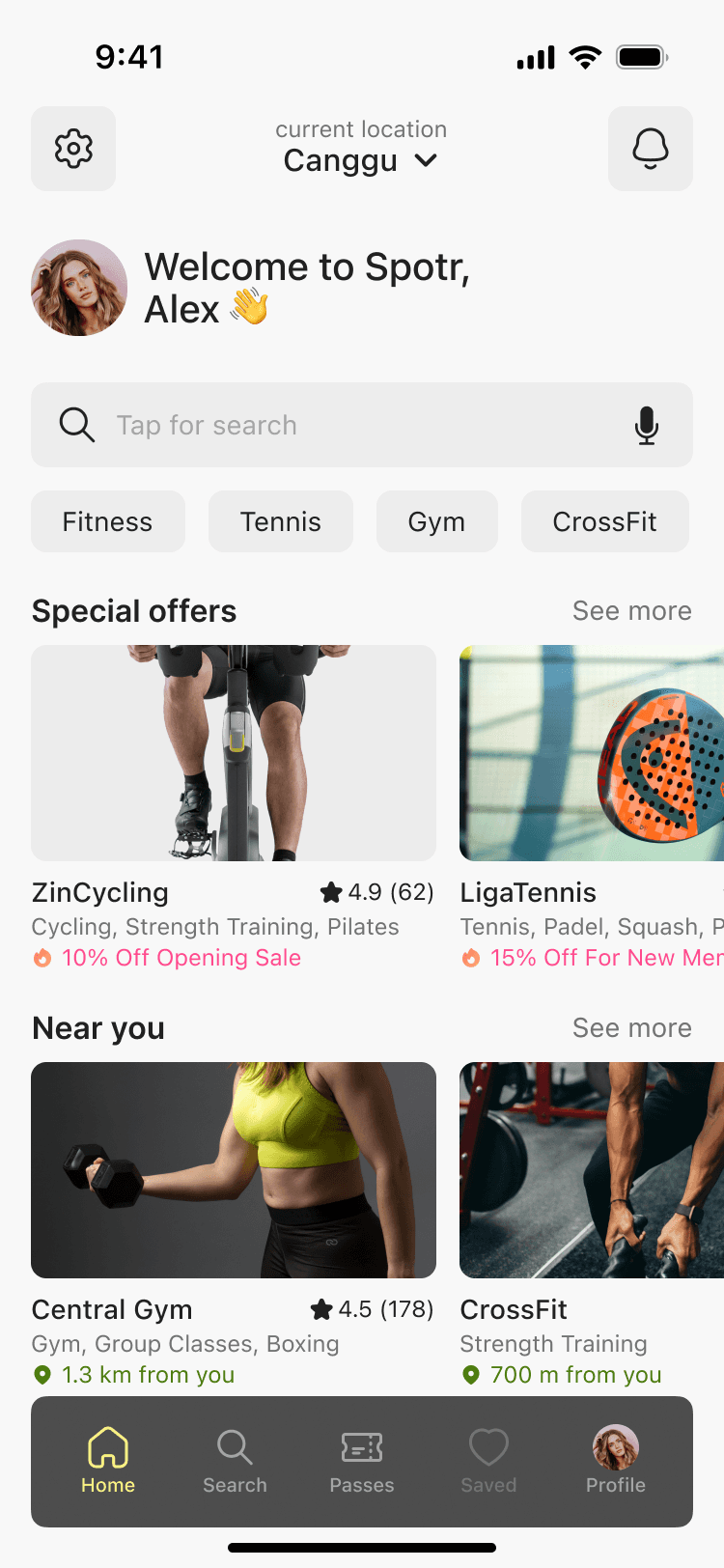
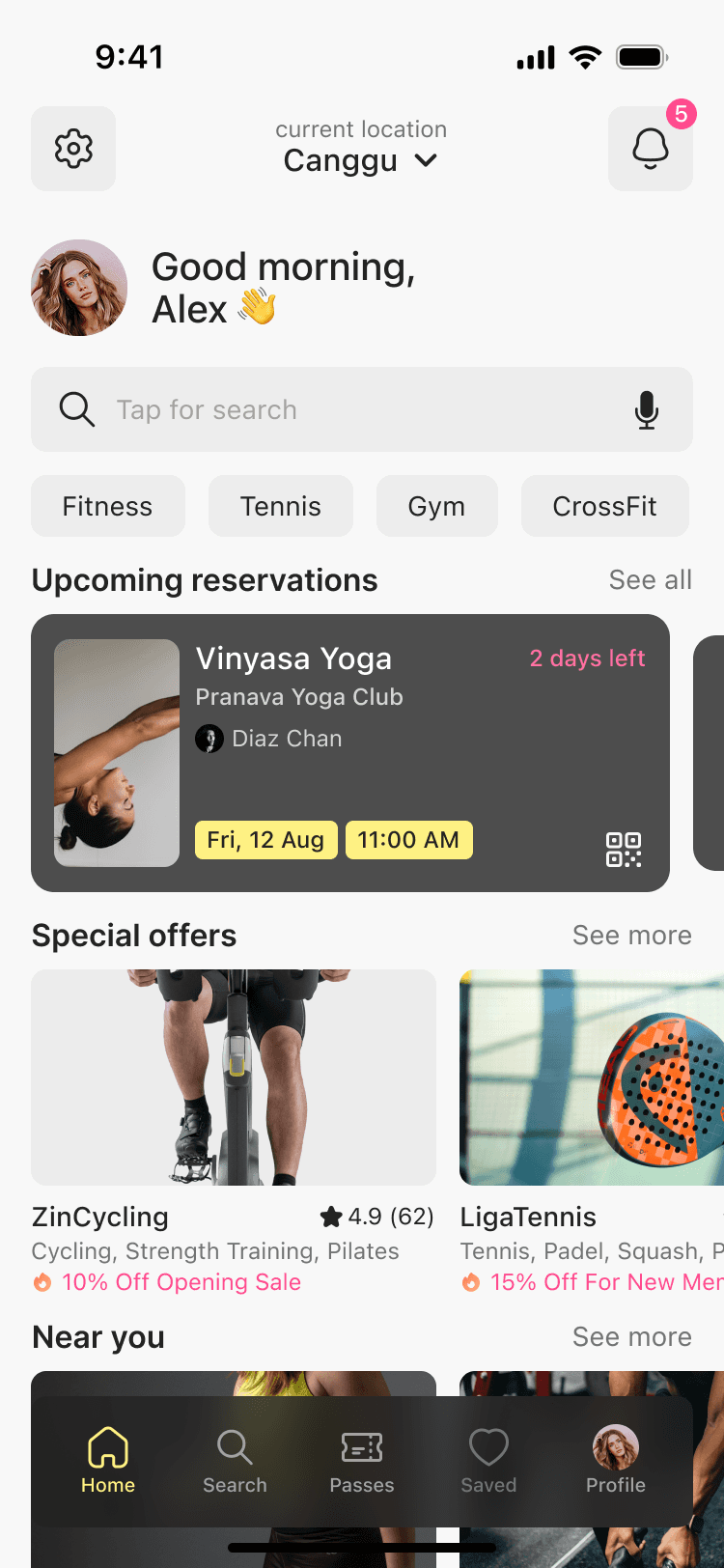
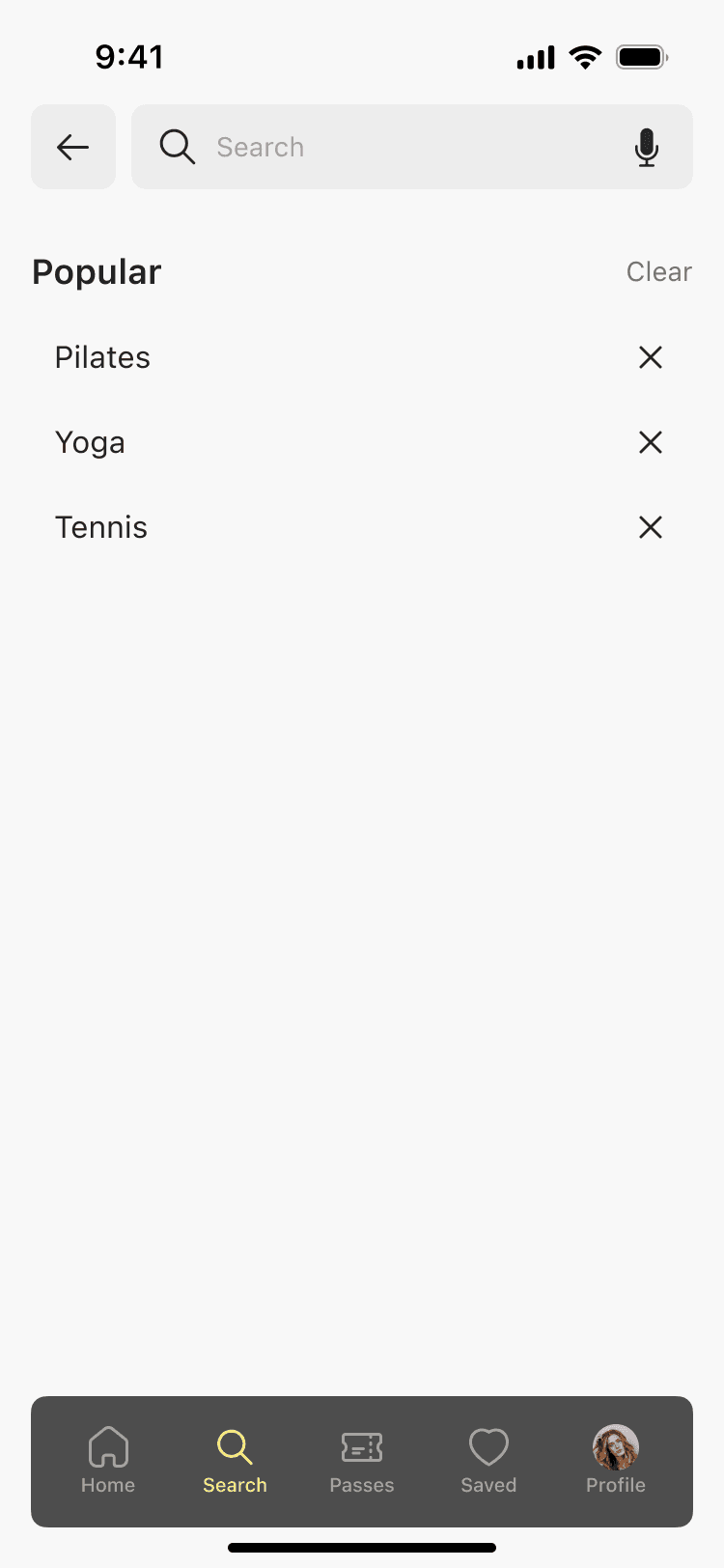
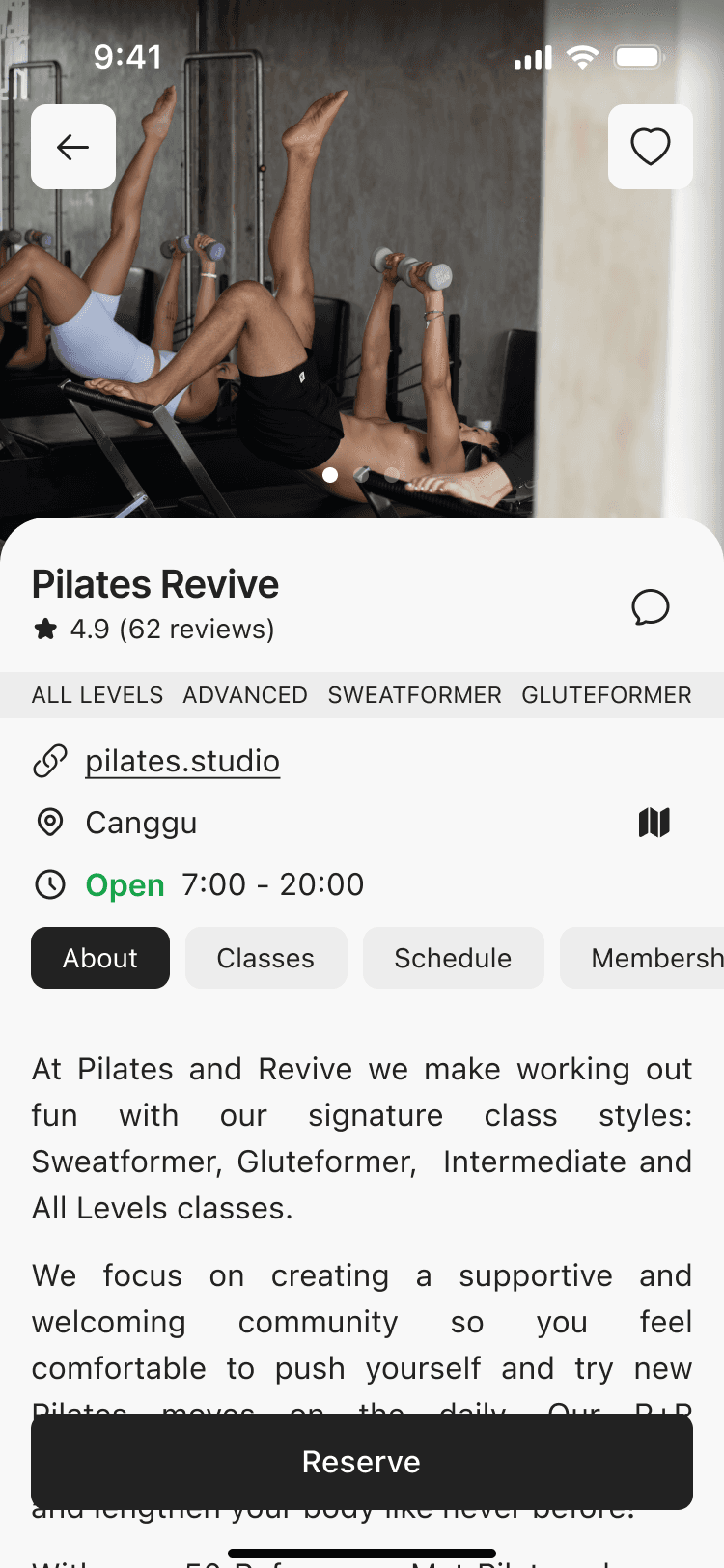
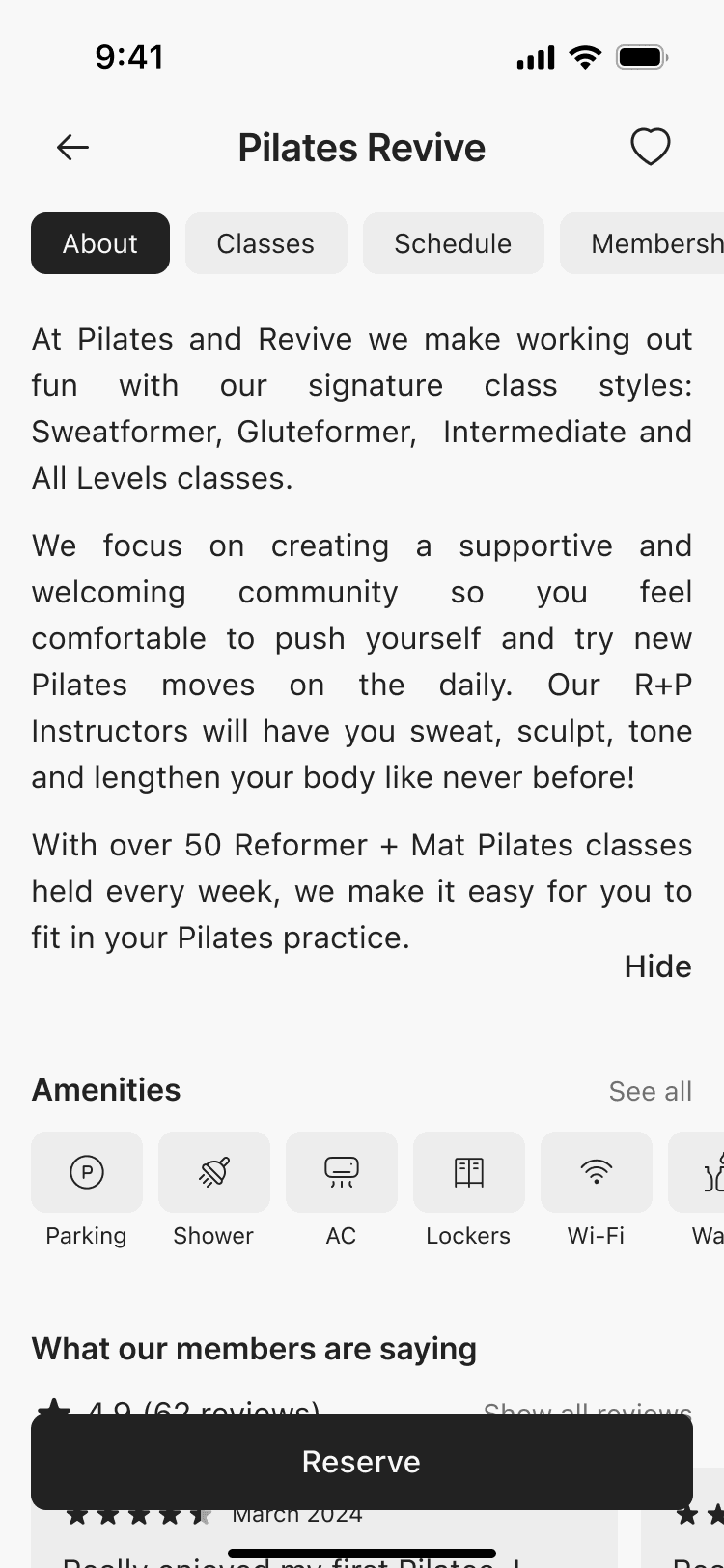
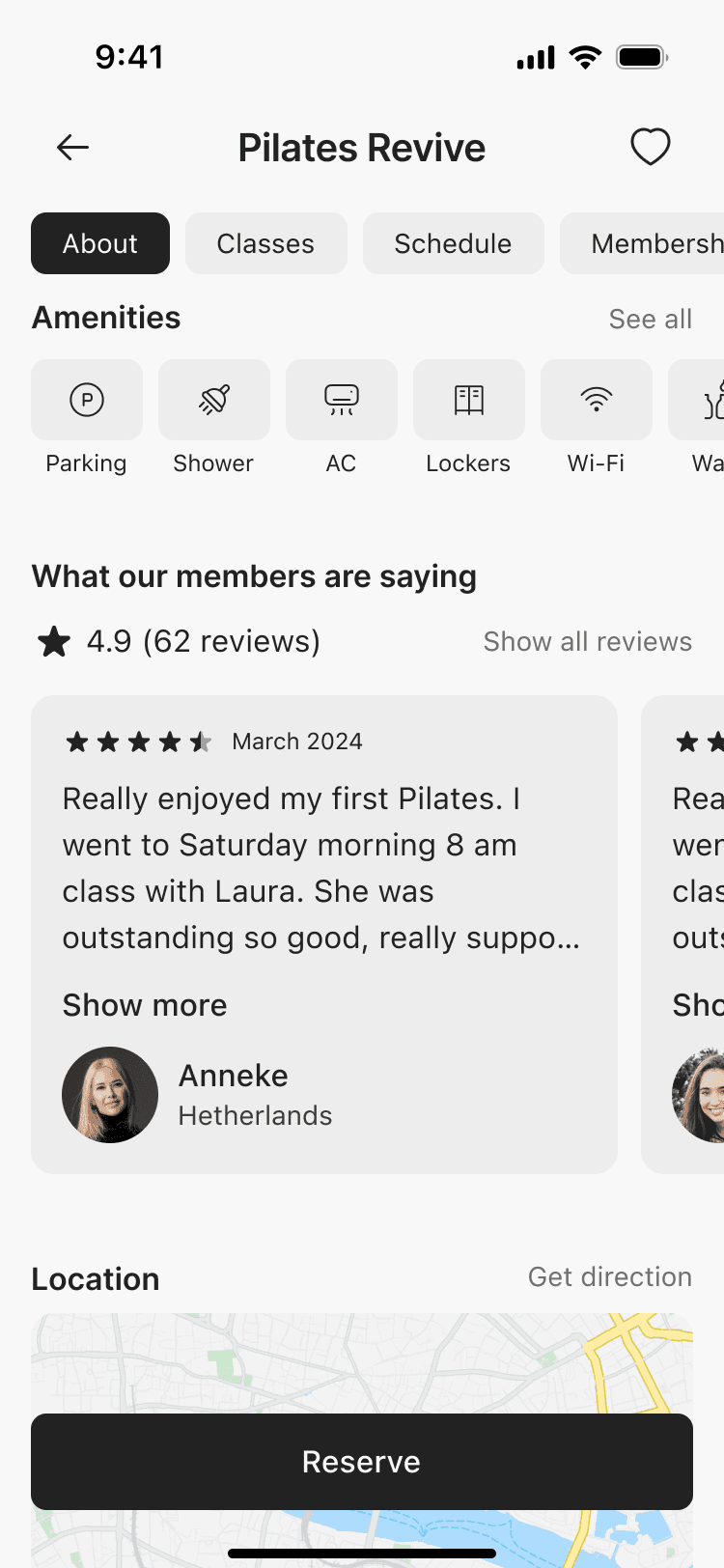
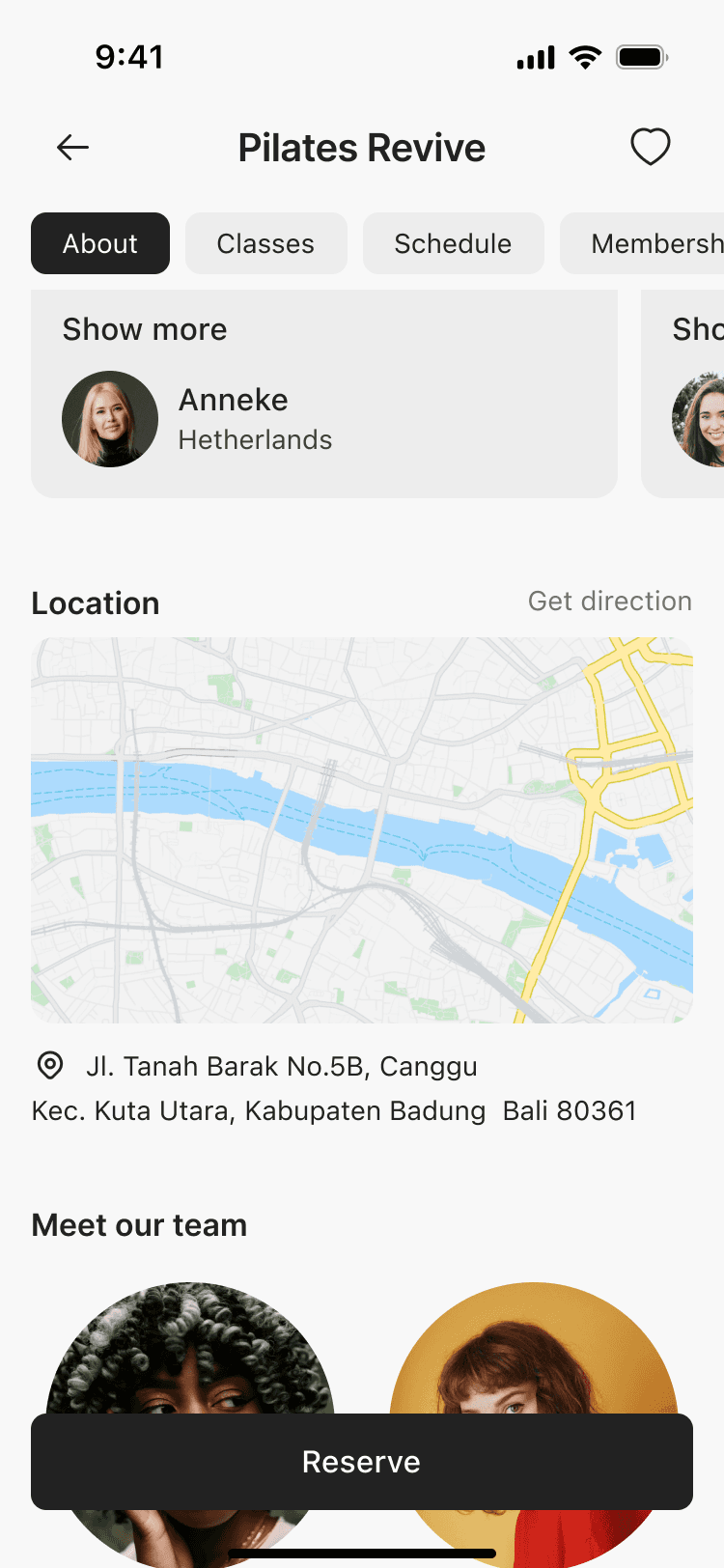
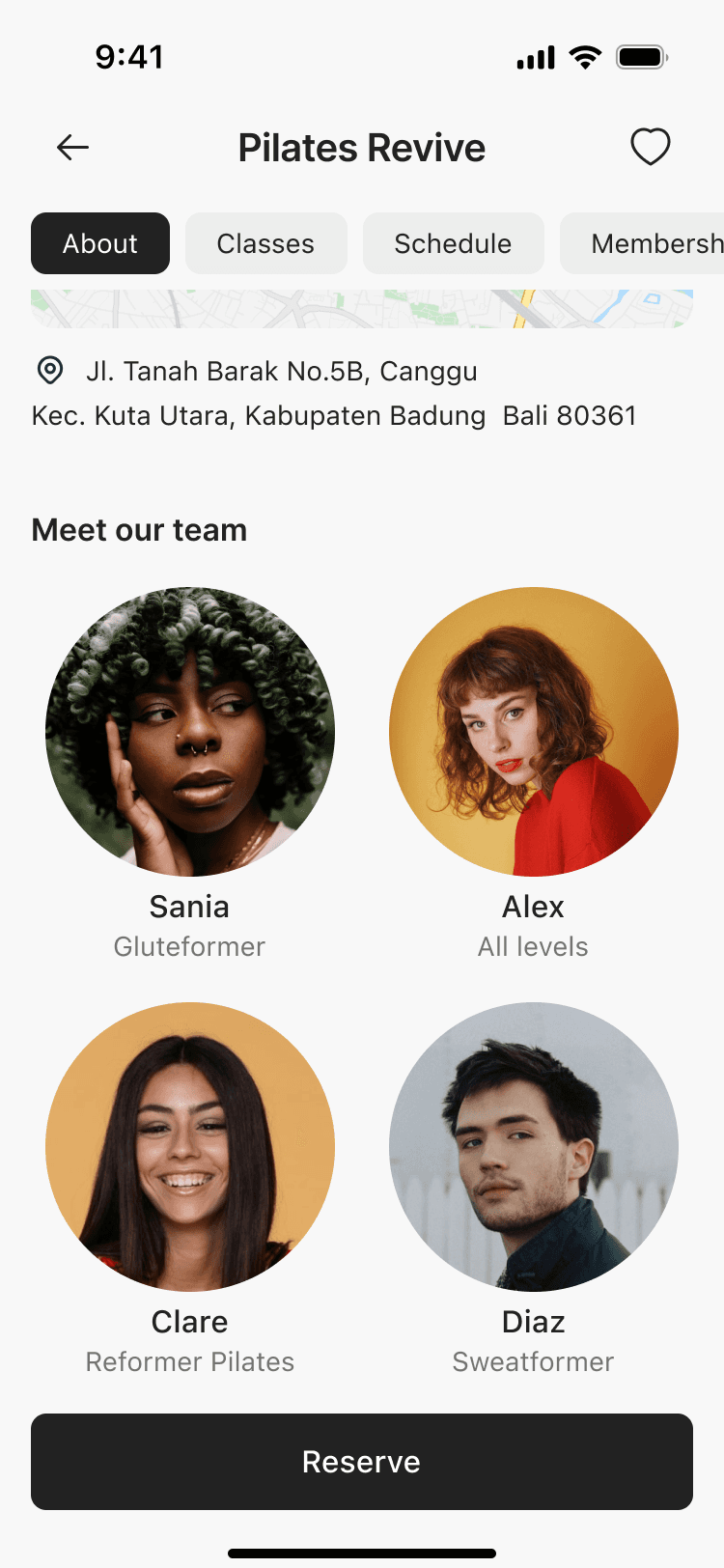
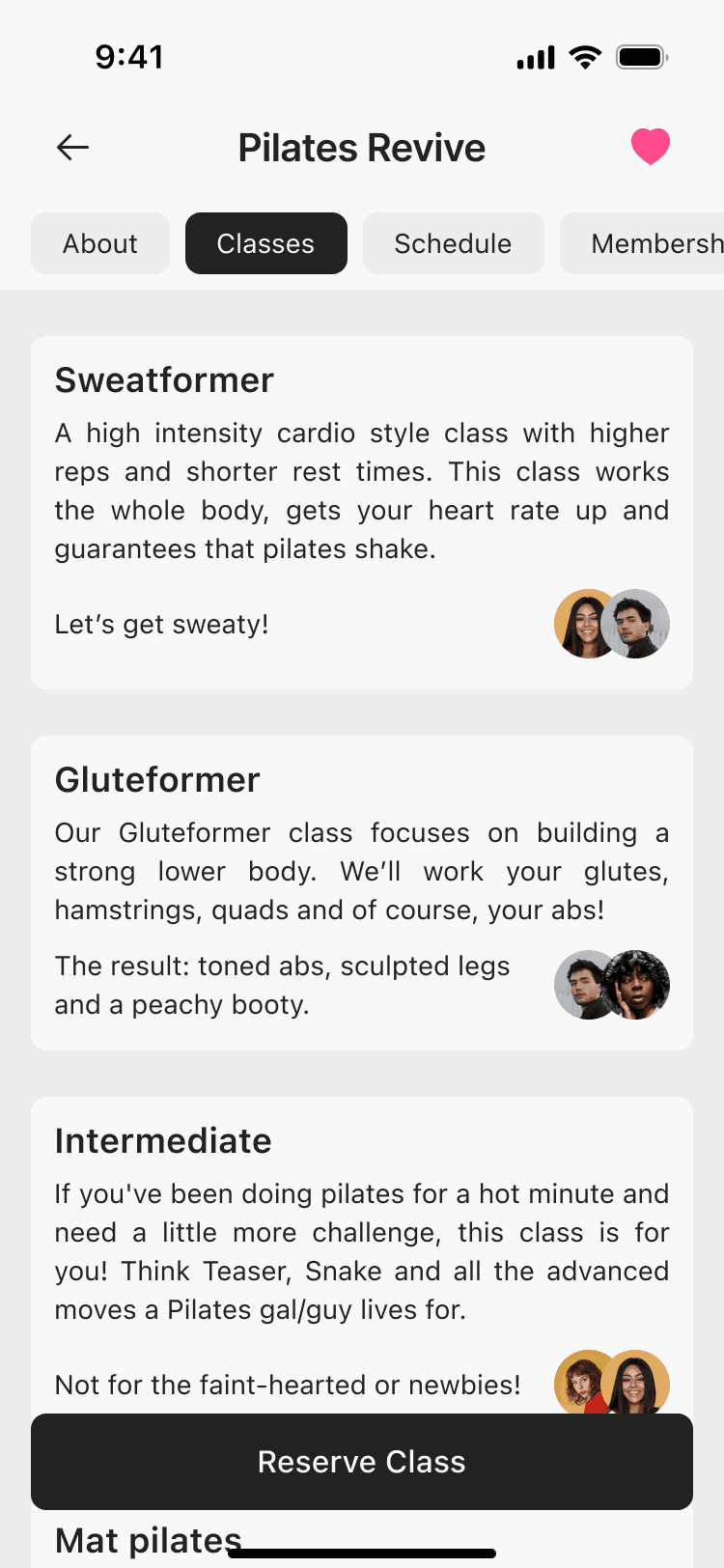
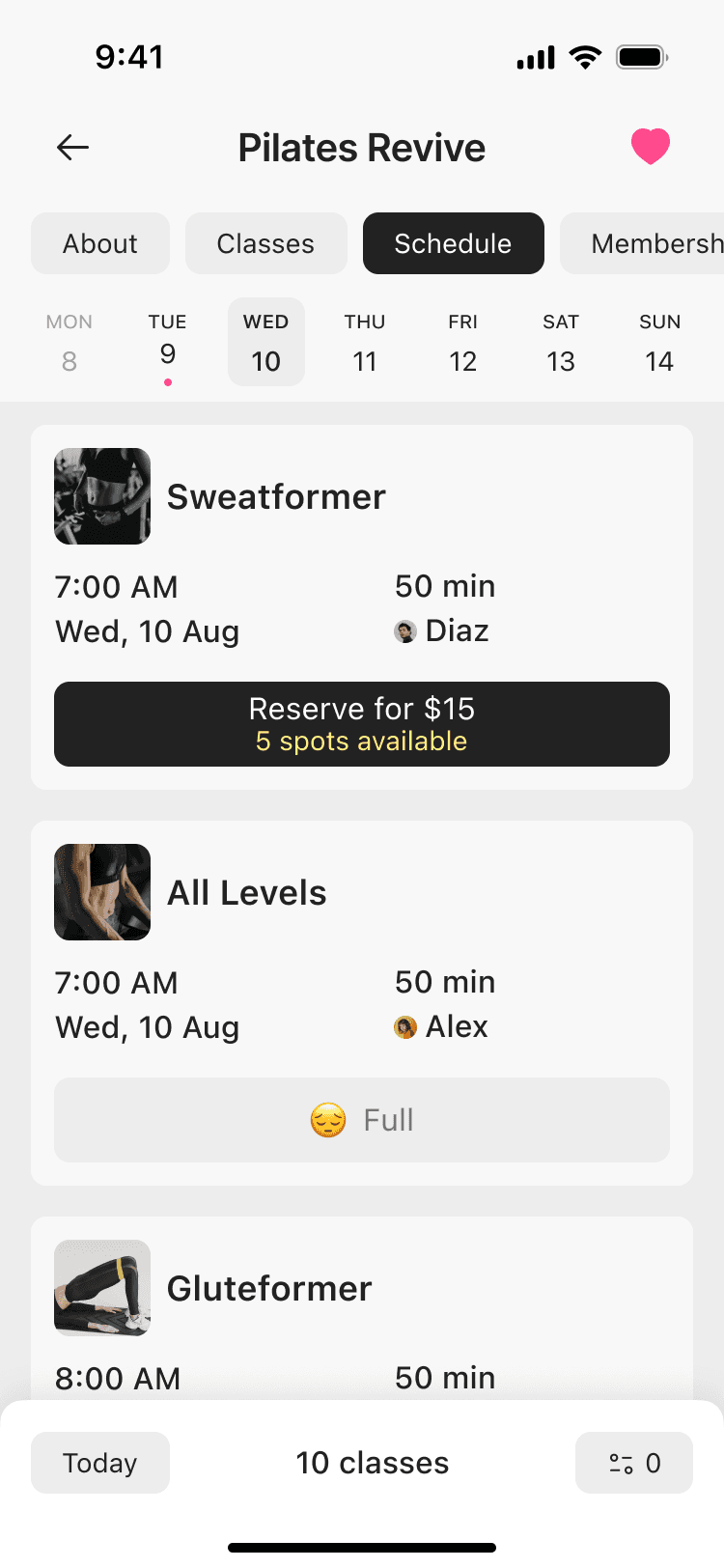
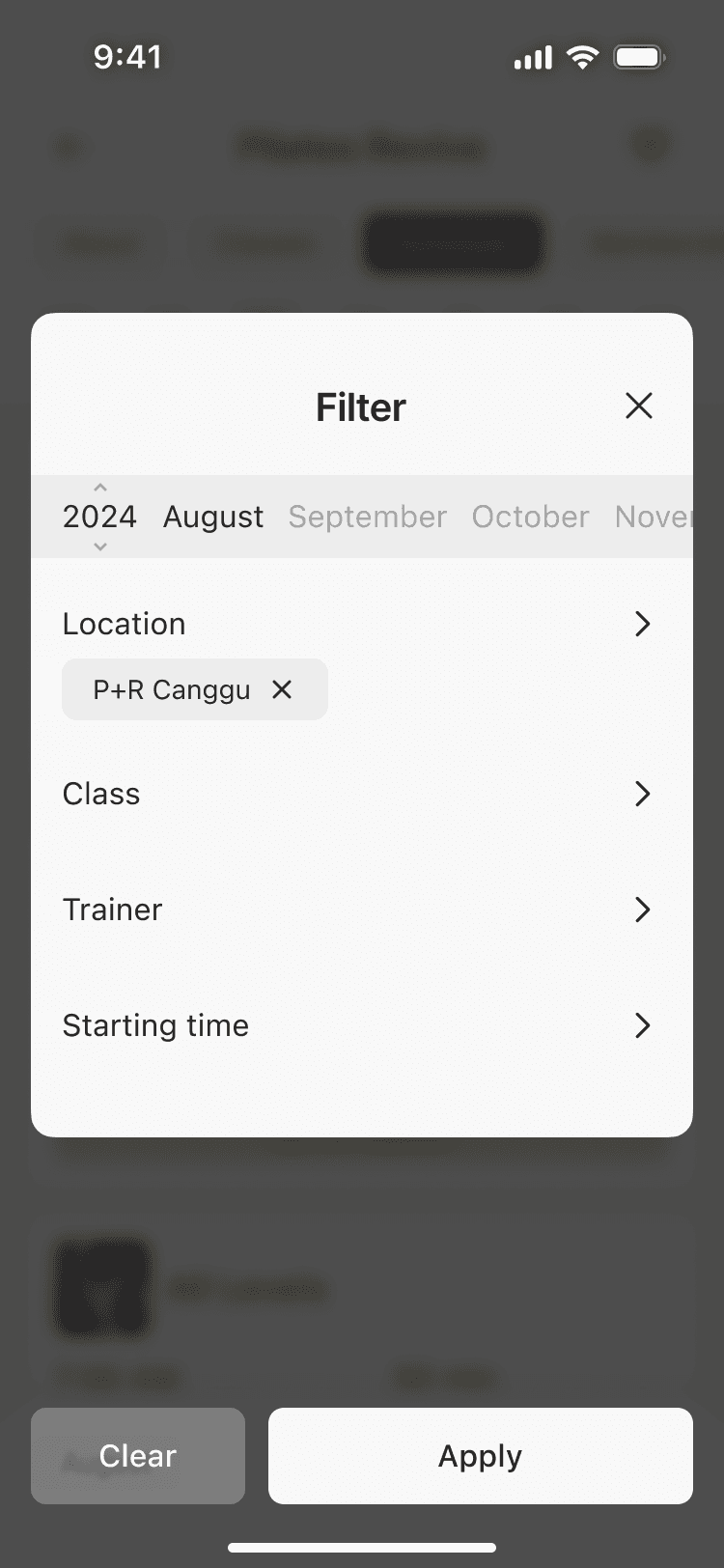
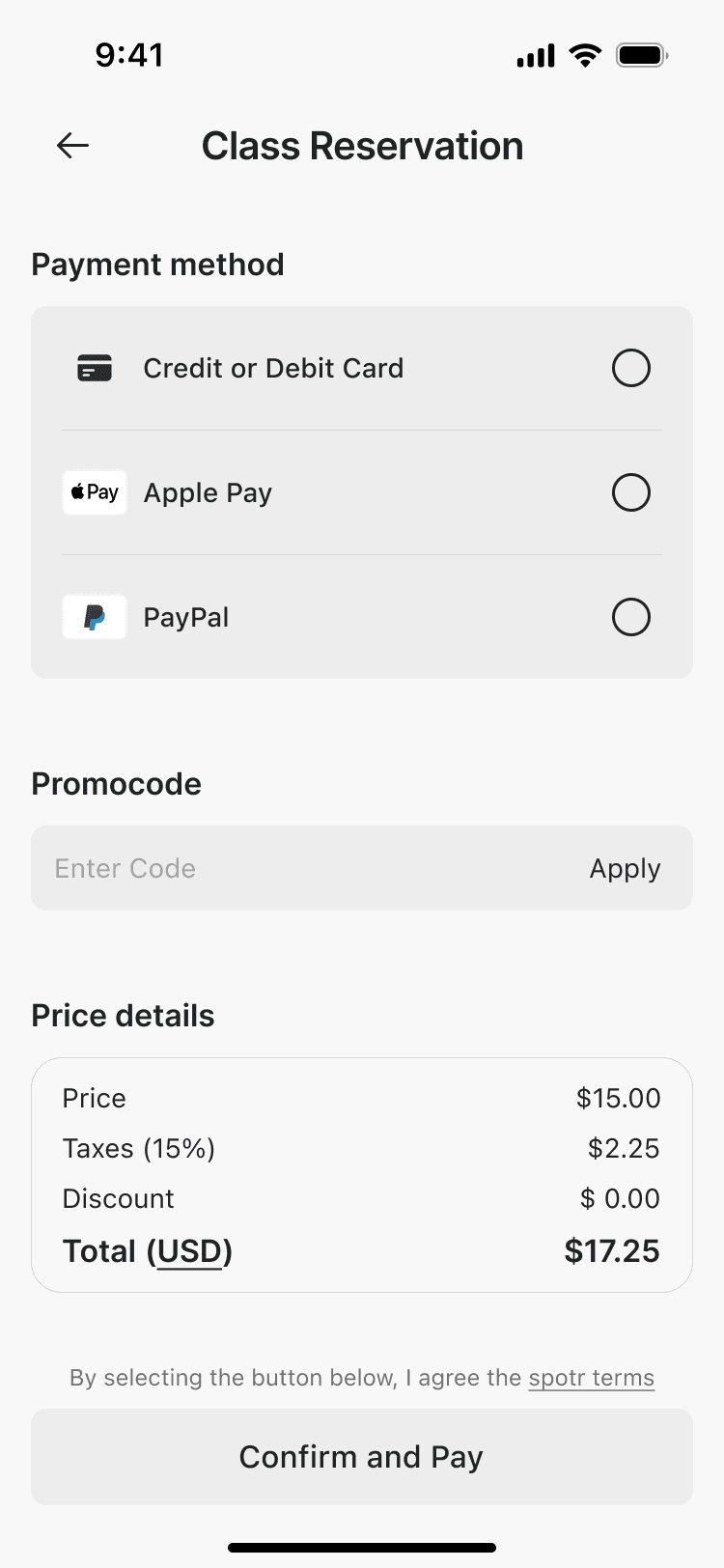
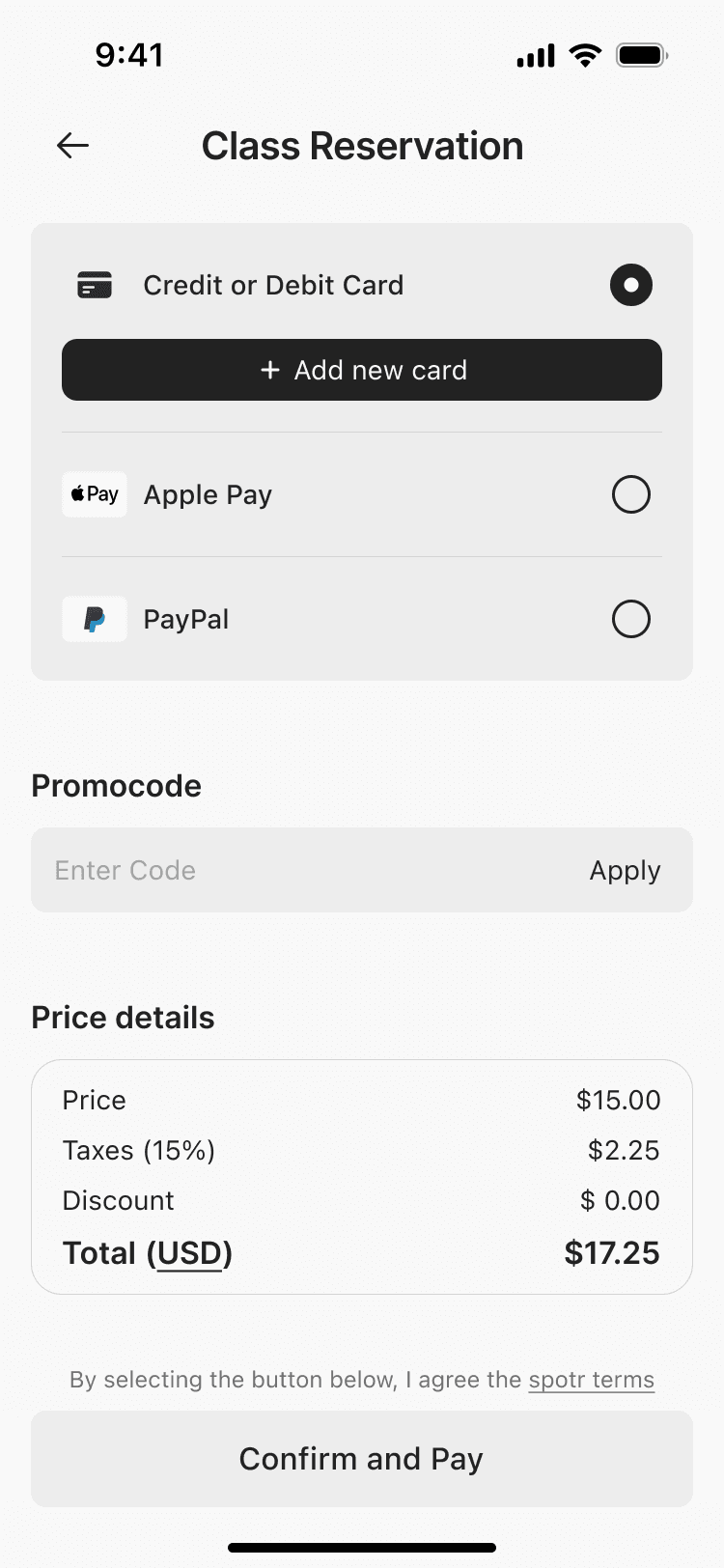
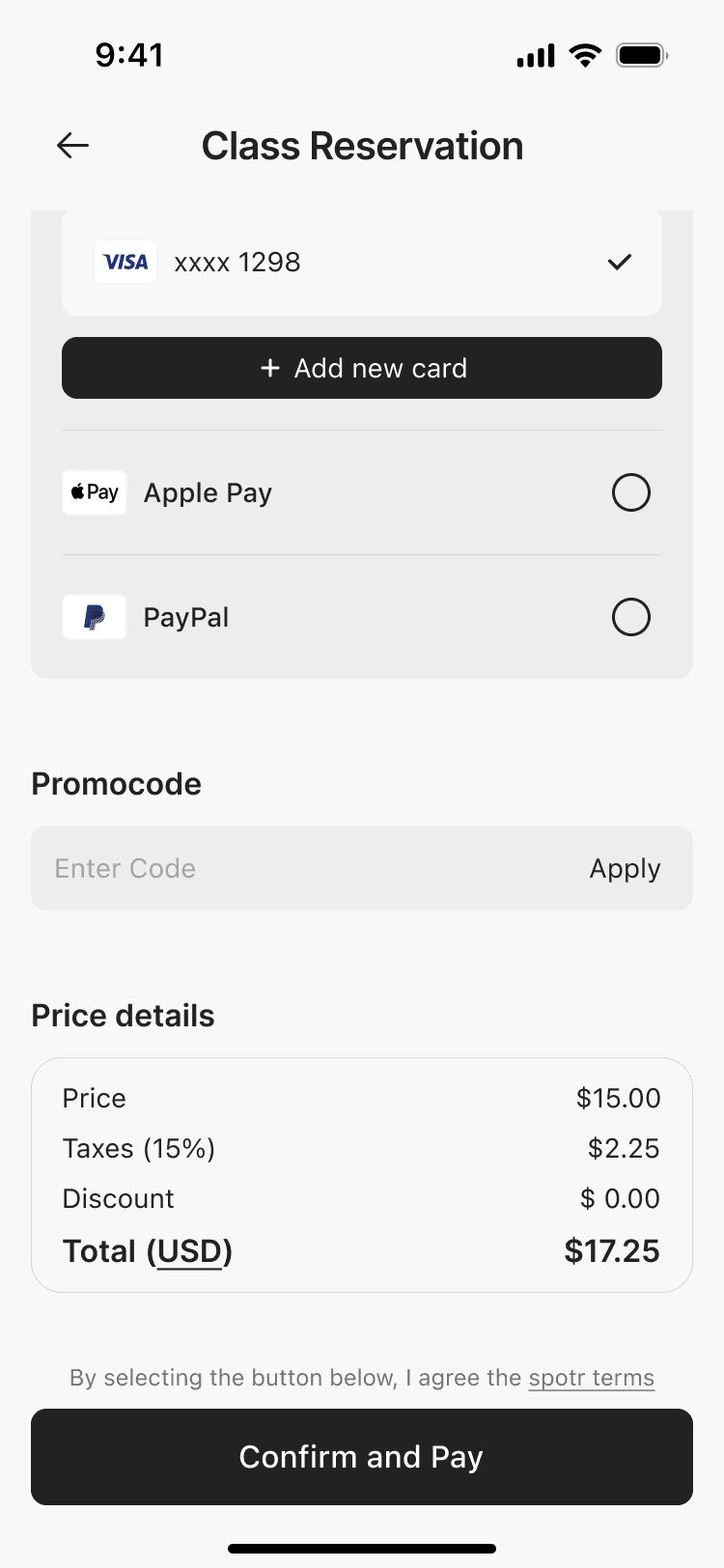
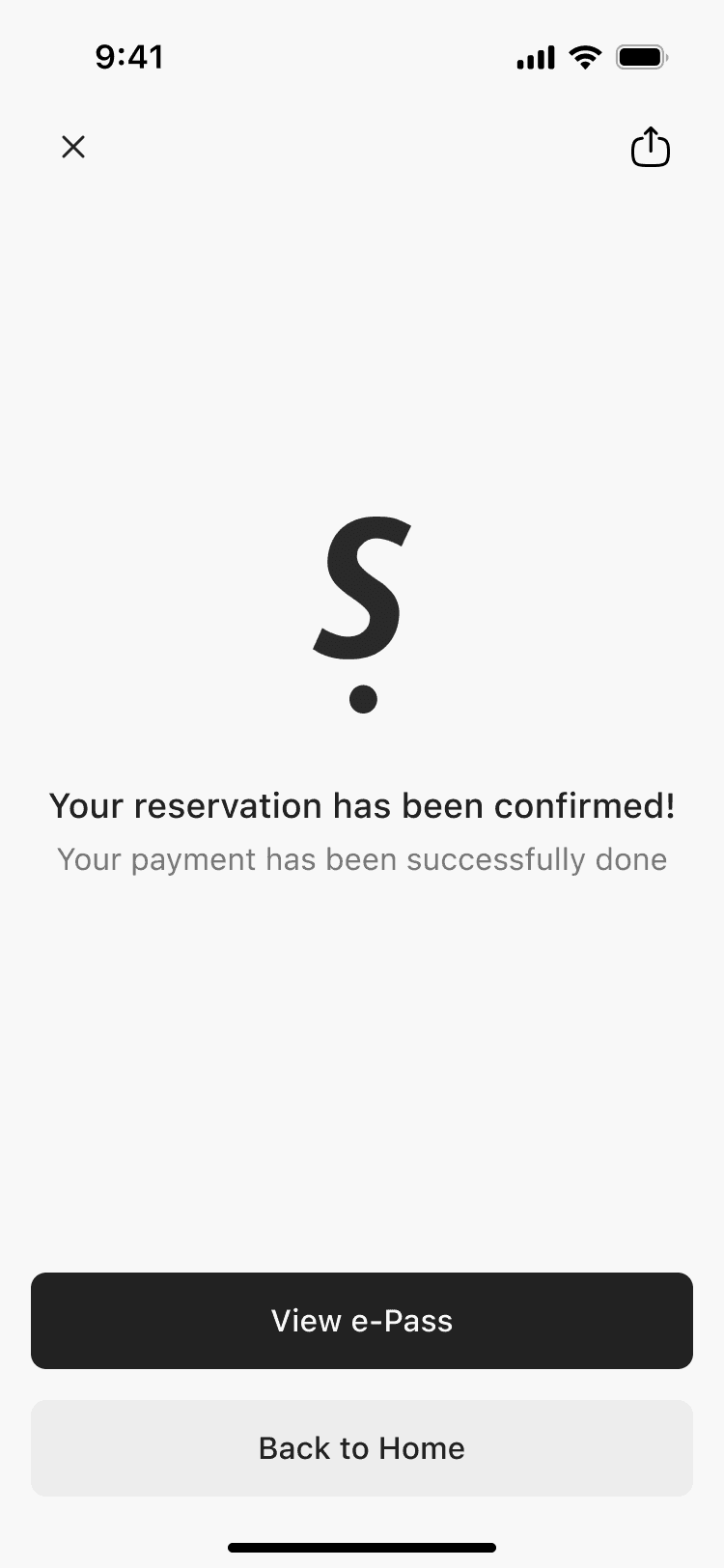
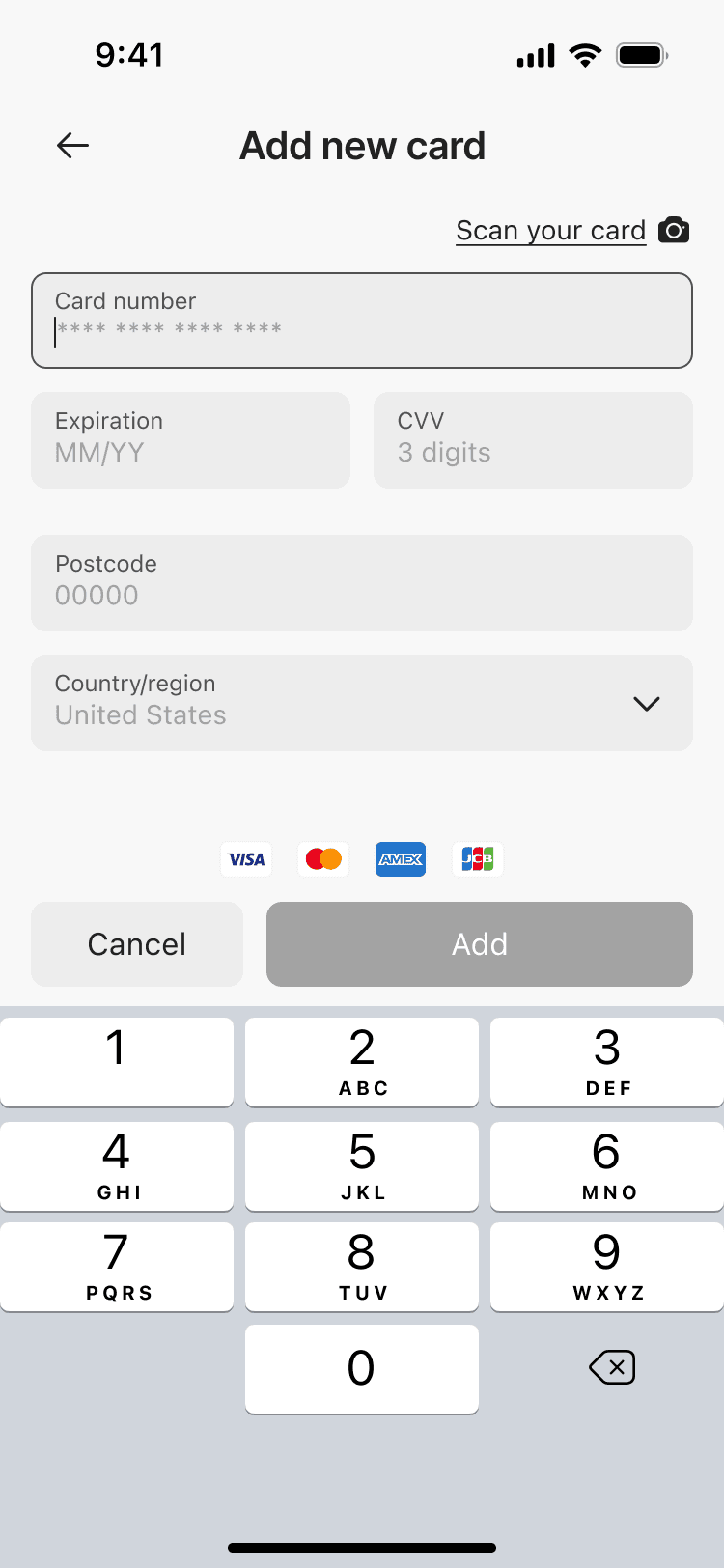
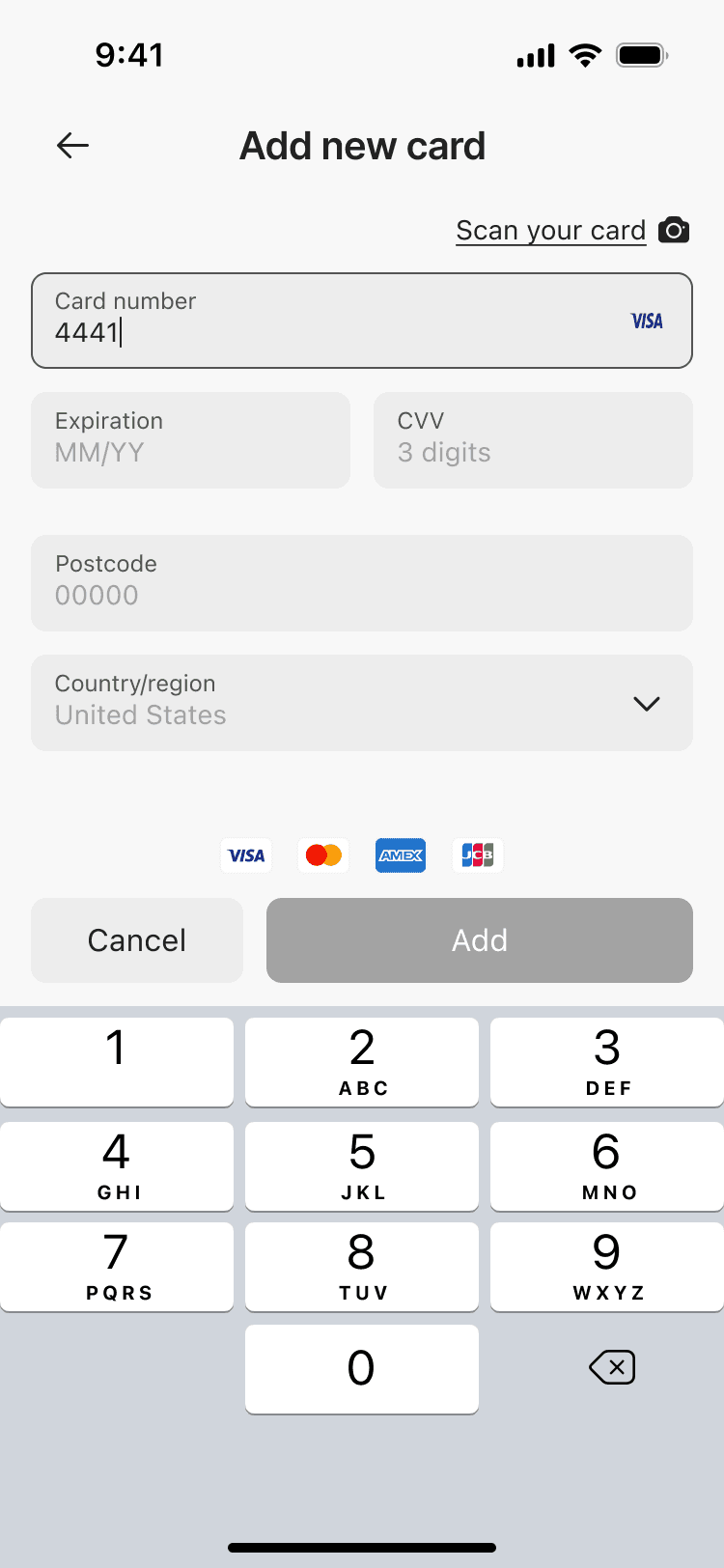
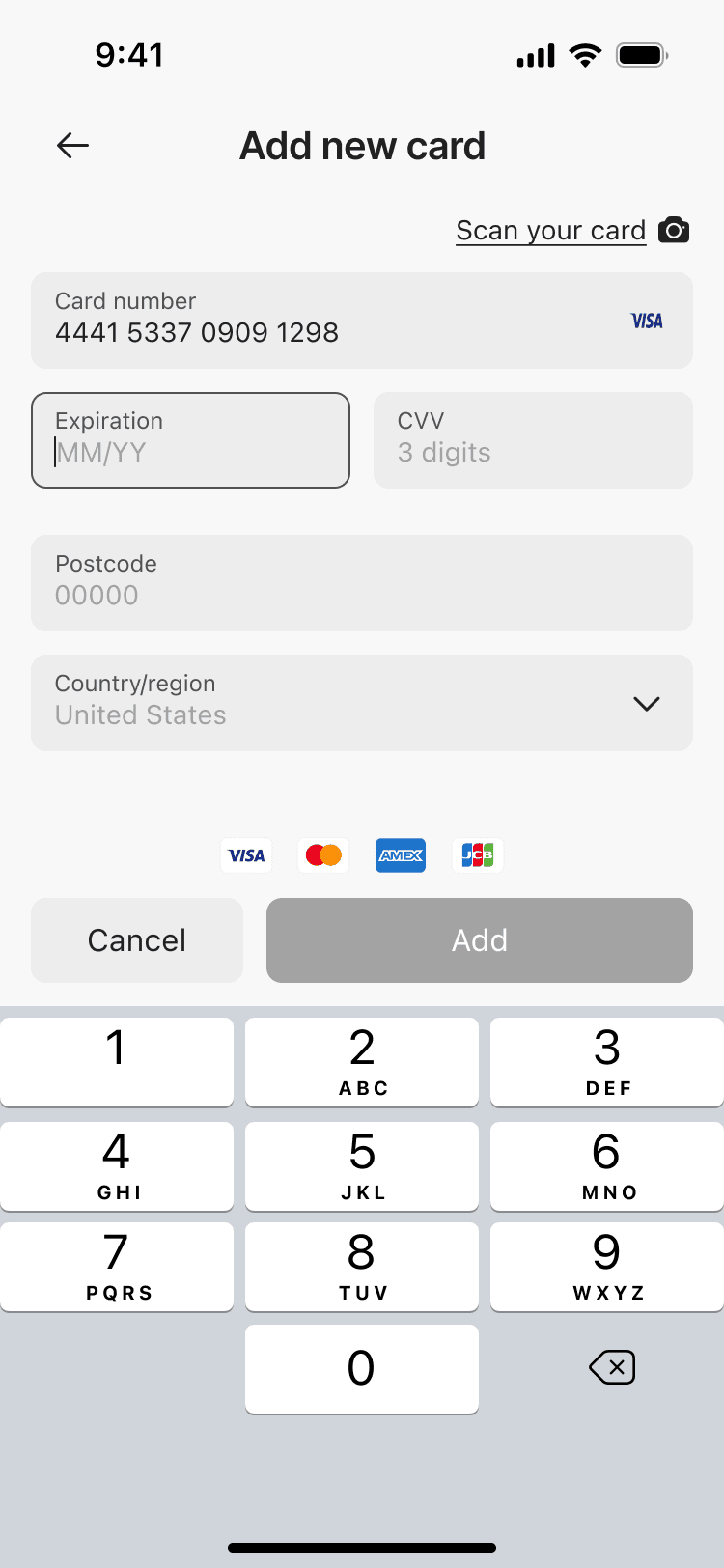
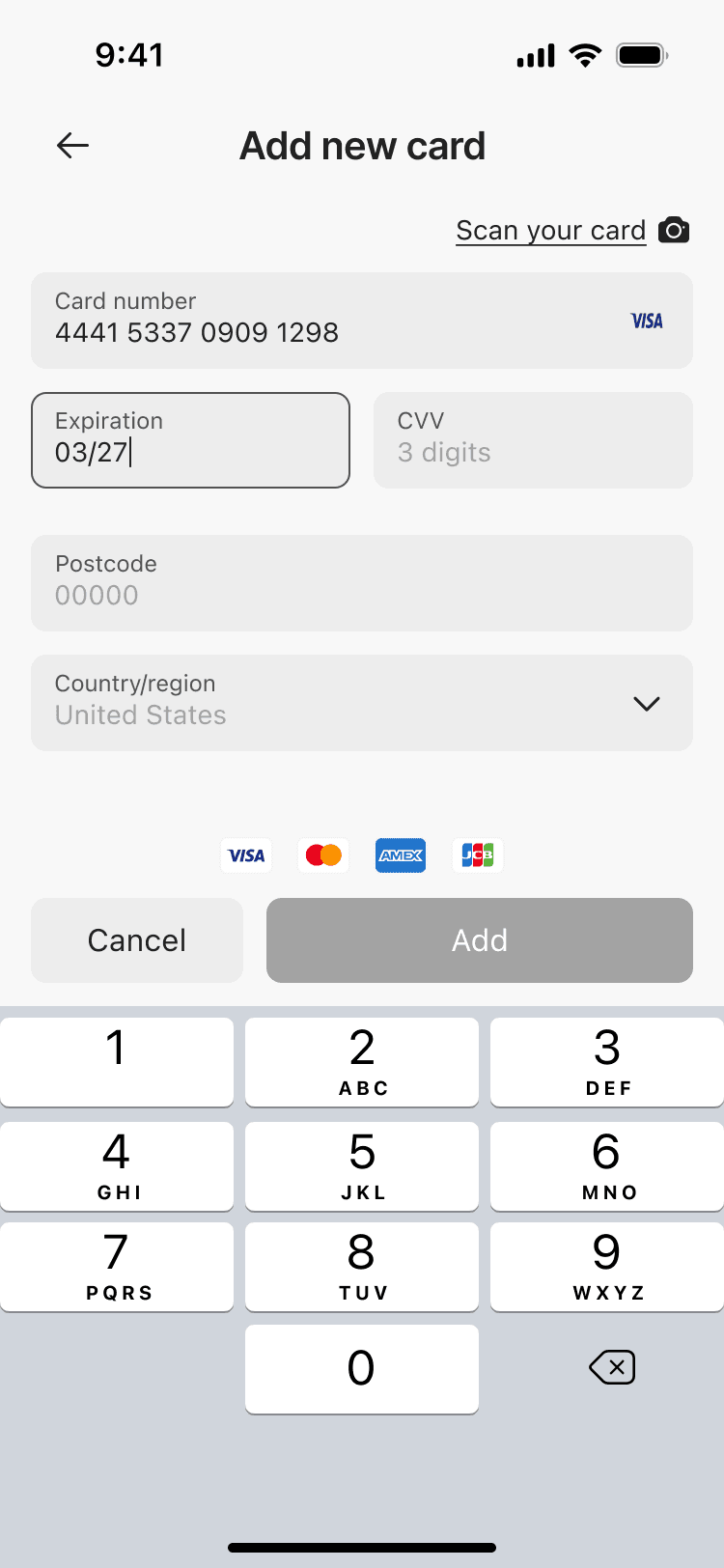
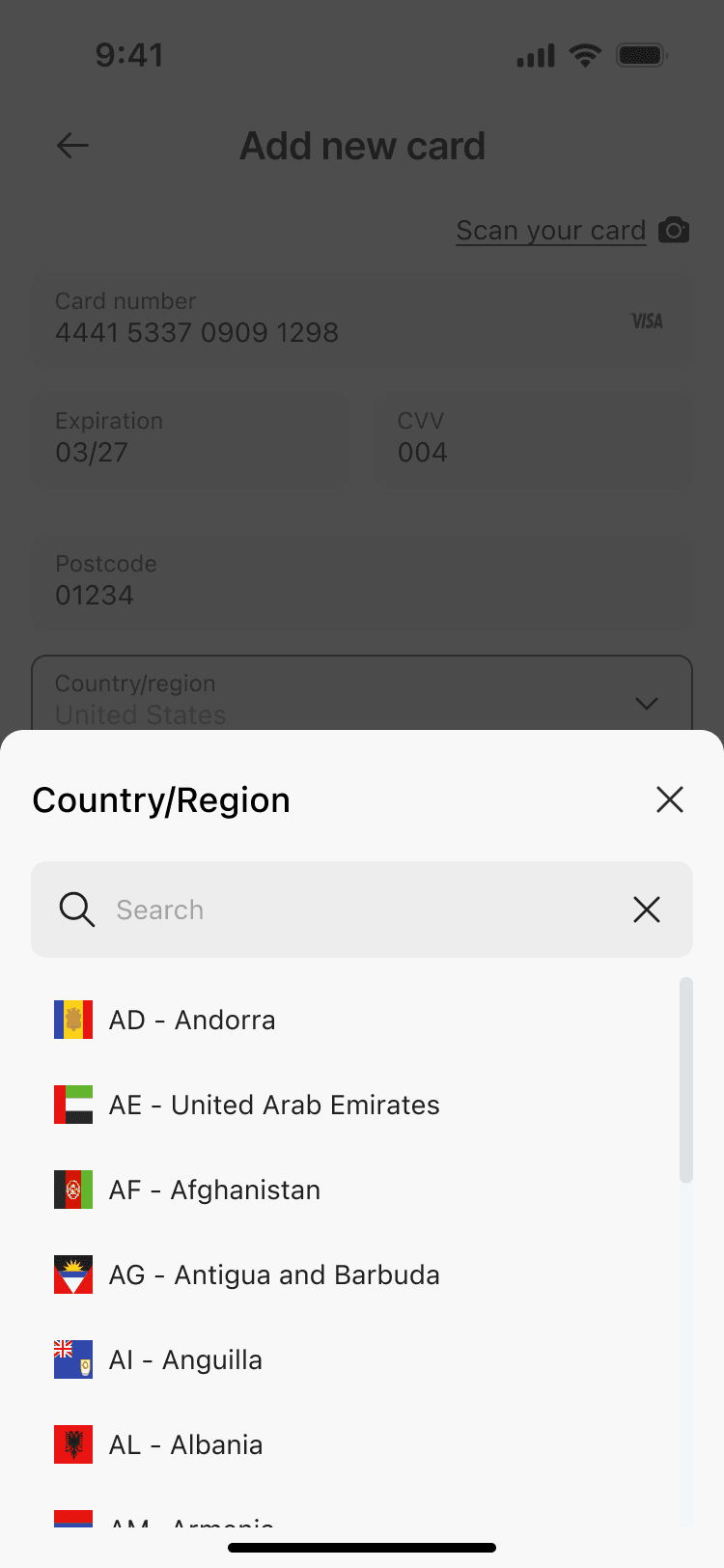
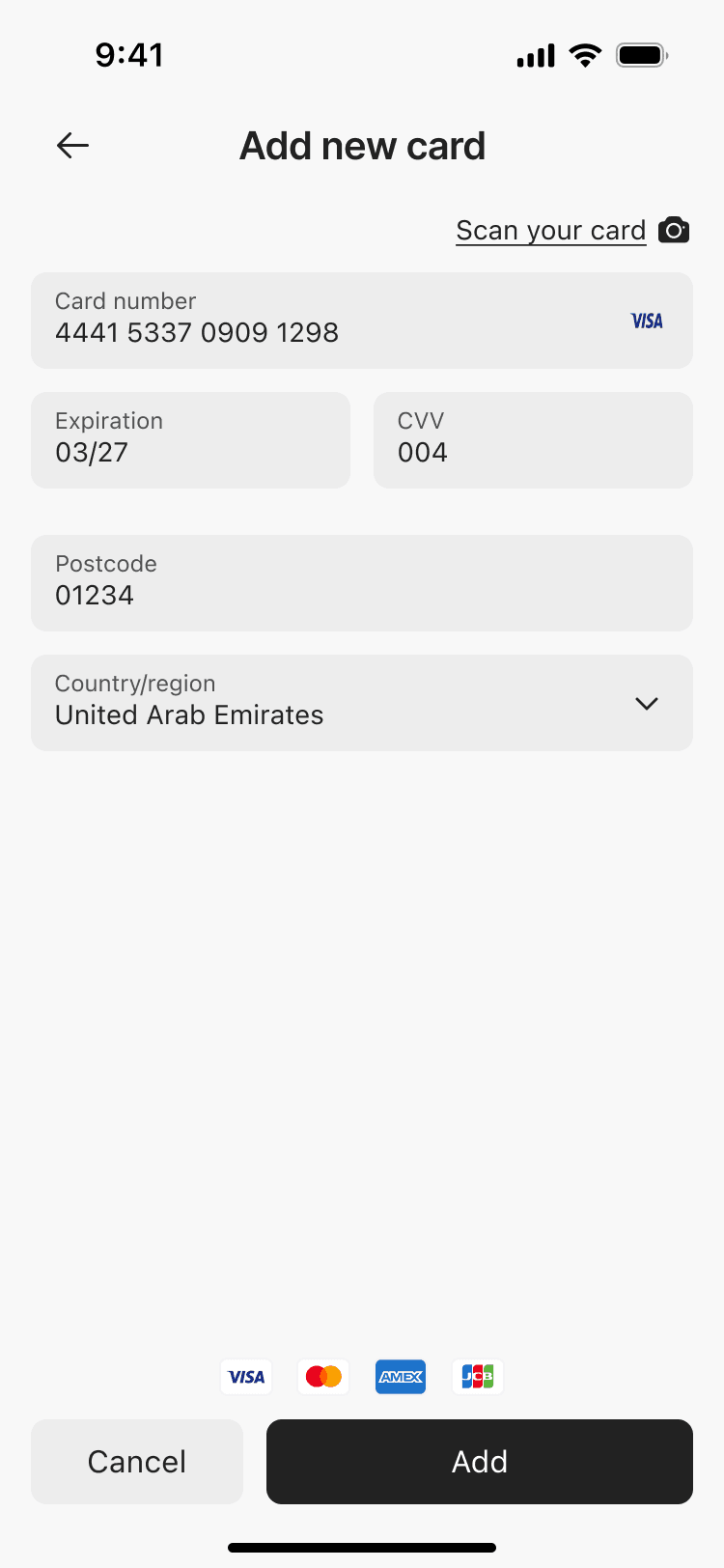
With the structure validated, I moved on to high-fidelity design. I built a clean, consistent UI-kit to ensure visual harmony across screens and to speed up iteration.
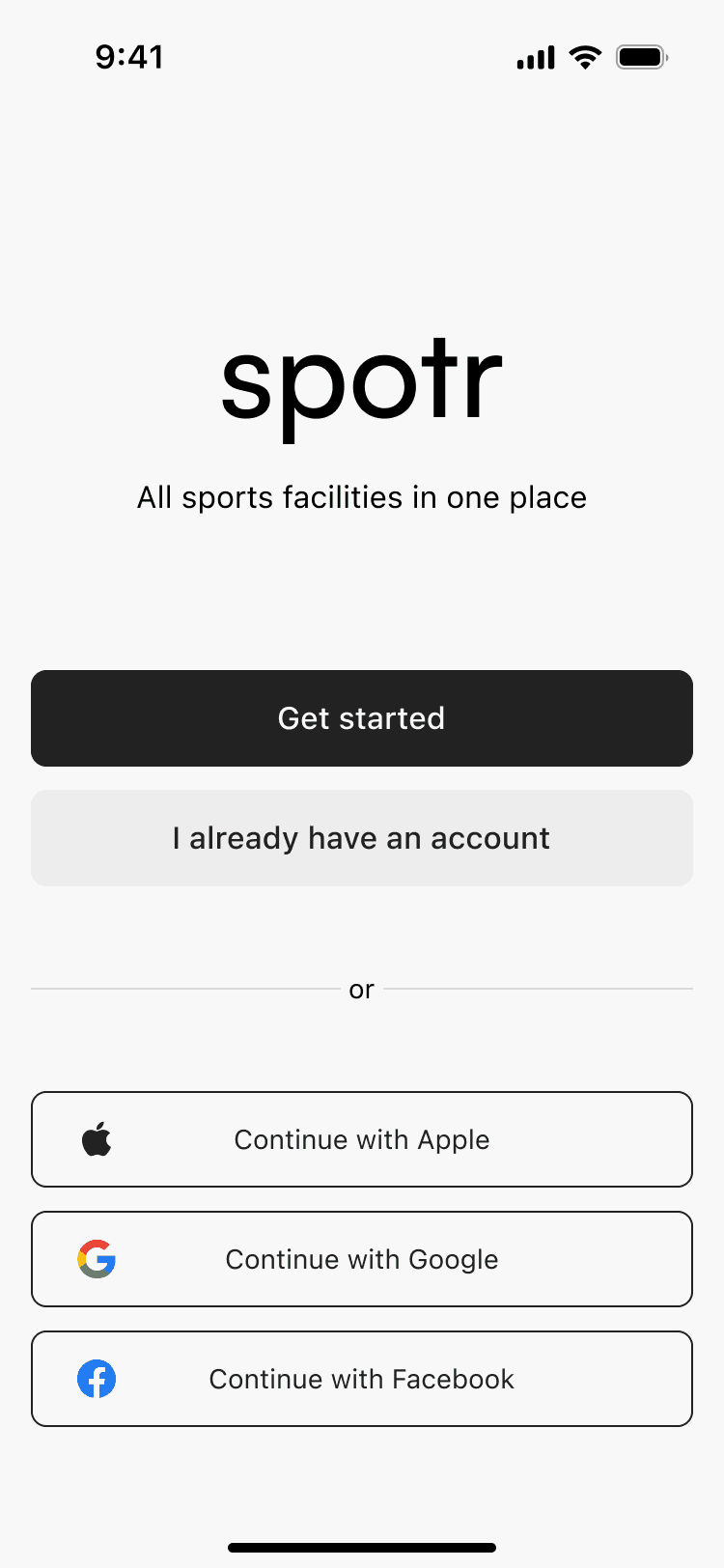
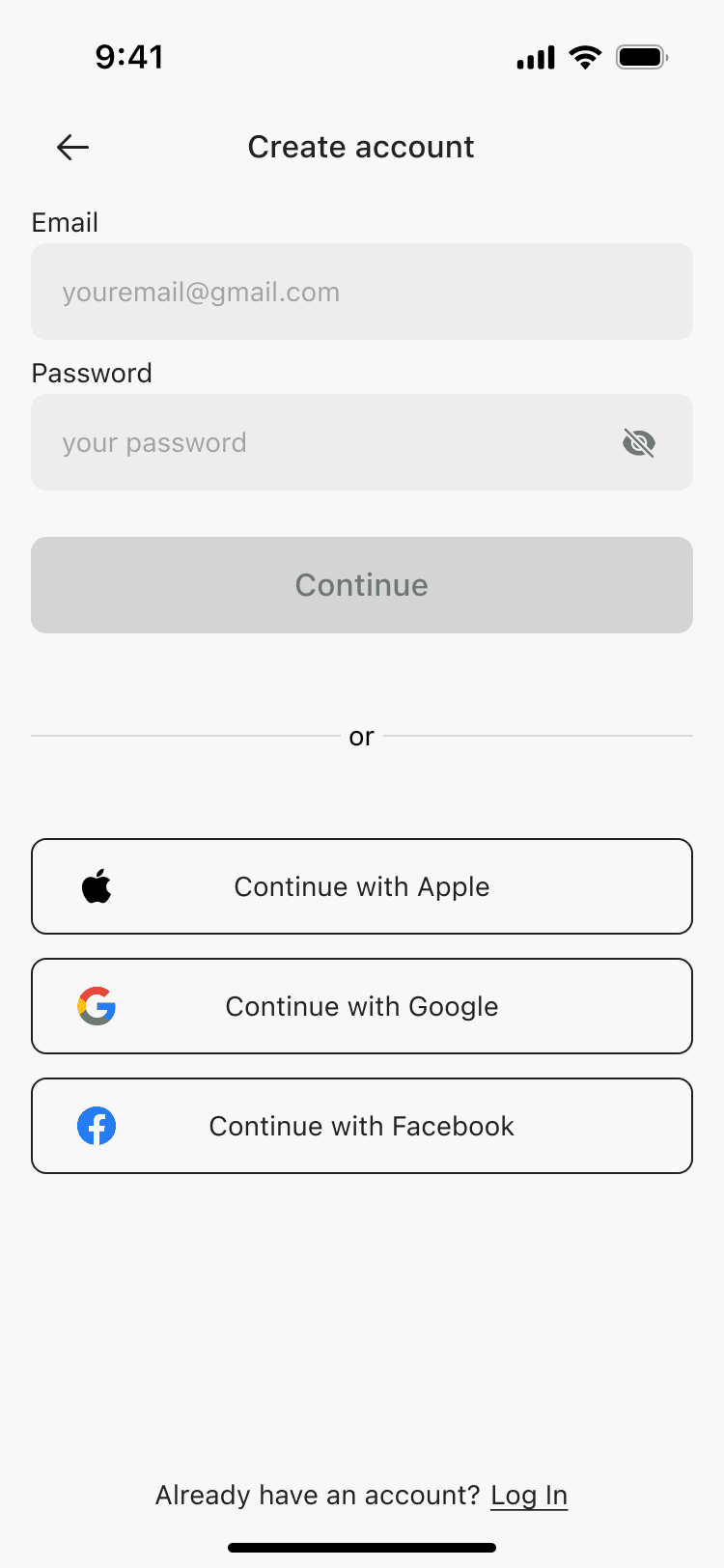
Using it, I developed an interactive prototype that brought the product to life, focusing on smooth transitions, clear hierarchy and effortless booking flow.
Searching&Booking flow



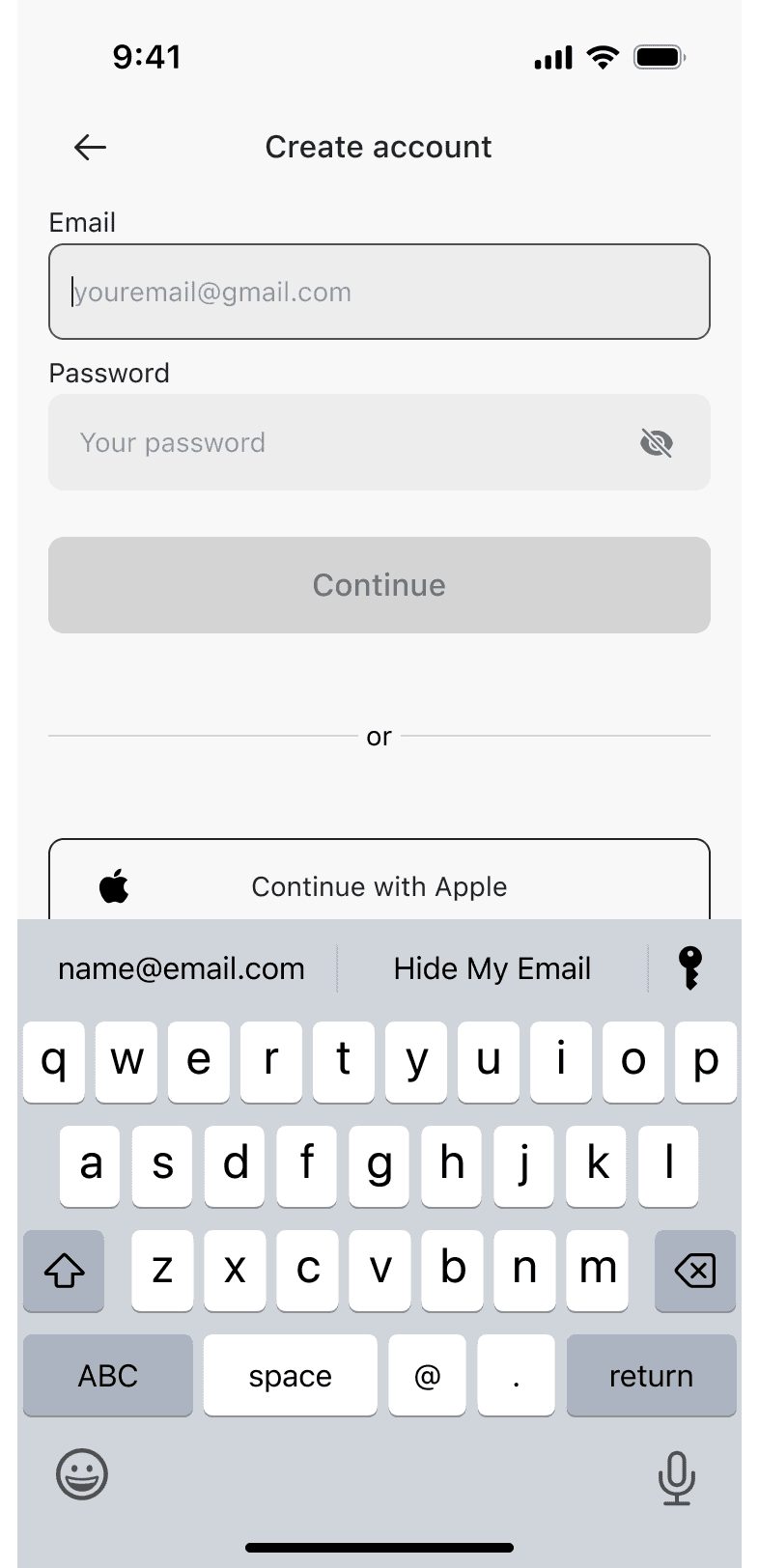
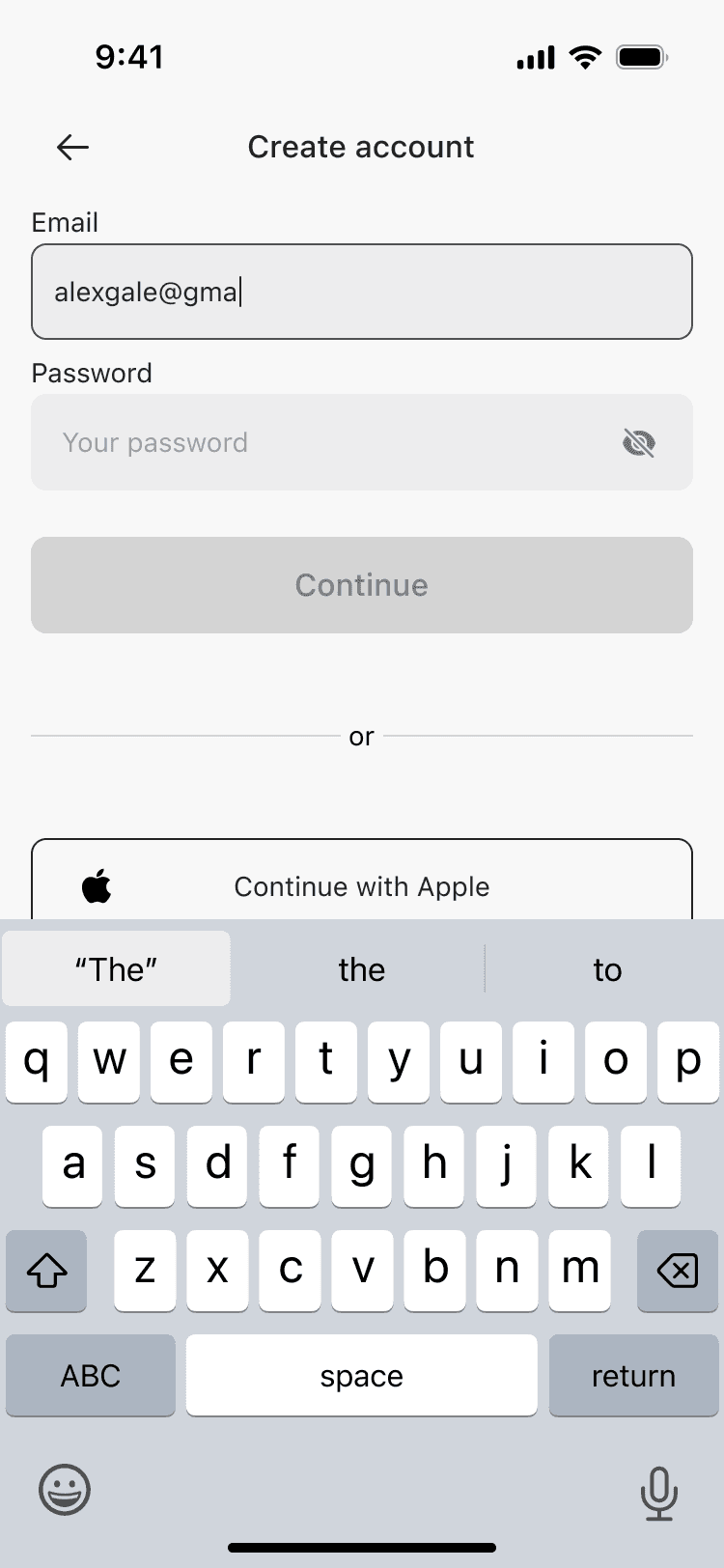
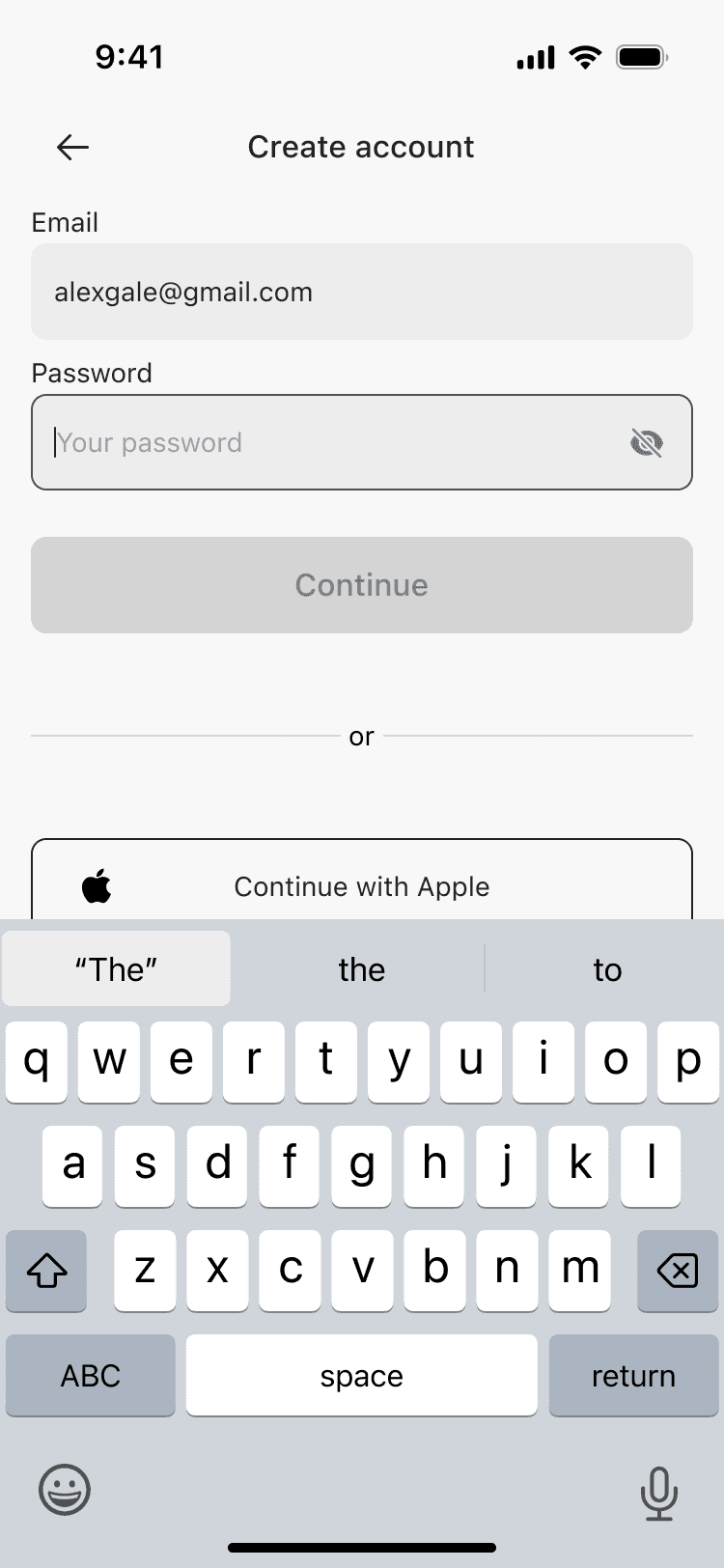
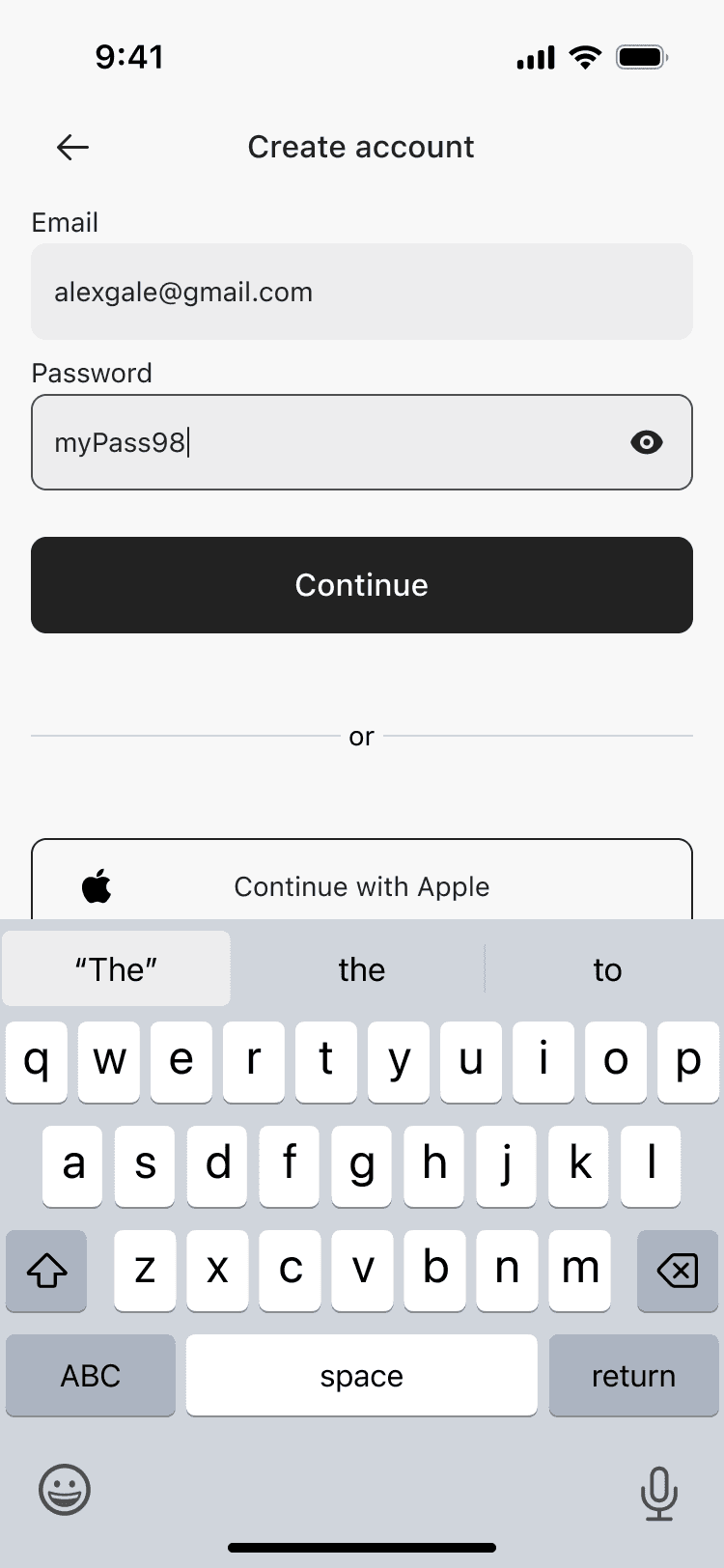
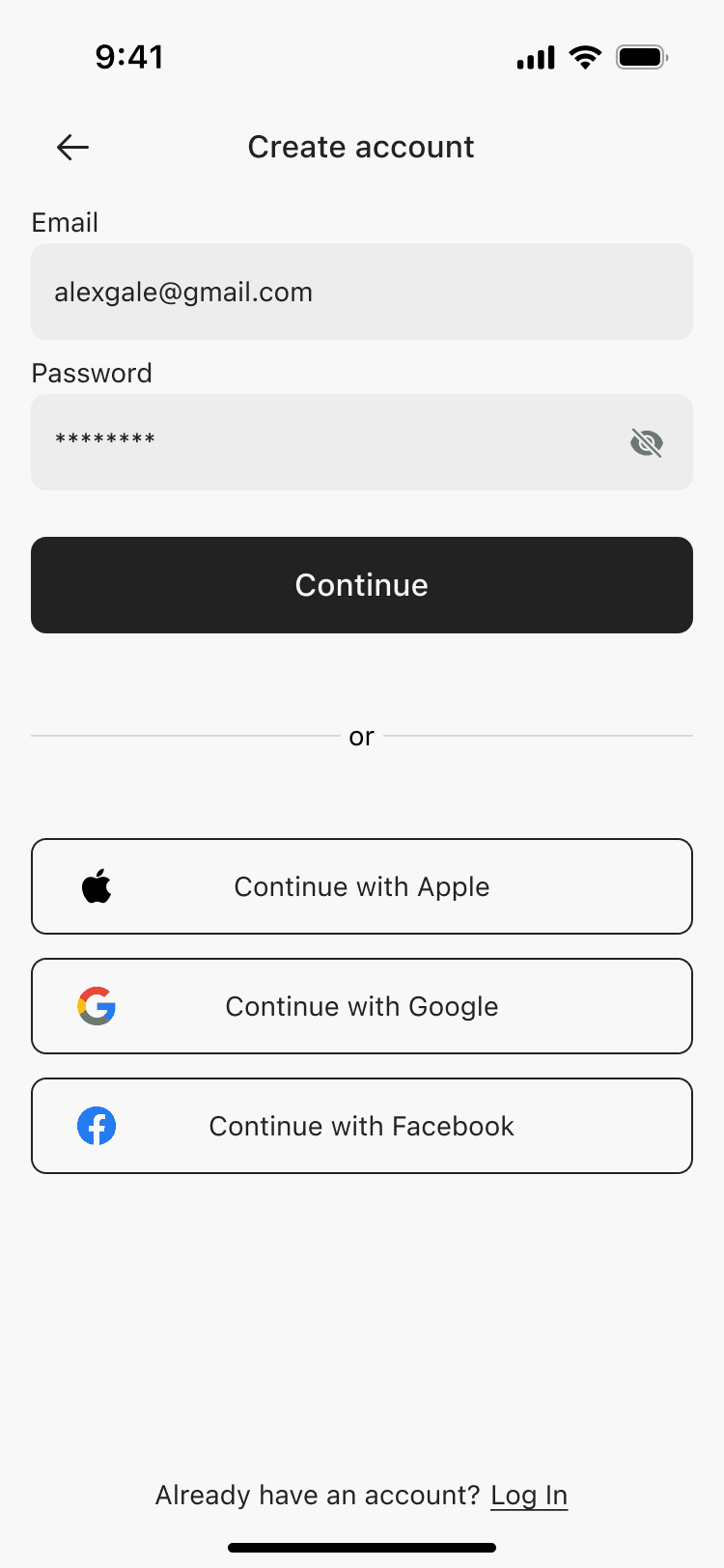
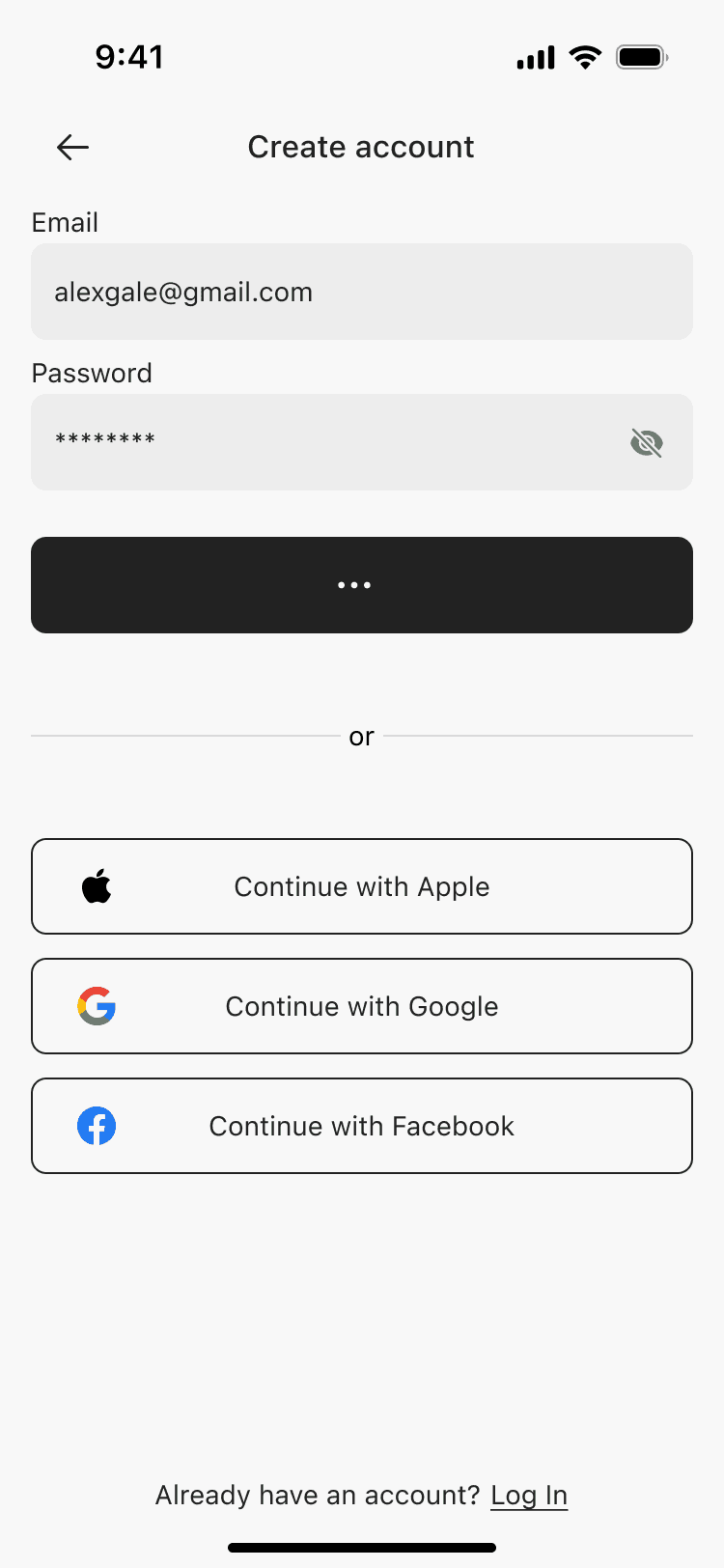
10 screens
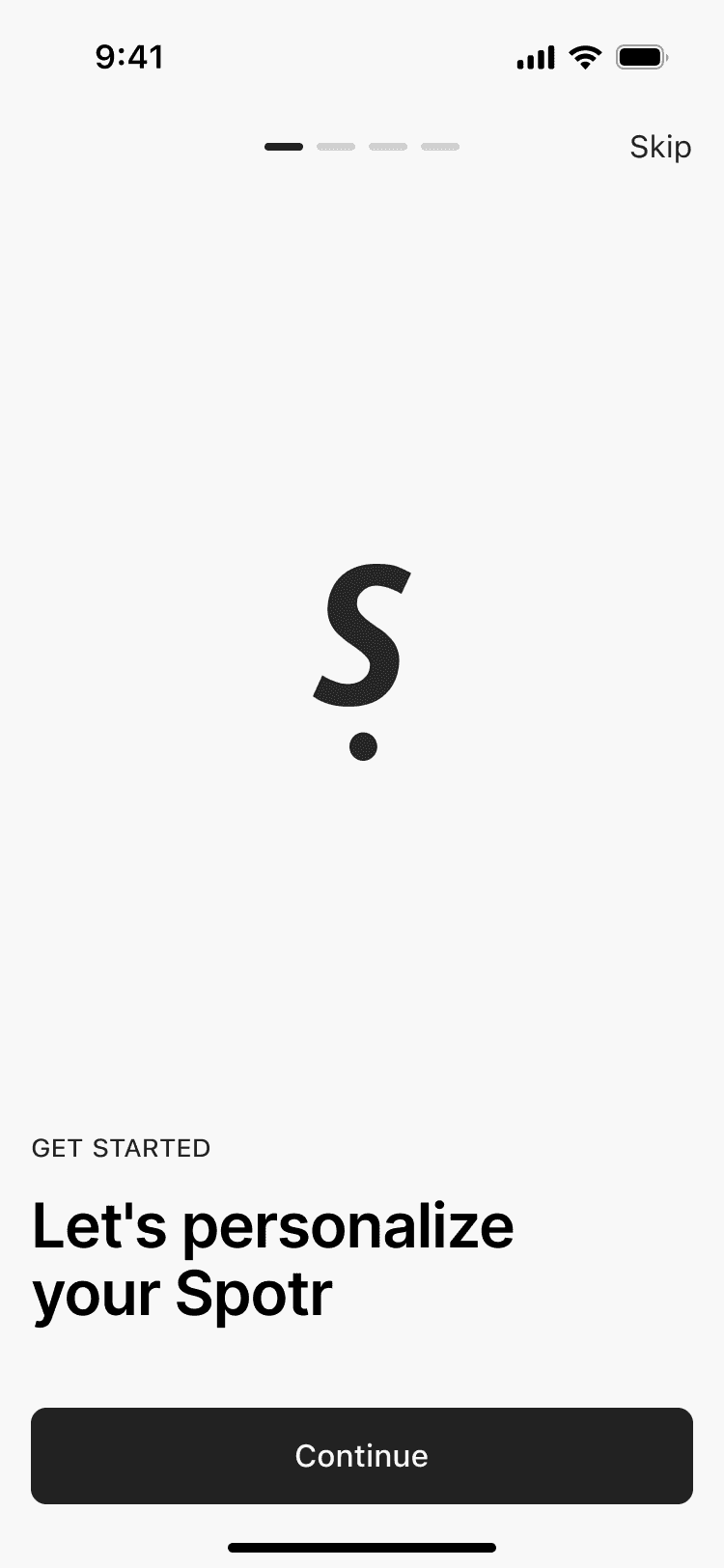
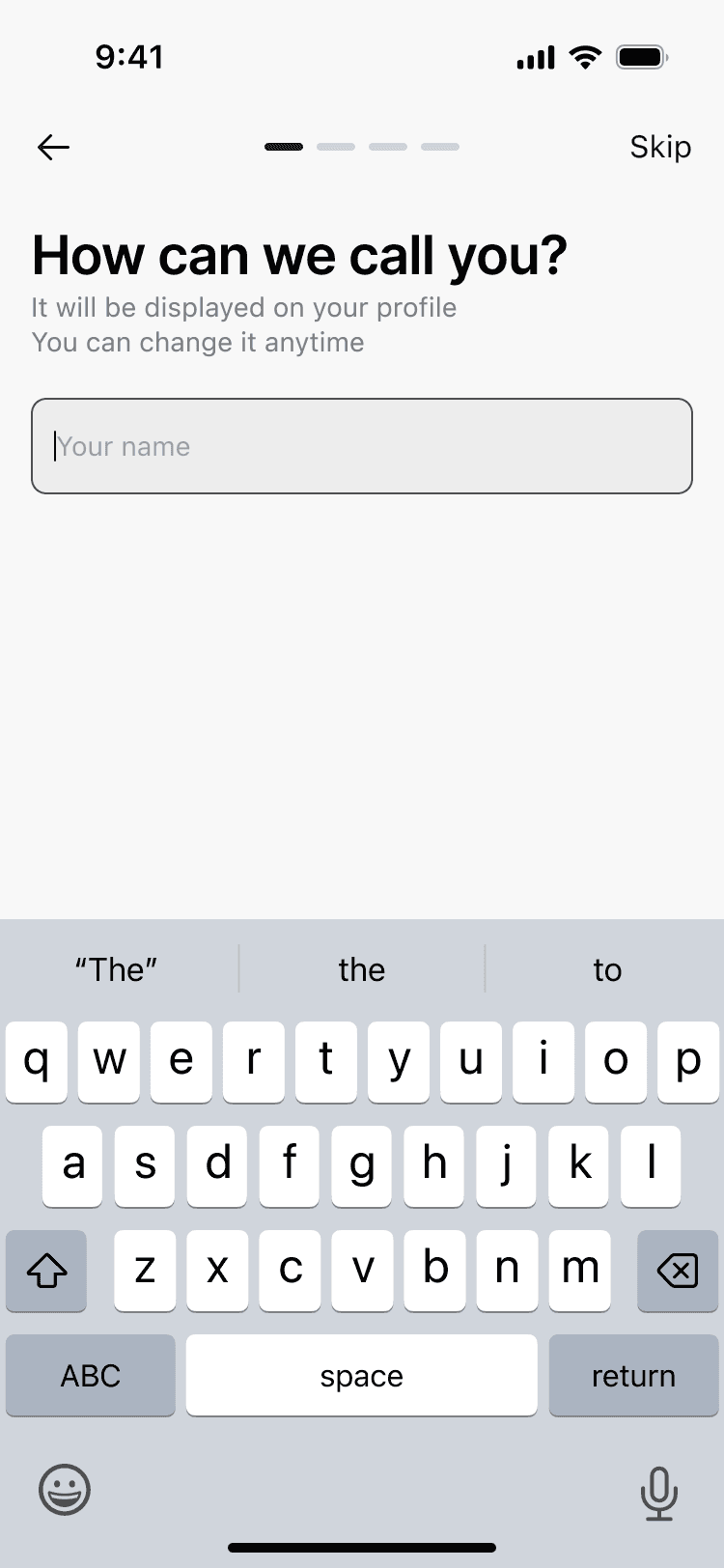
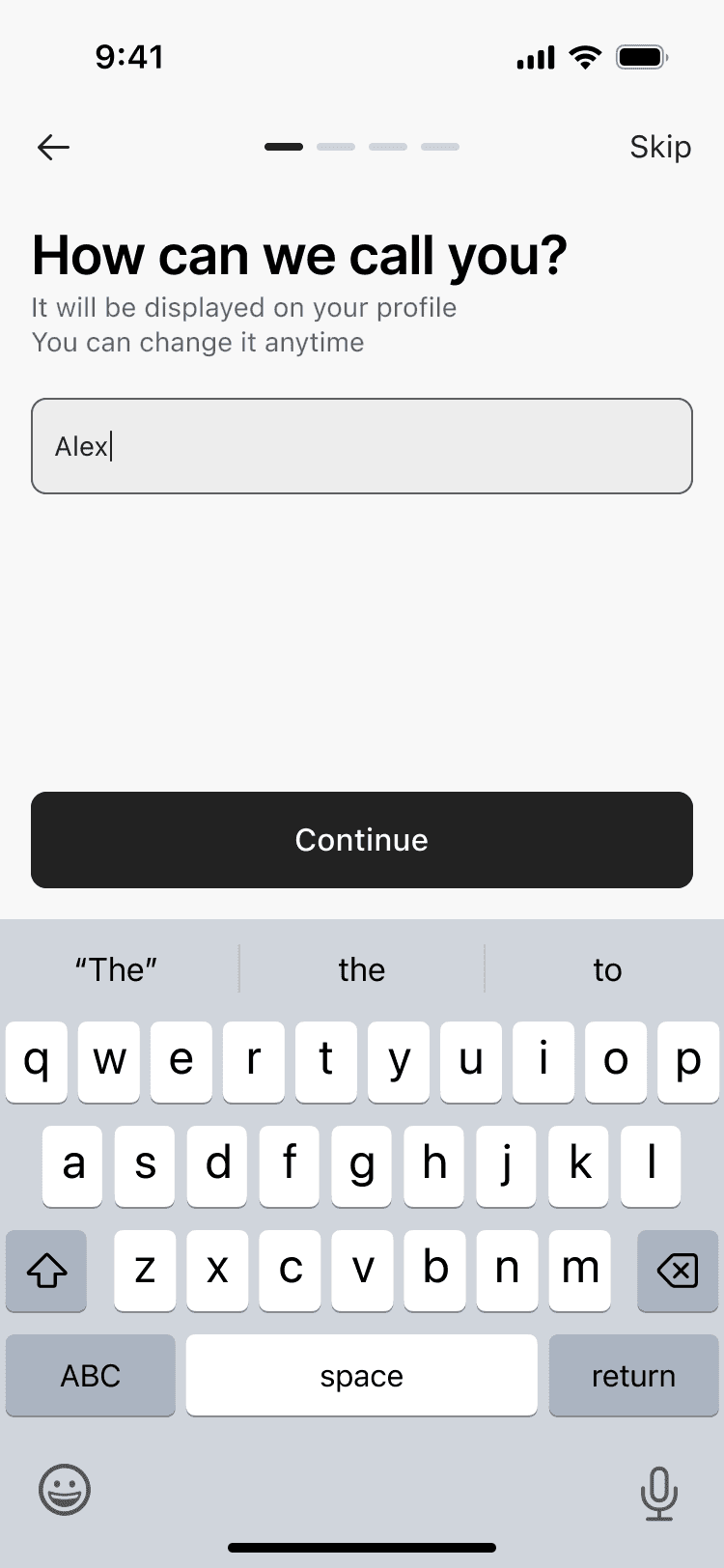
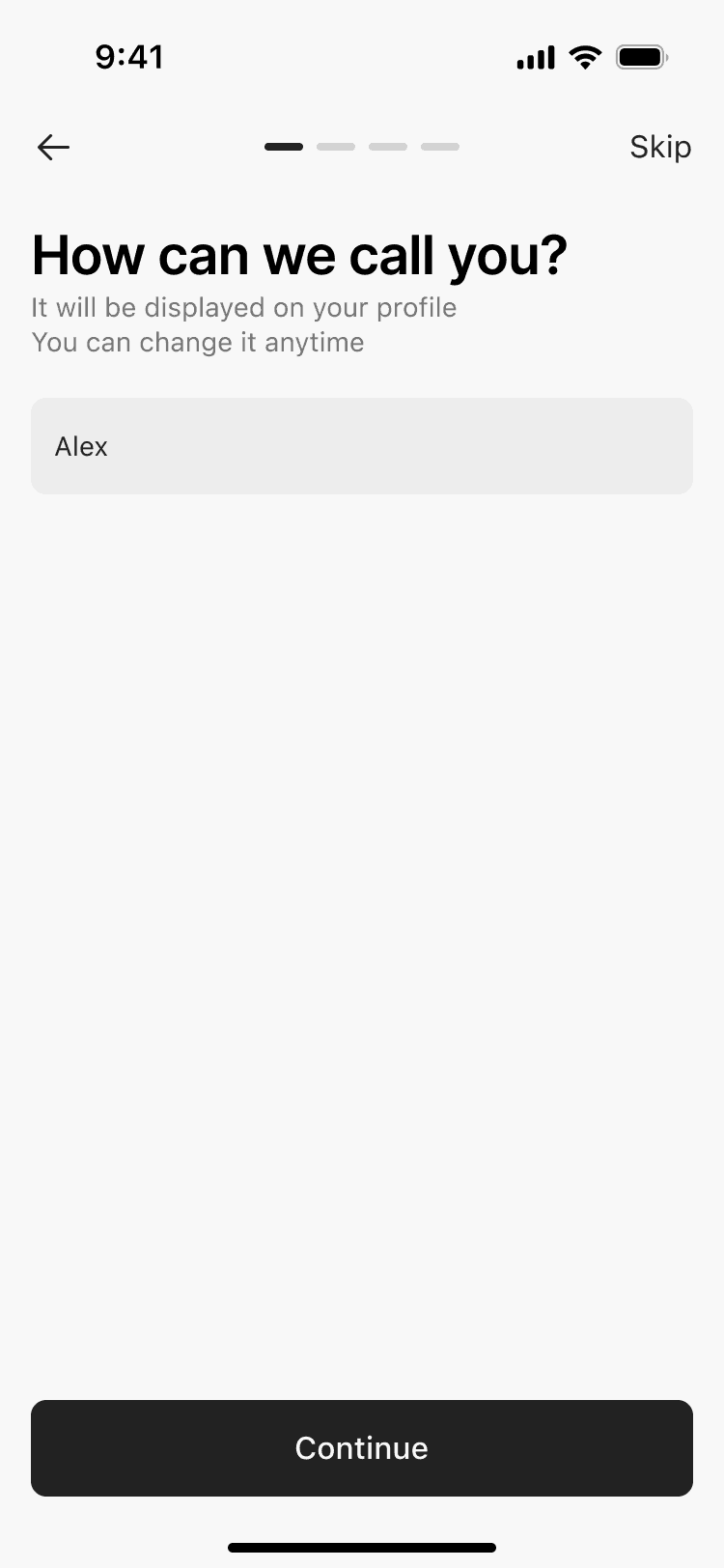

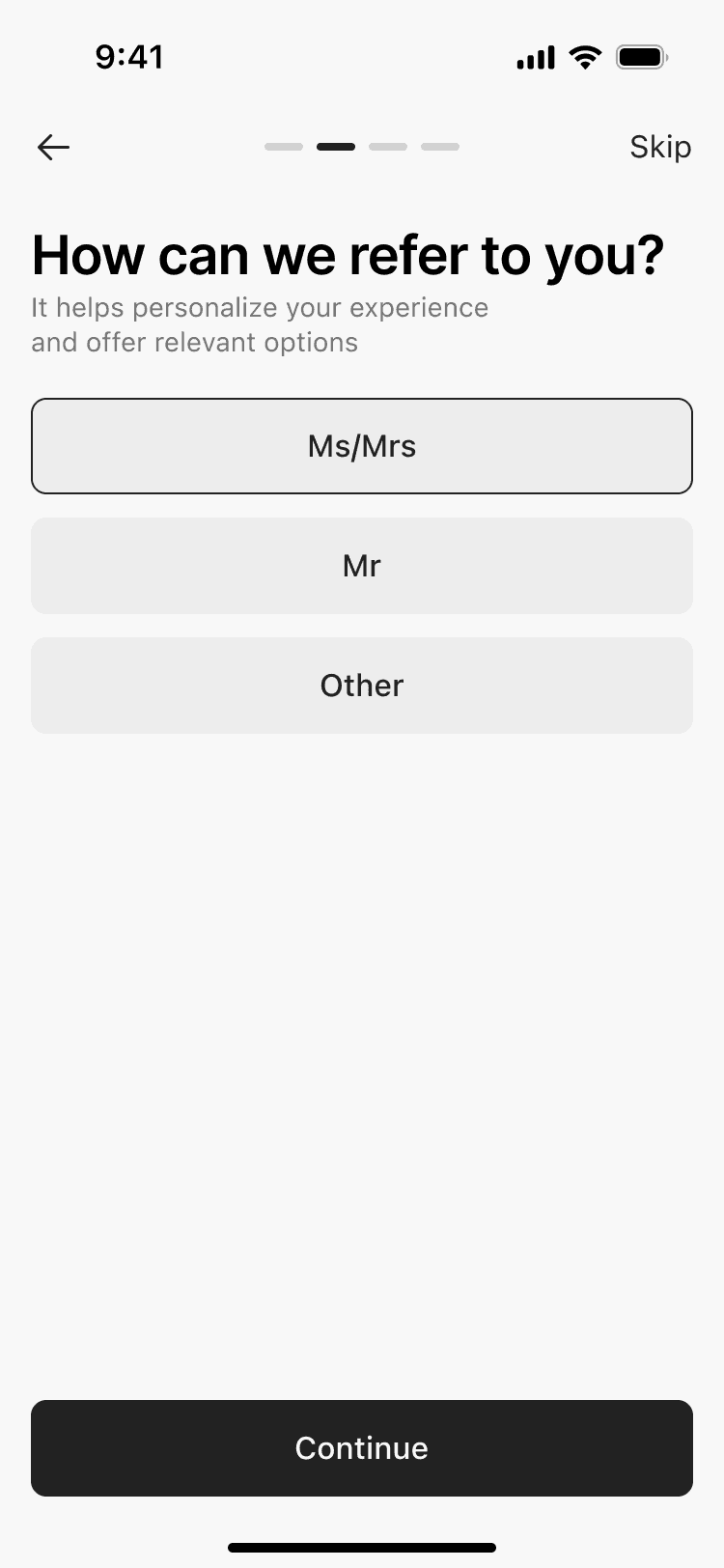

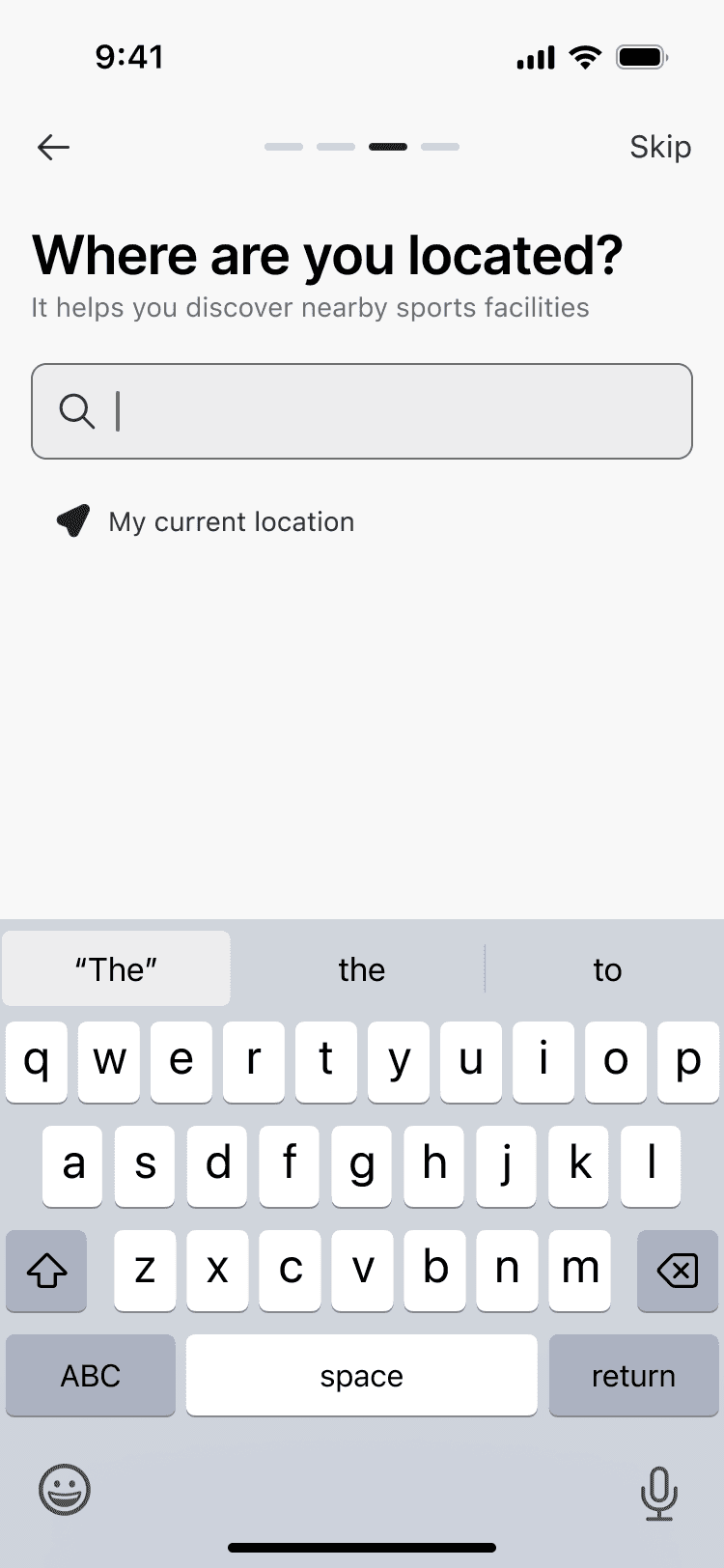
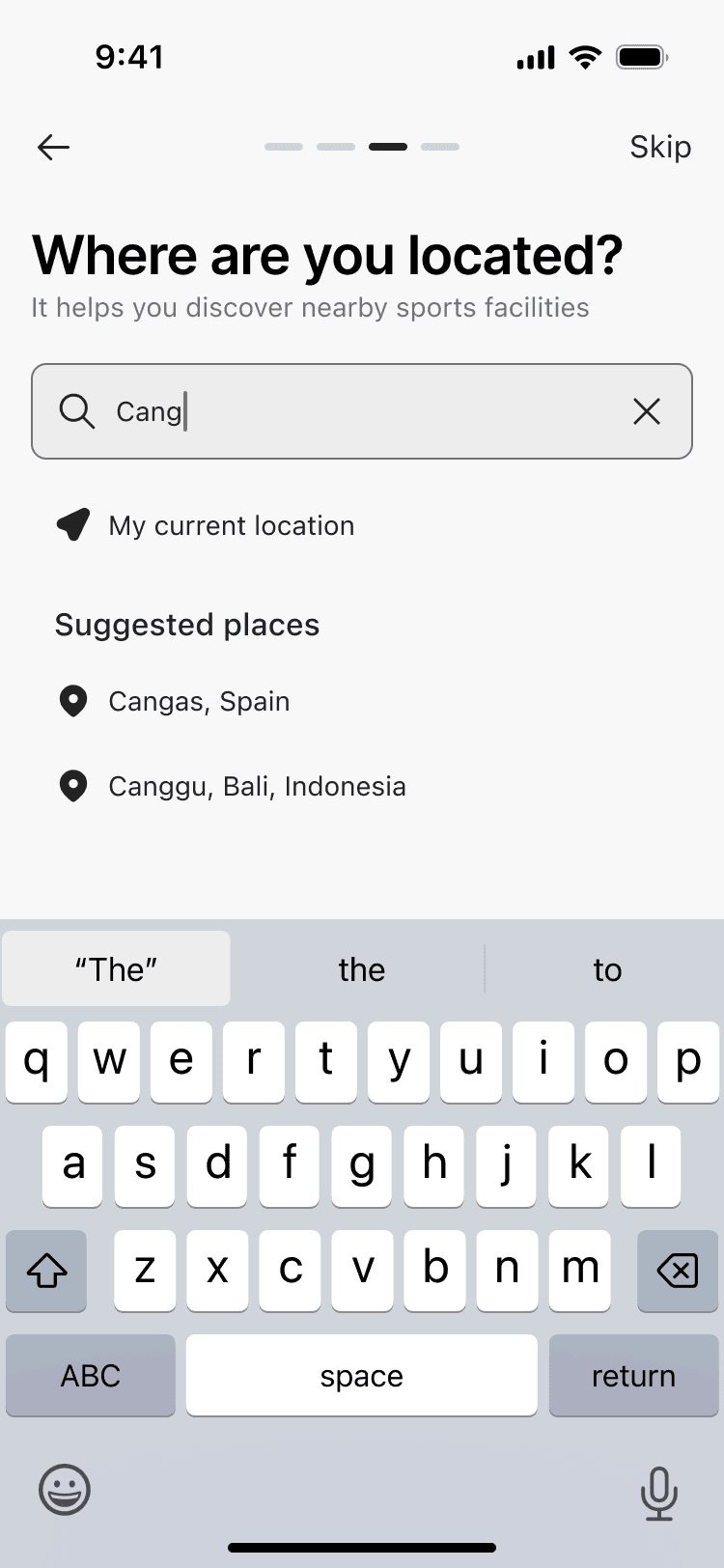
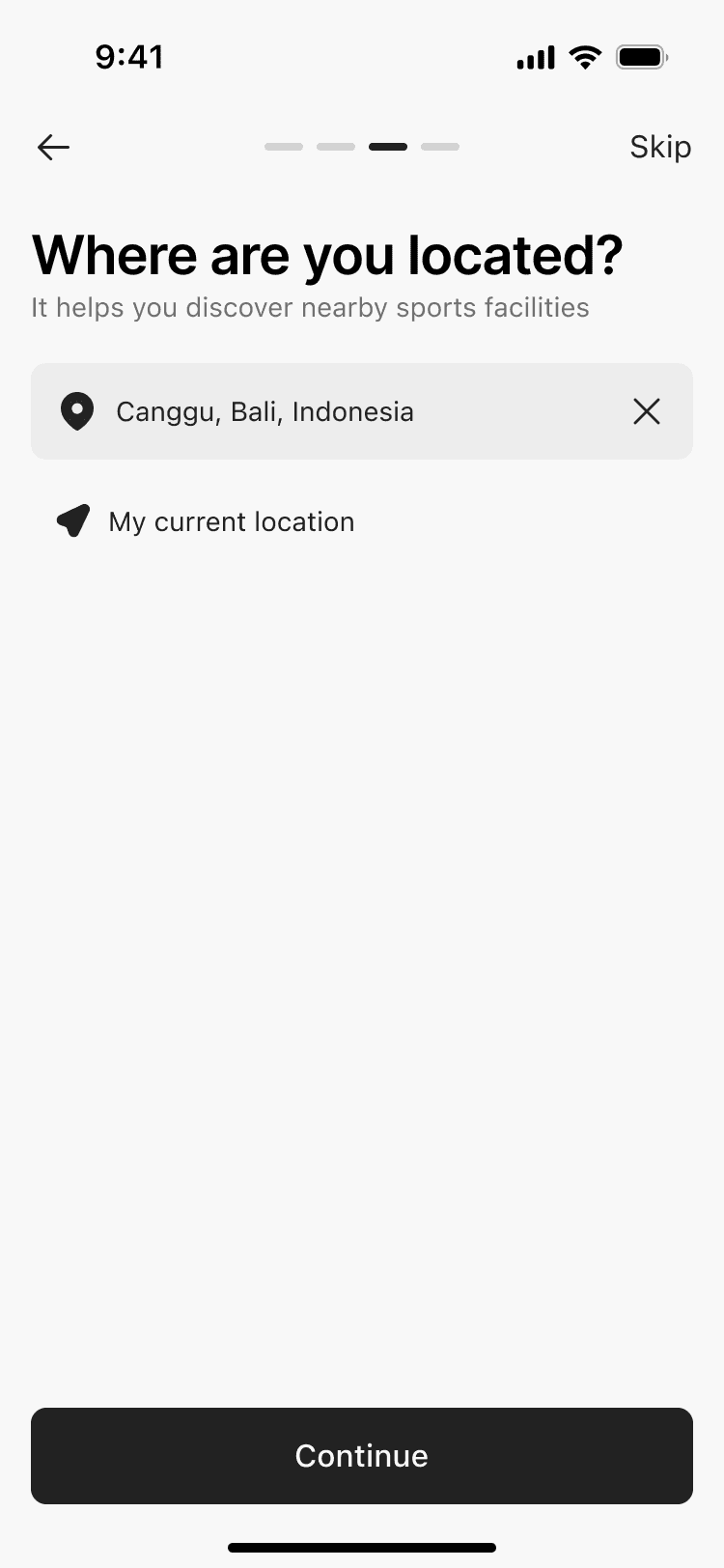
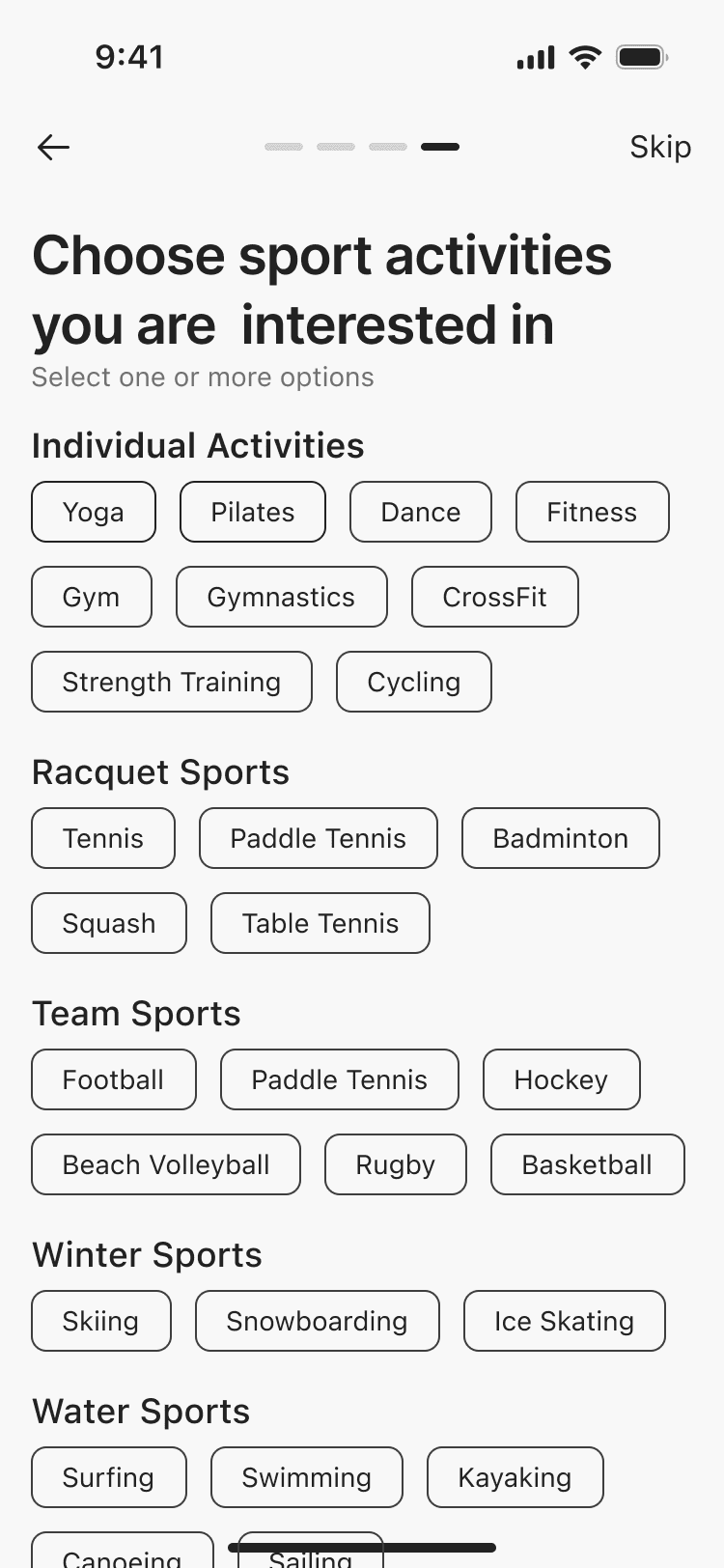
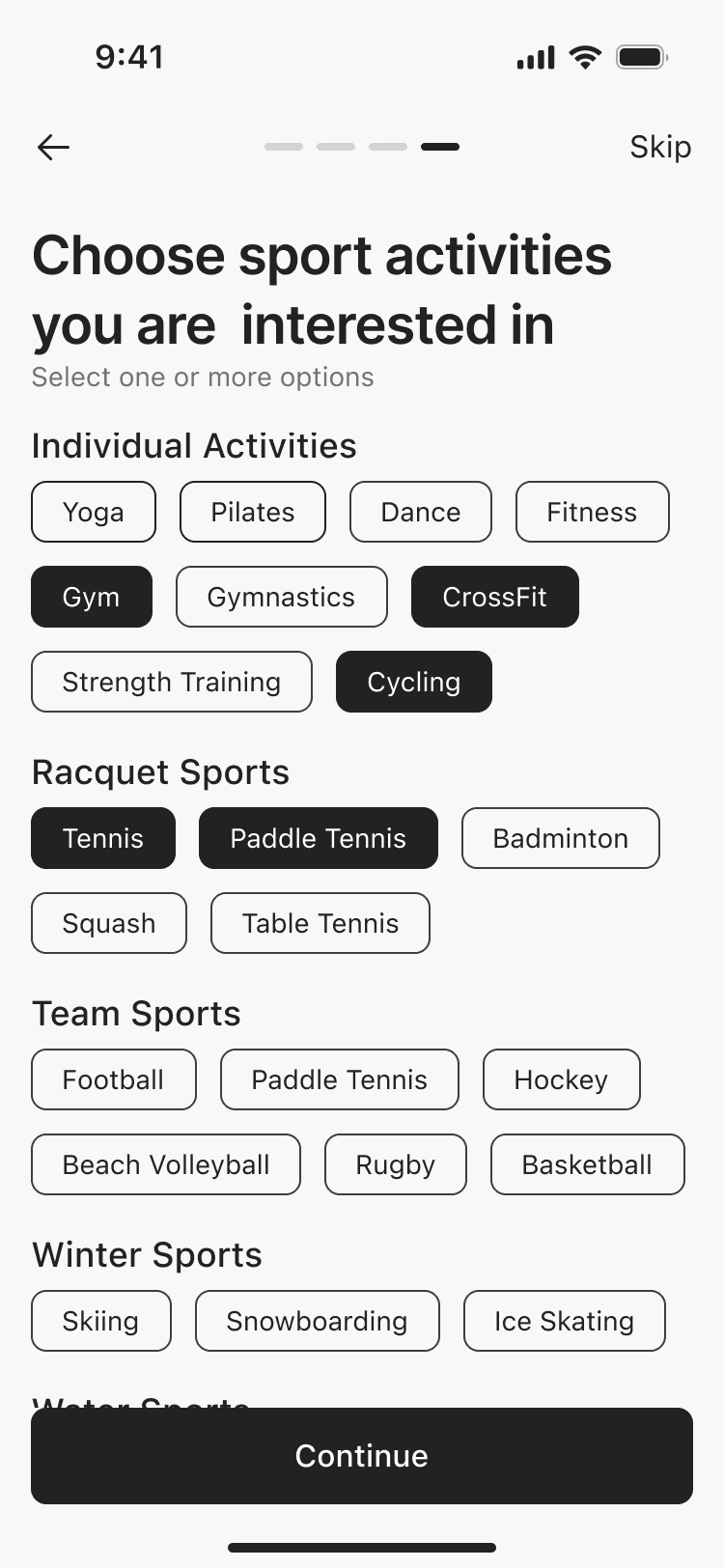
13 screens
2 screens
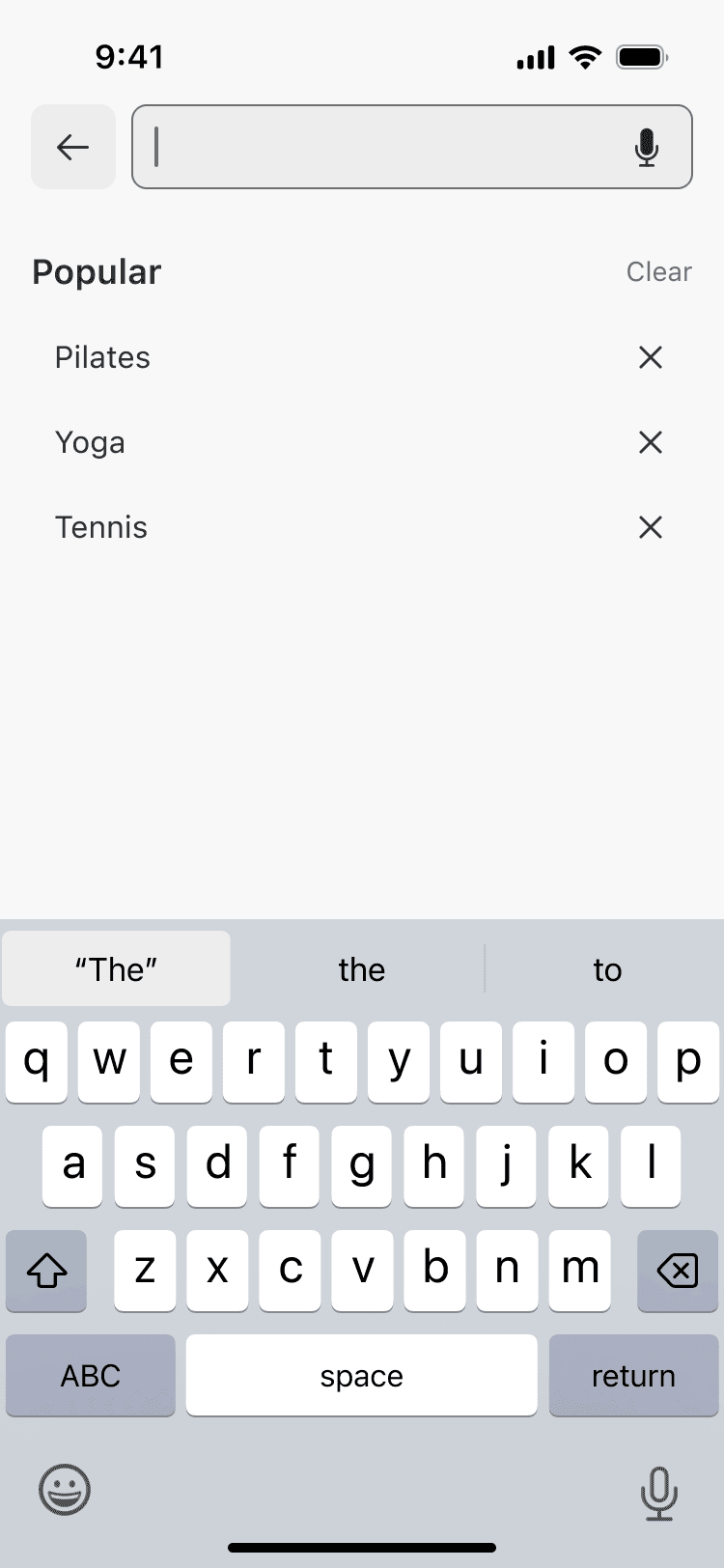
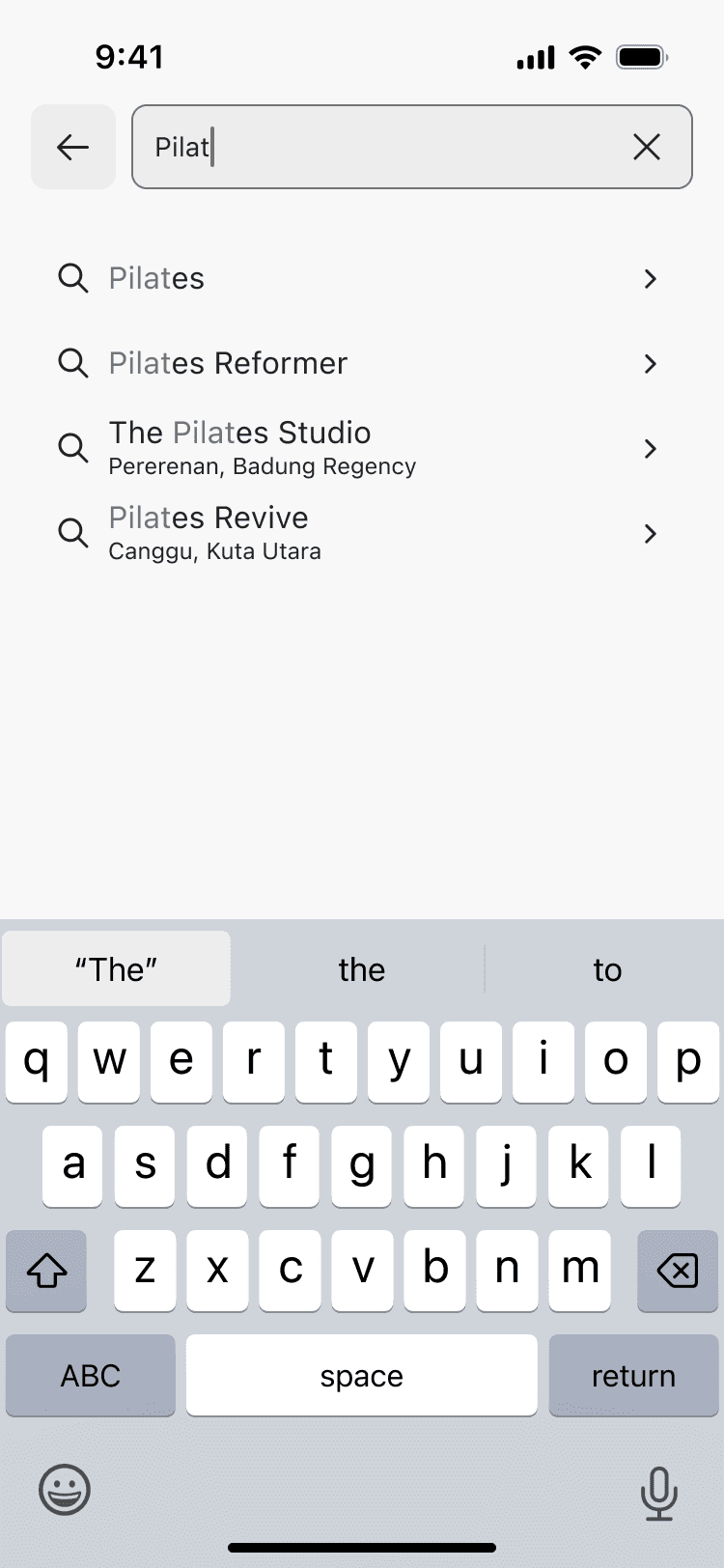
3 screens
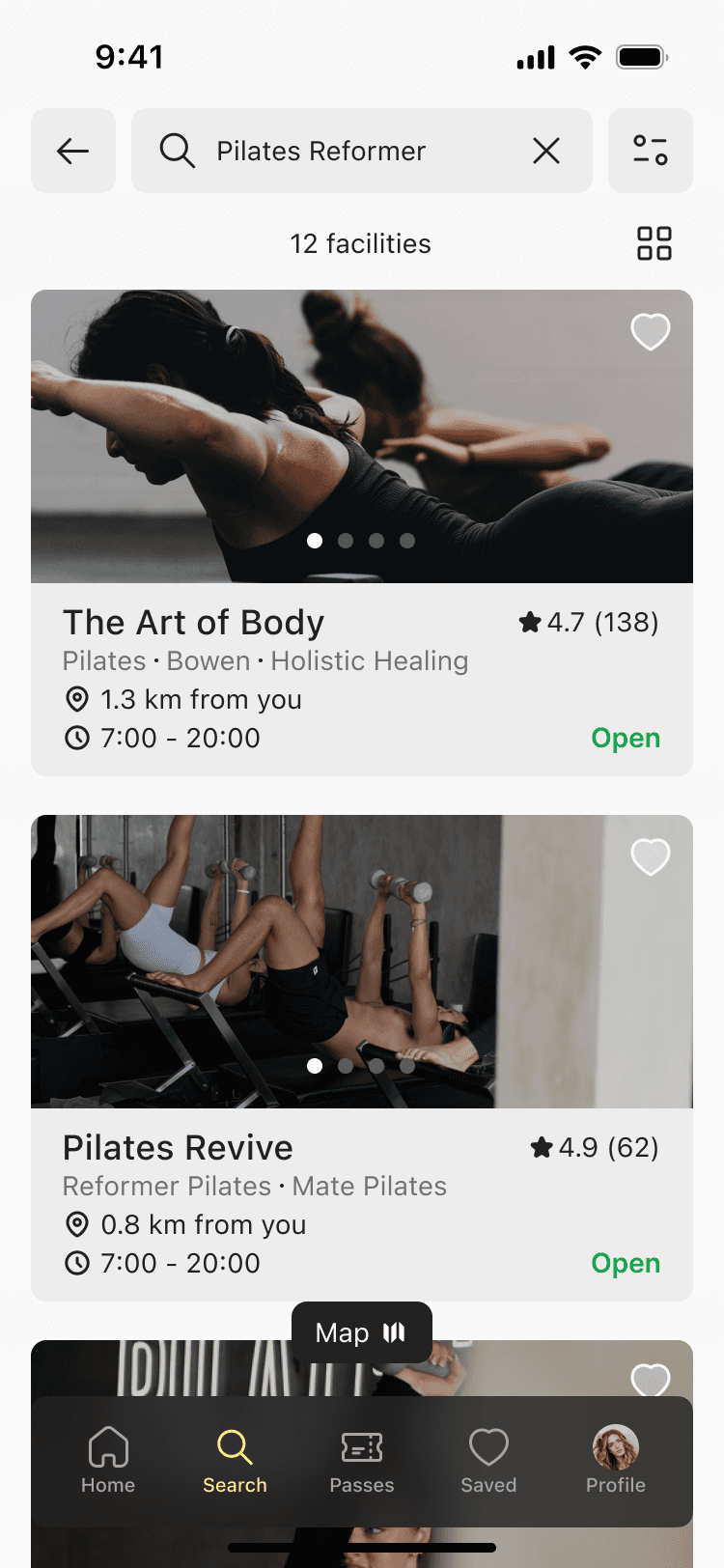
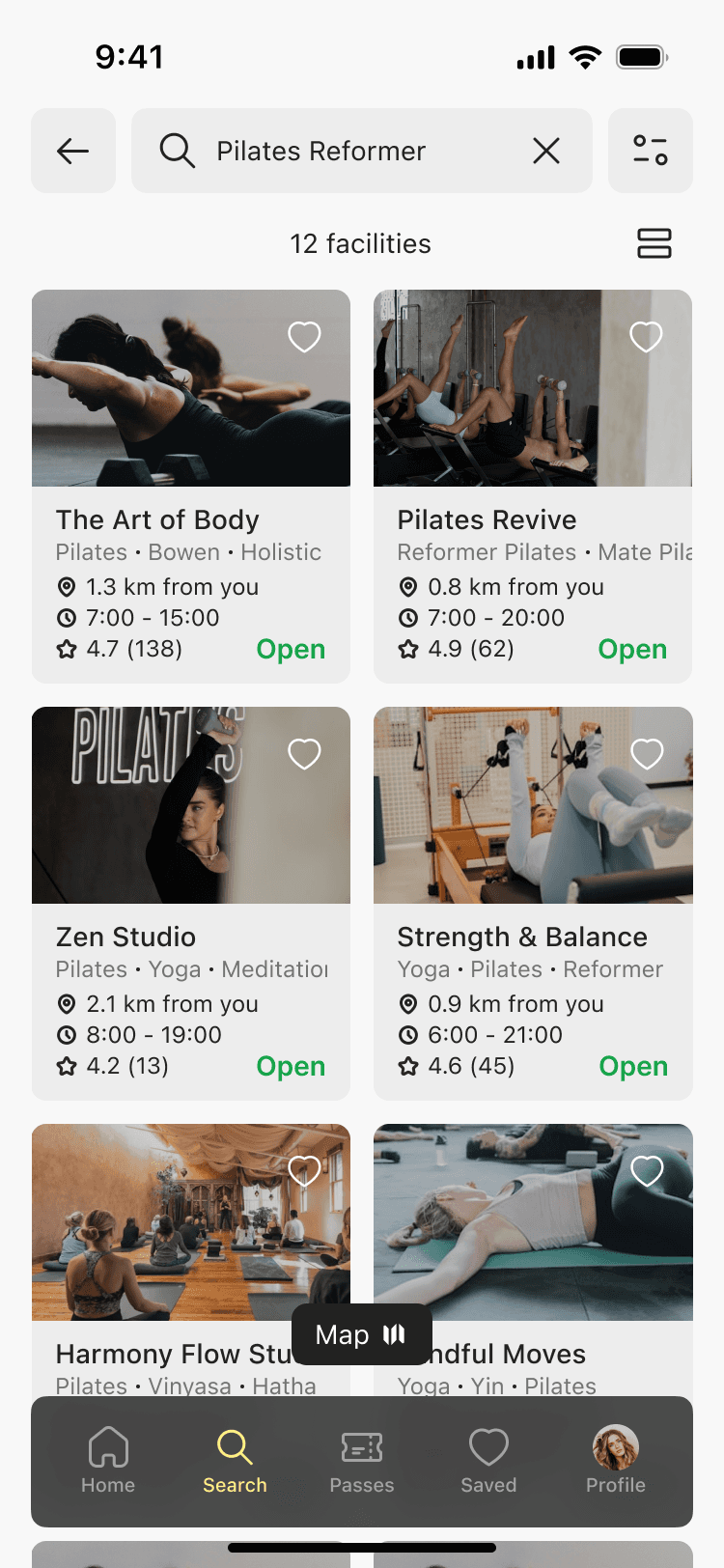
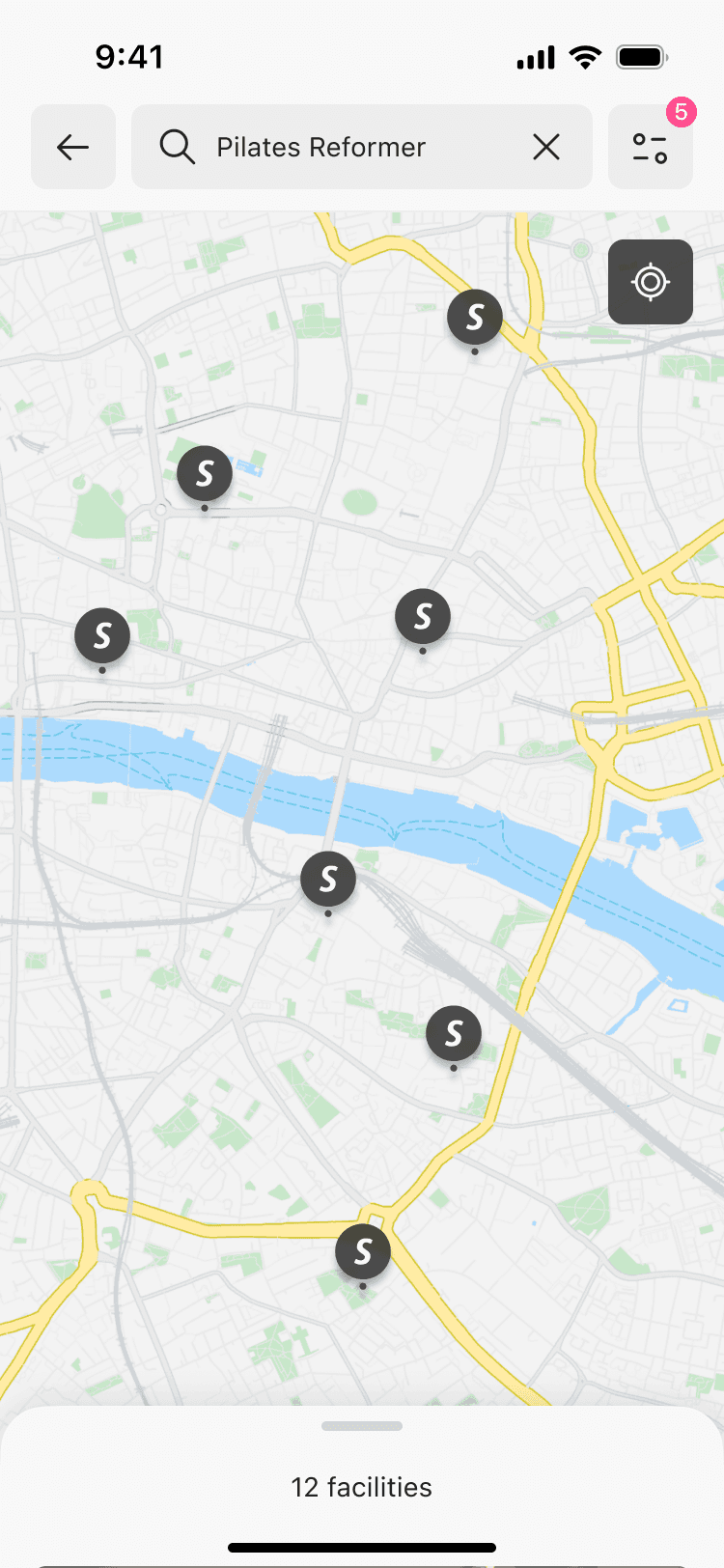
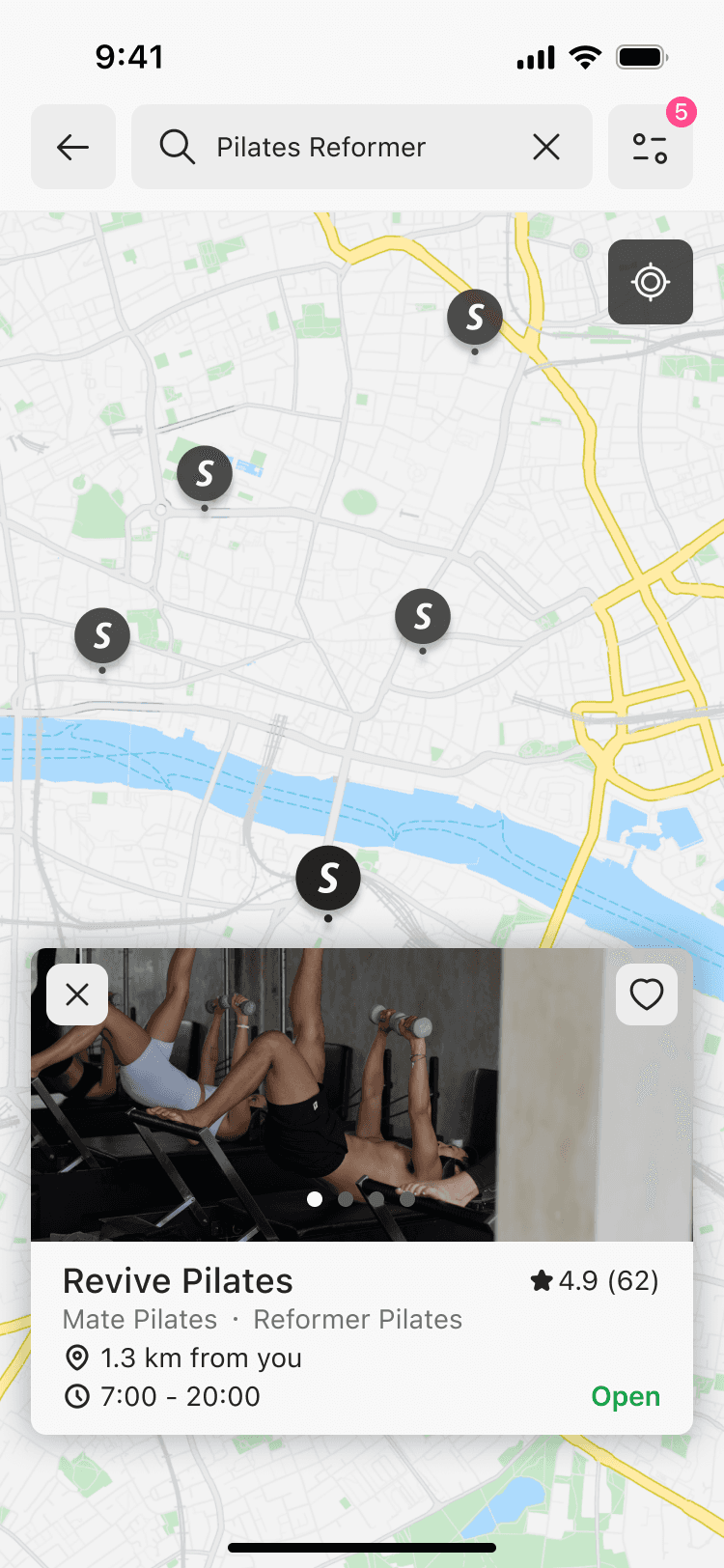
4 screens
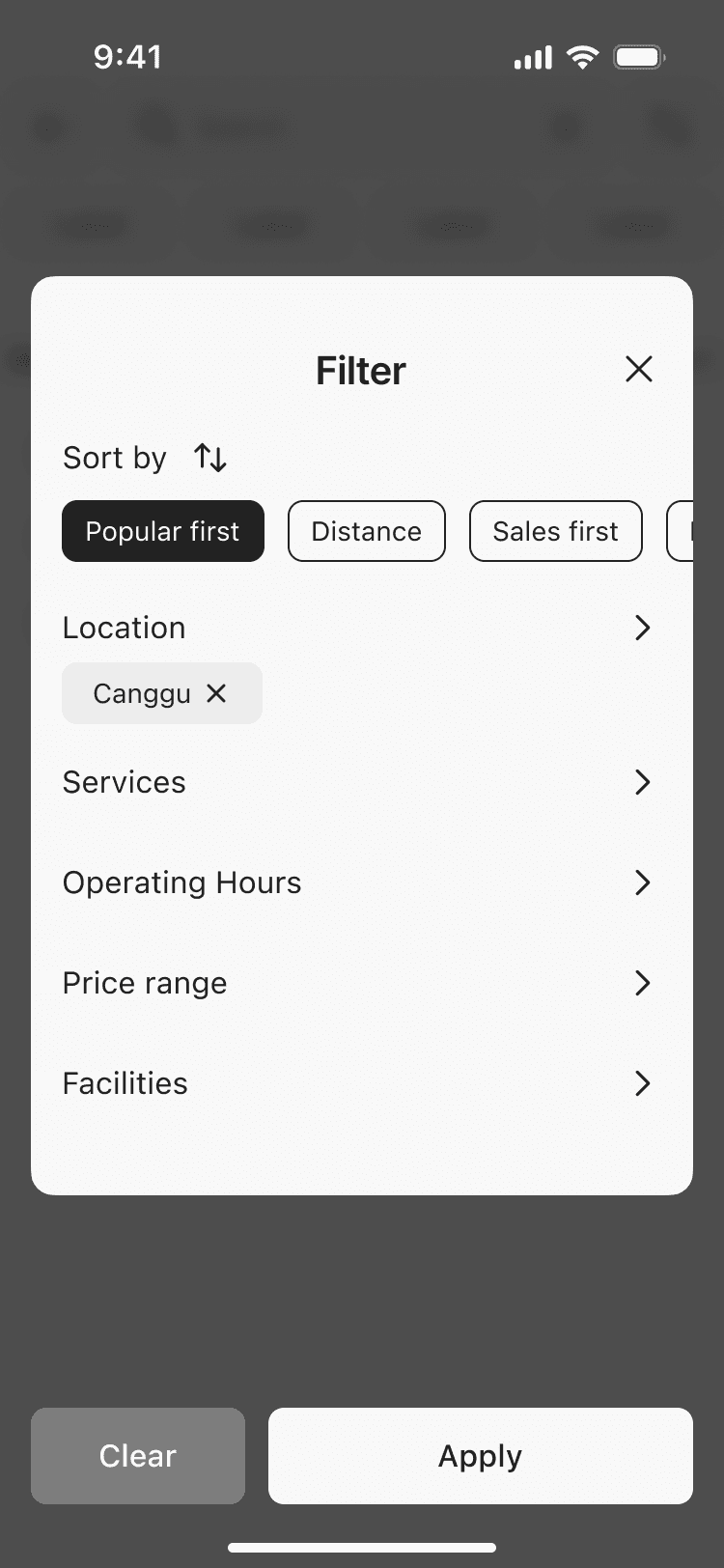
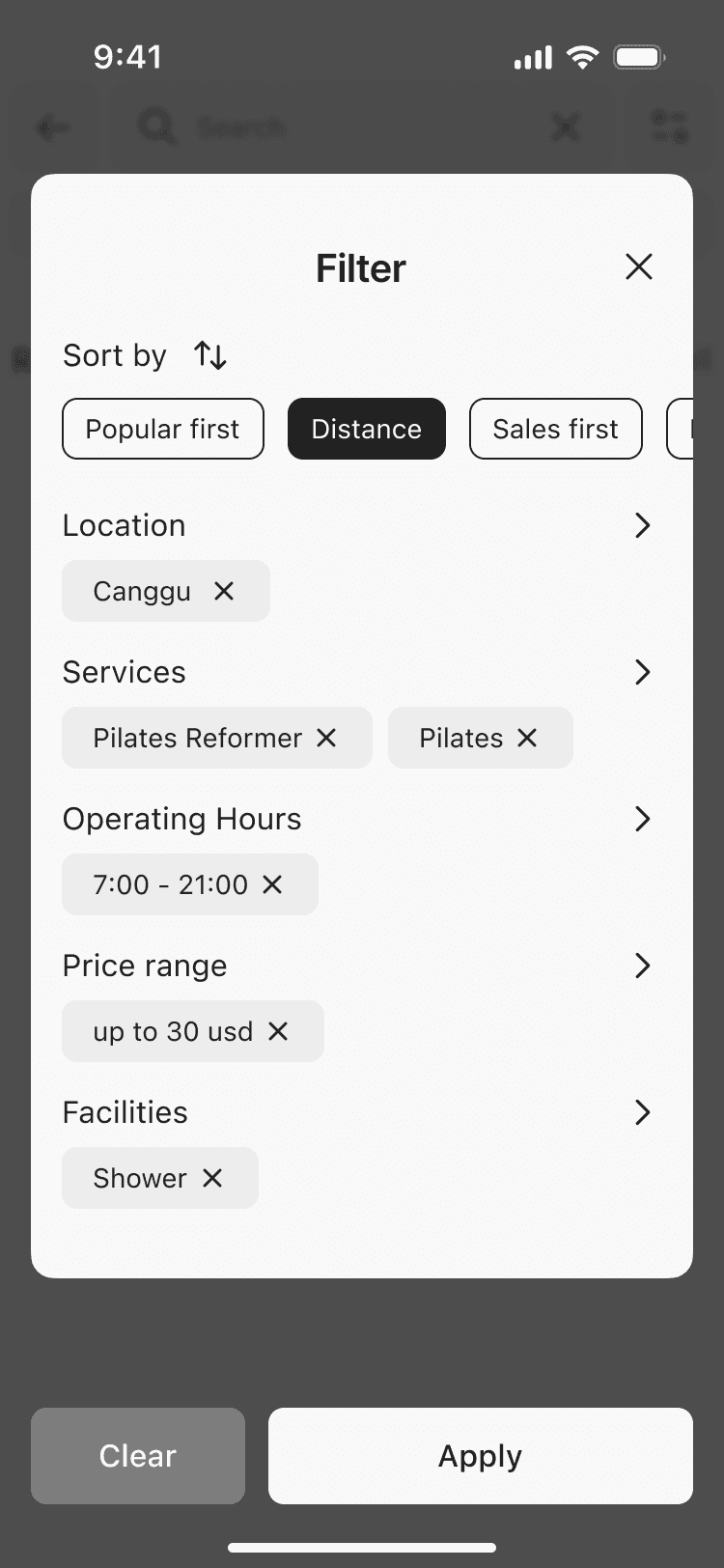
2 screens
5 screens
1 screen
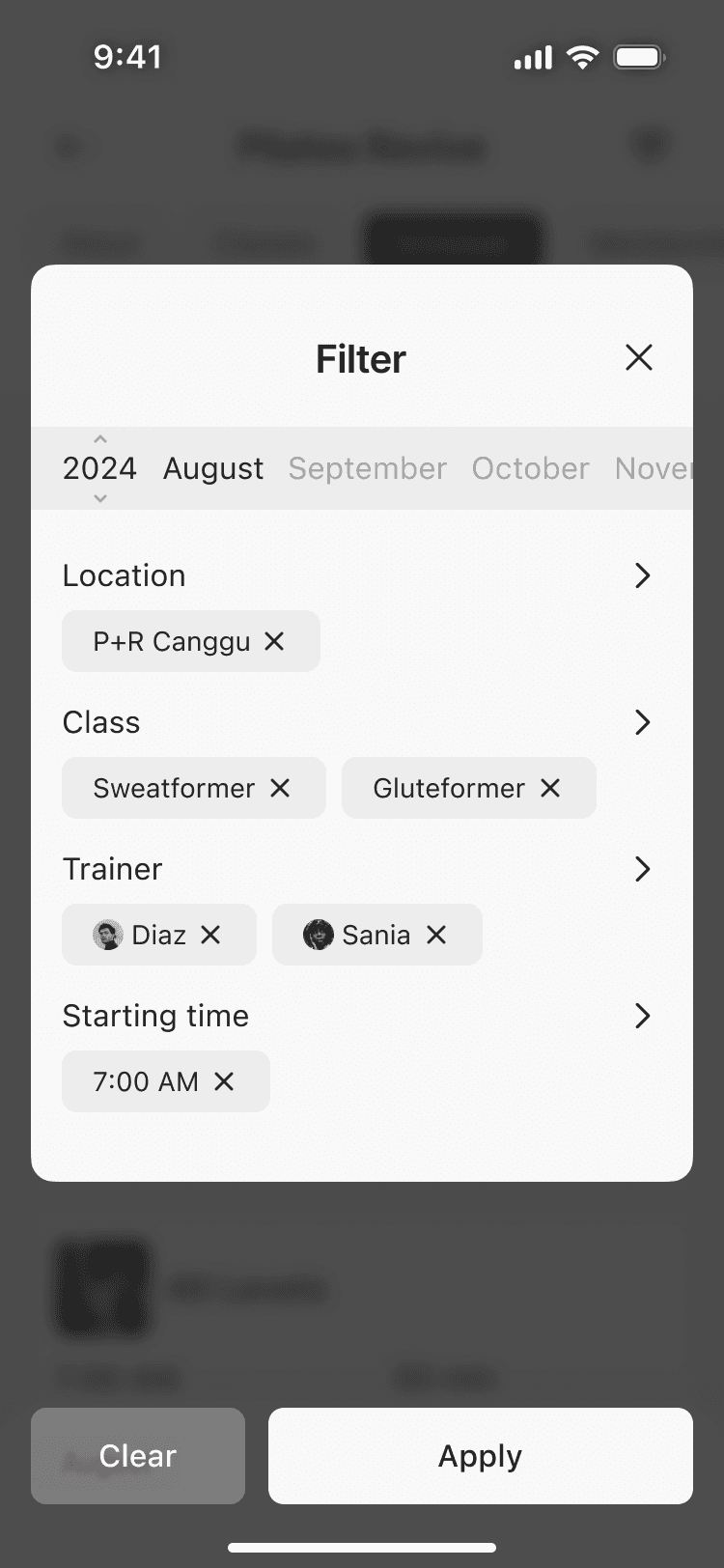
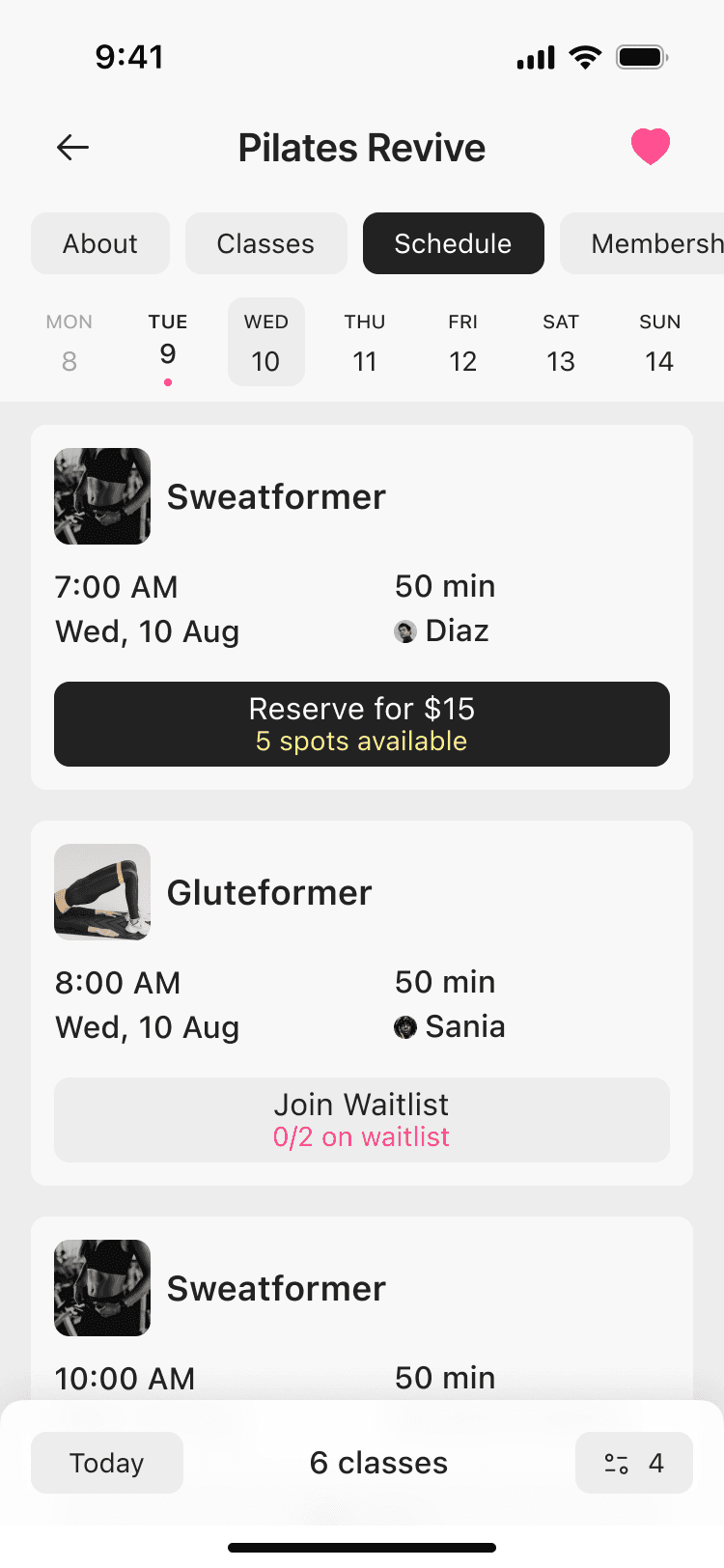
4 screens
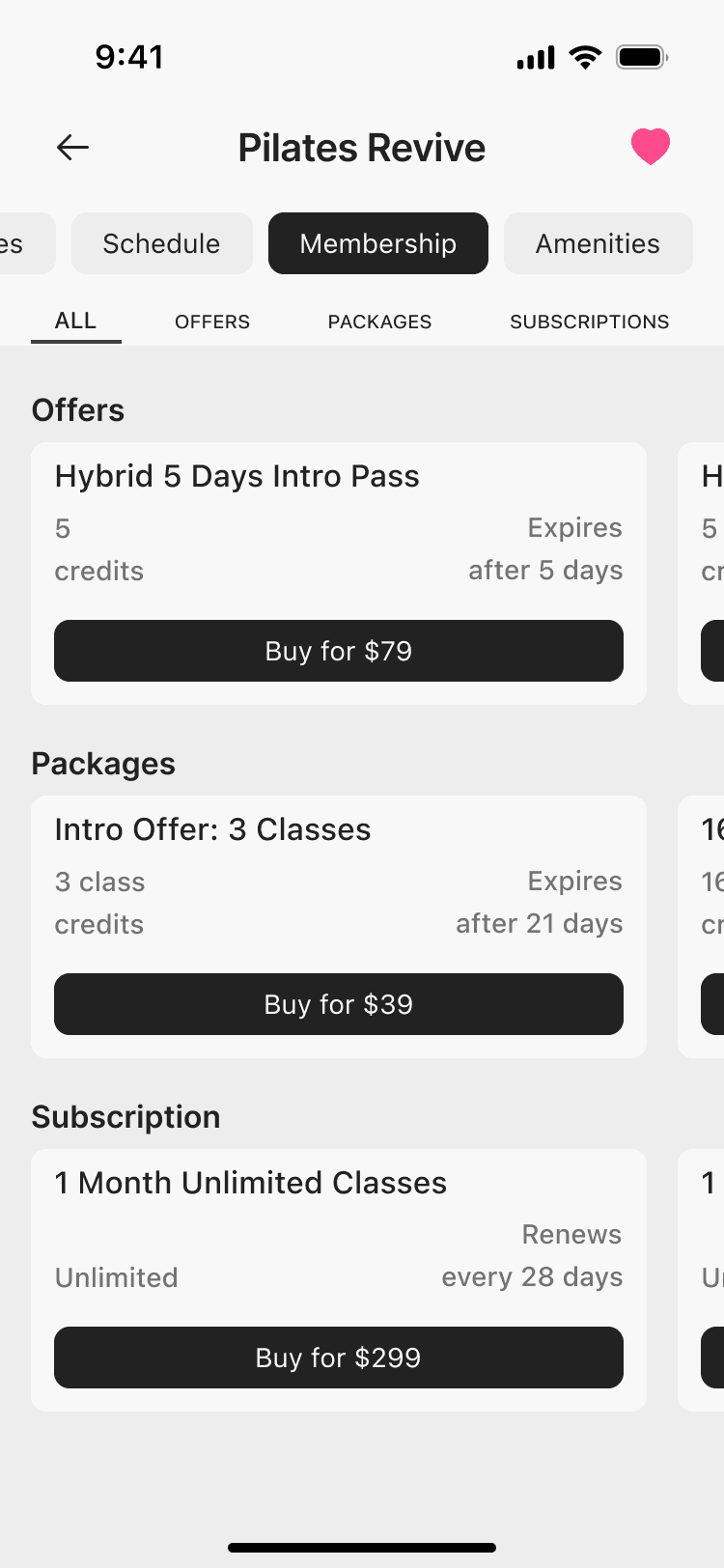
1 screen
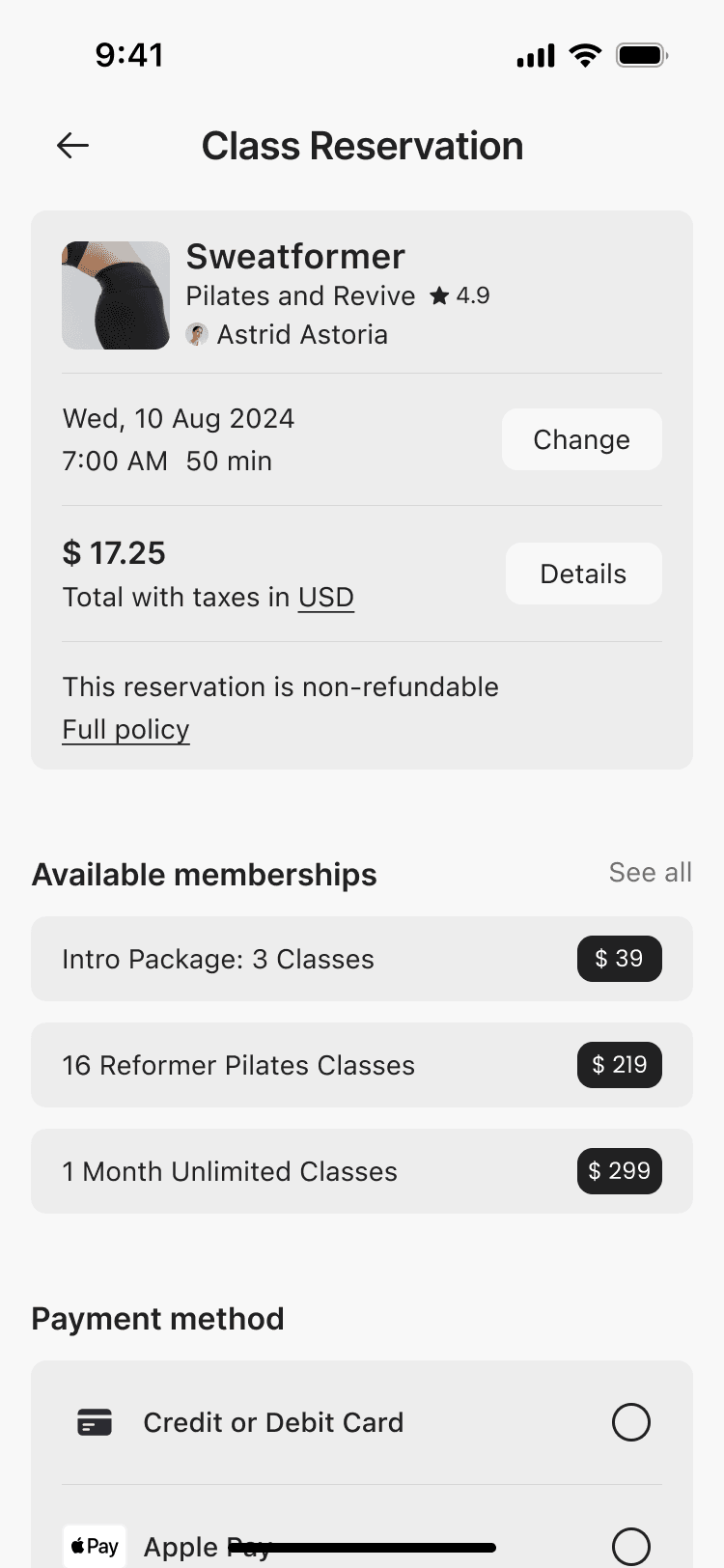
5 screens
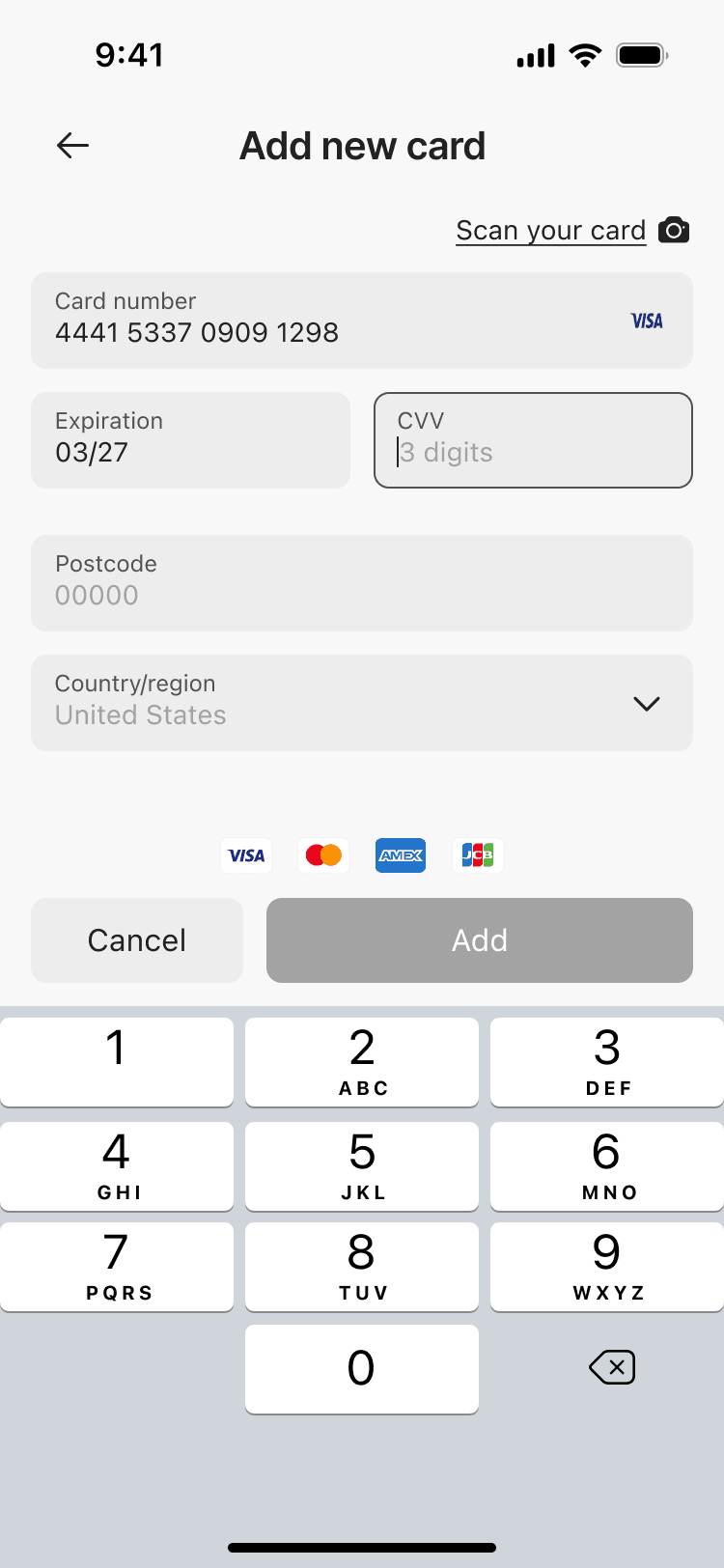
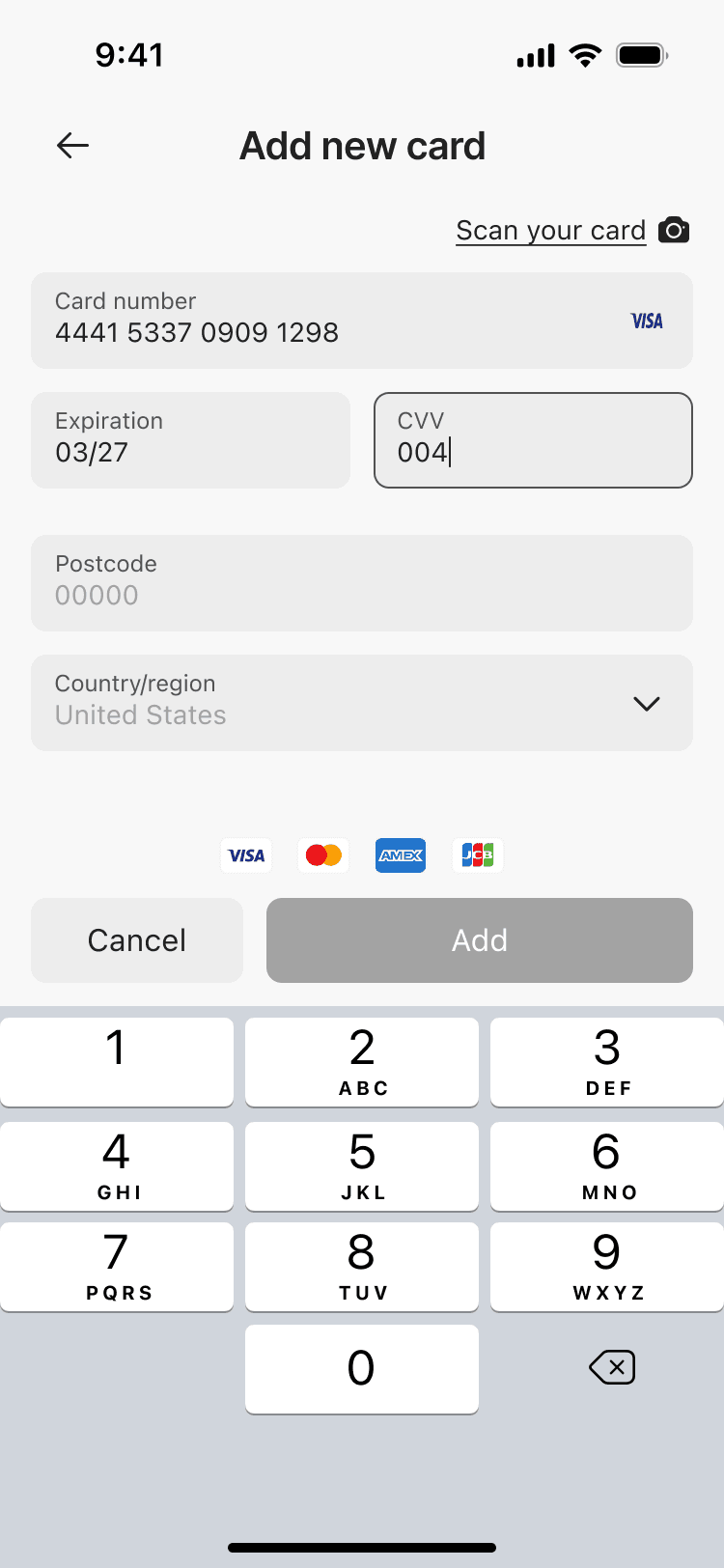
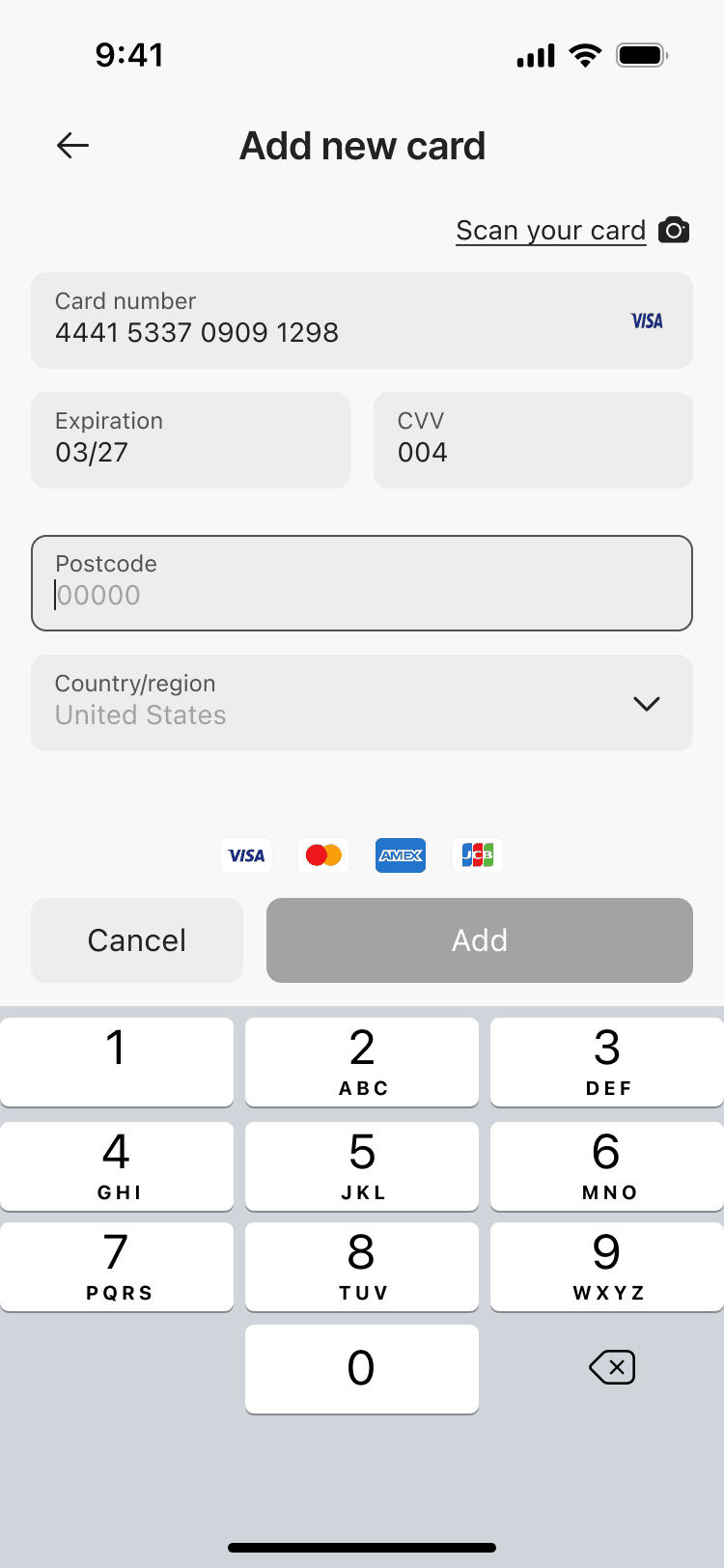
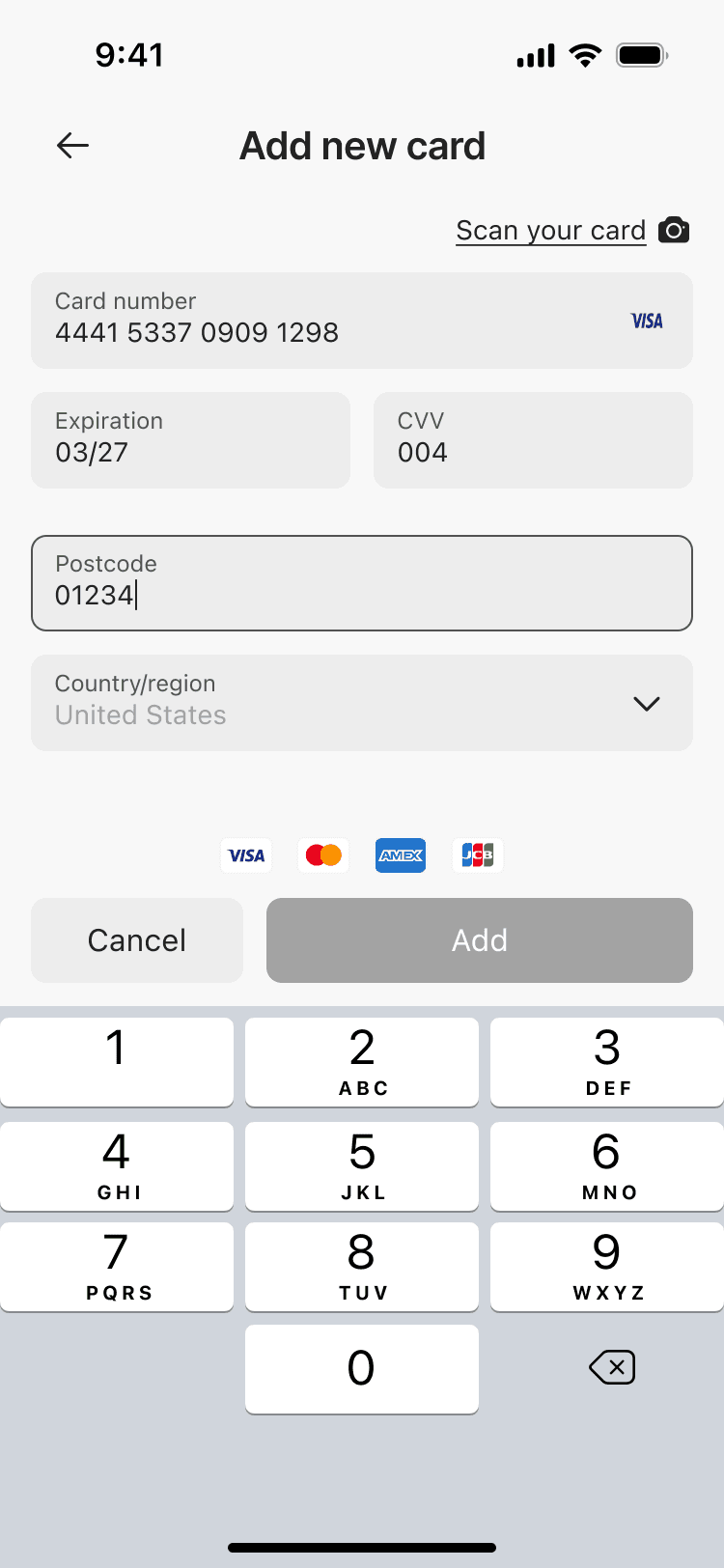
10 screens